How-to carousels
Steps a client would otherwise ask you for, one per page.

Your website in, LinkedIn carousels out
Paste your website and this LinkedIn post generator turns what your business knows into swipeable document carousels, single images and short videos, each with a LinkedIn caption. Approve the ones you like and Postdom posts them to your LinkedIn account.
A LinkedIn post generator writes posts for LinkedIn so you don't start from a blank box. Postdom is an AI social media tool that turns your website into short videos, slideshows and posts, then publishes them. For LinkedIn it leads with document carousels, slides people page through, and adds single images and short videos, each made from your website.
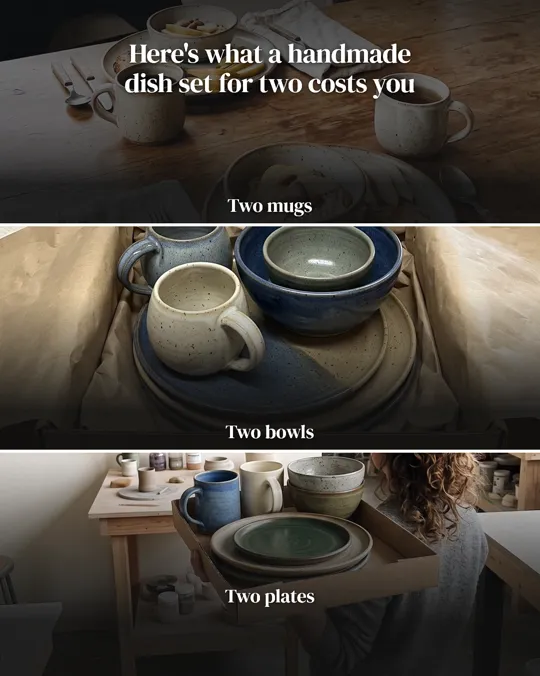
Mostly carousels, which LinkedIn shows as document posts, plus two single images and one short video. Each started as a sample business website: a bakery, a software company, a gym, a ceramics shop and a fitness app.

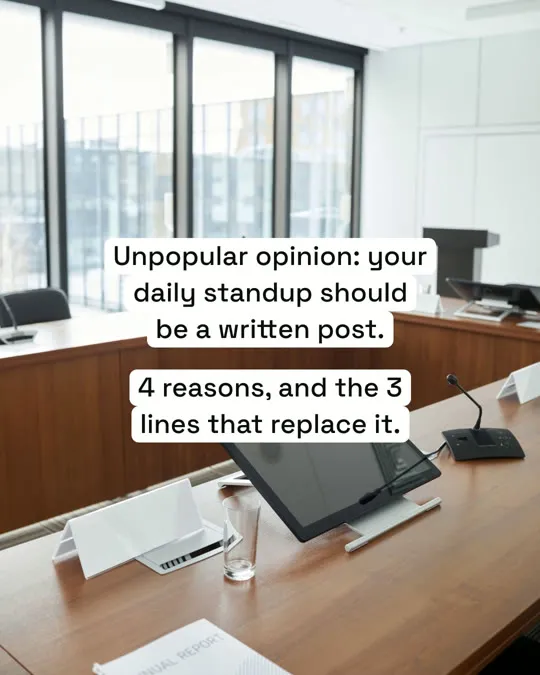
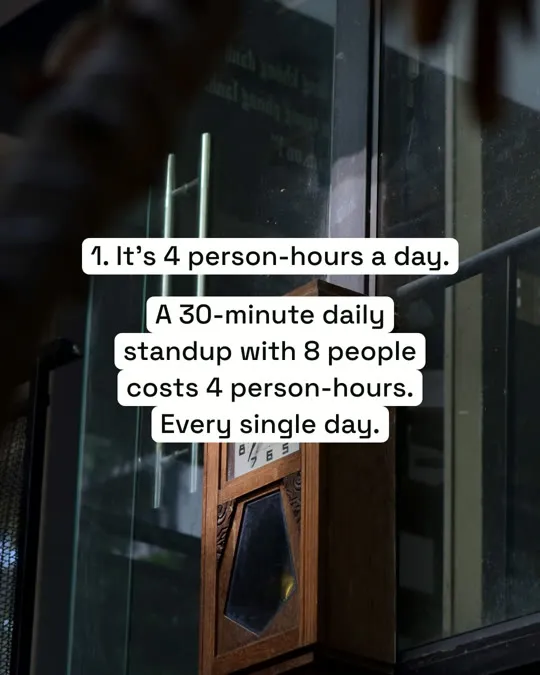
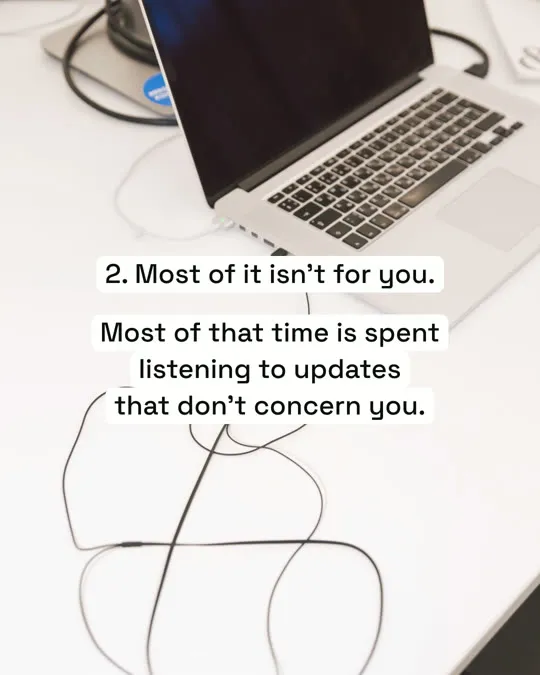
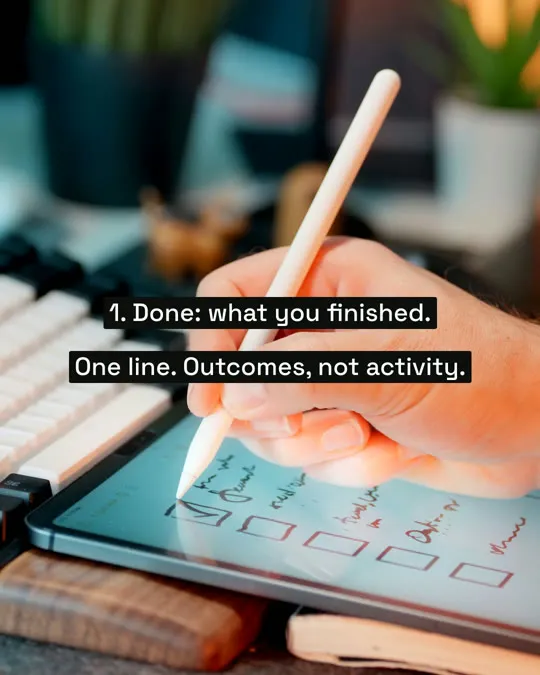
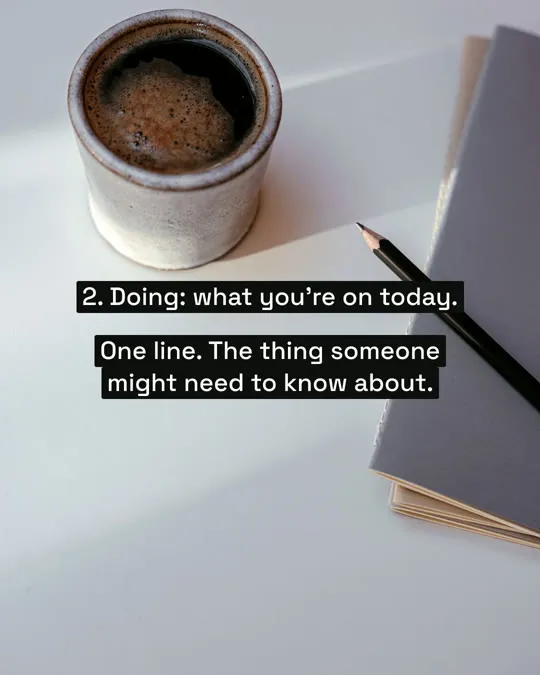
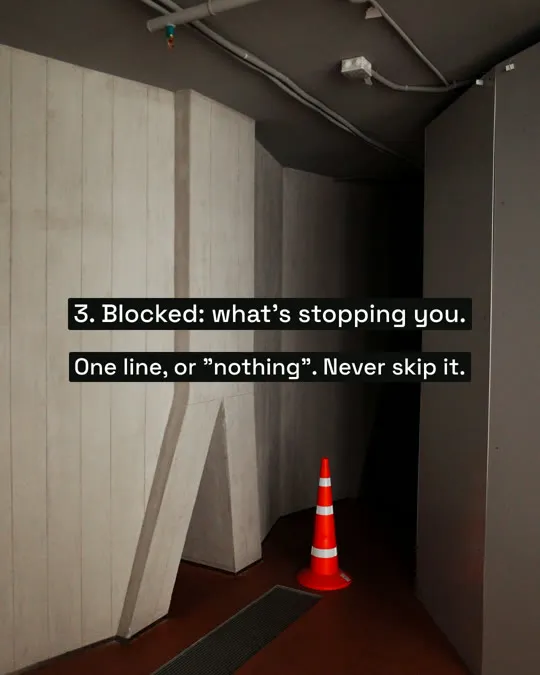
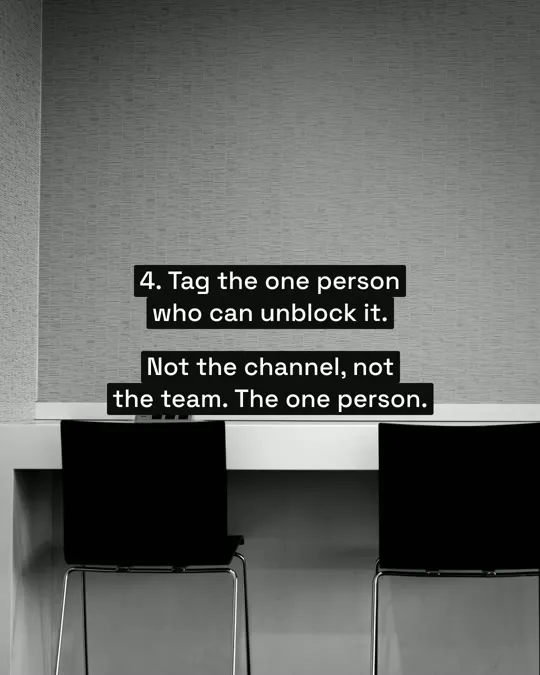
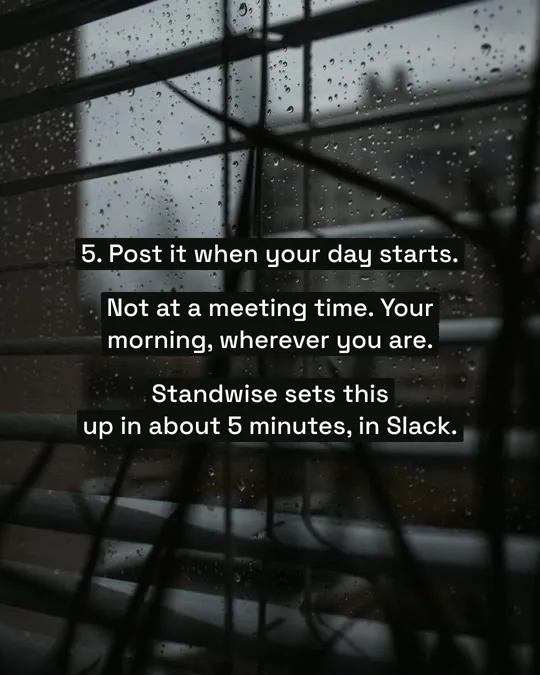
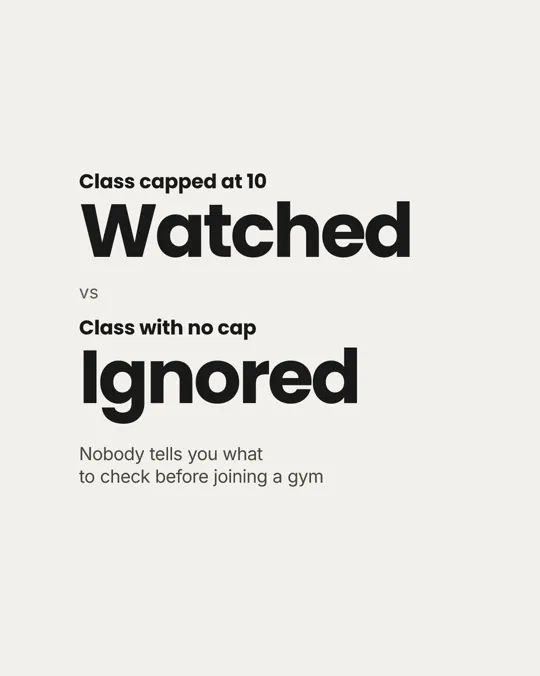


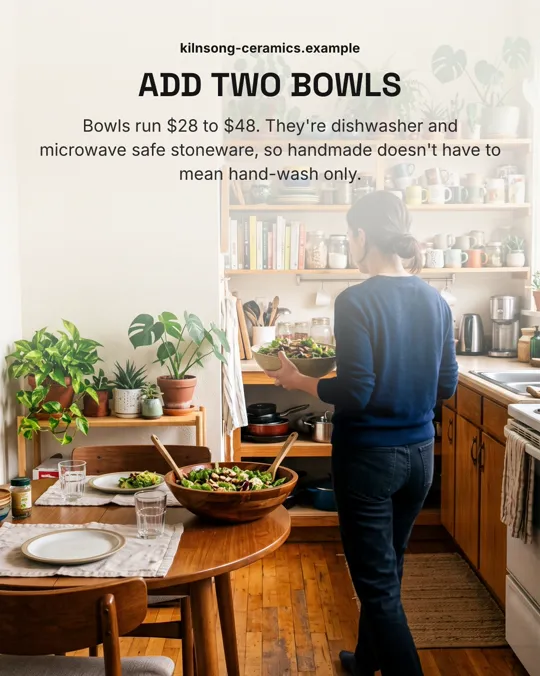
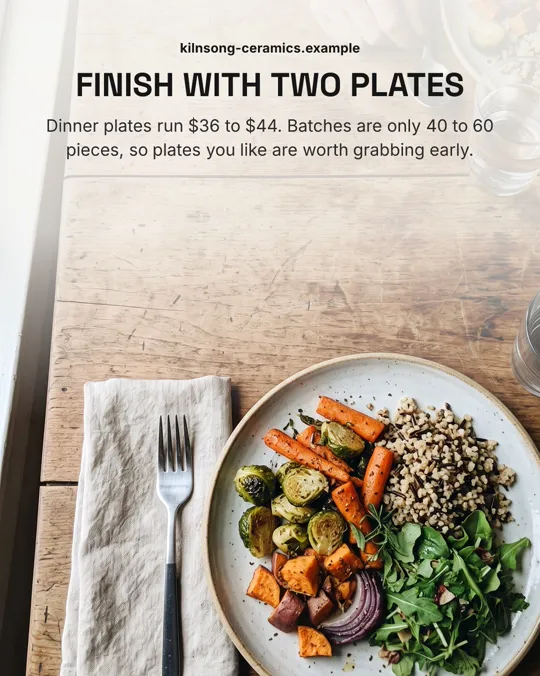
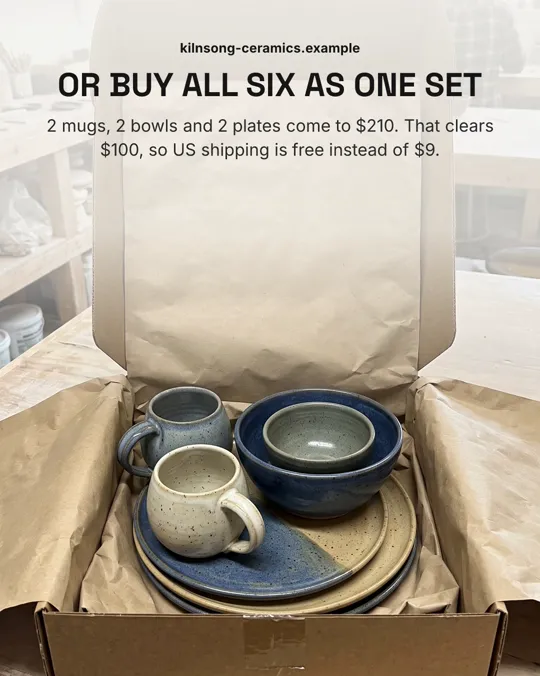

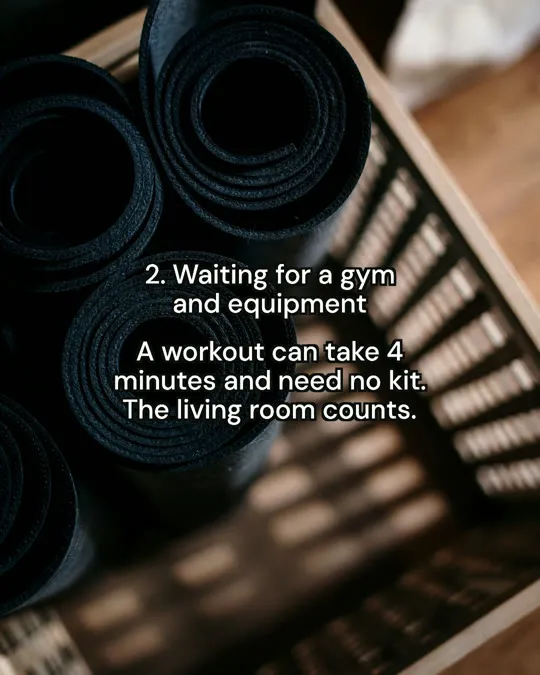
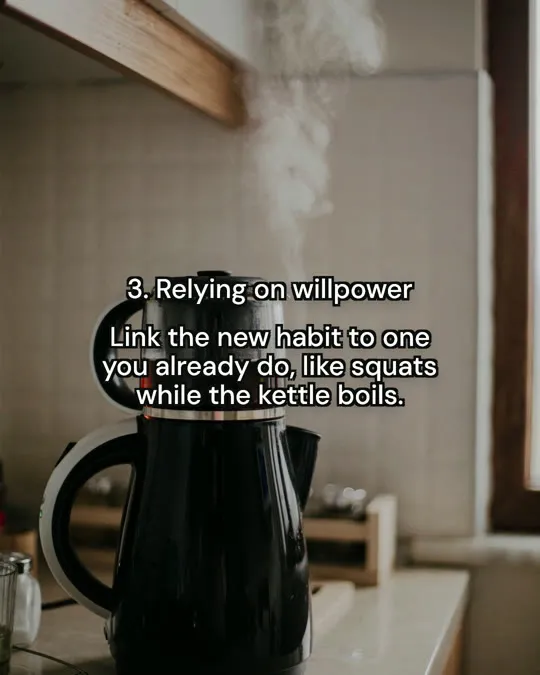
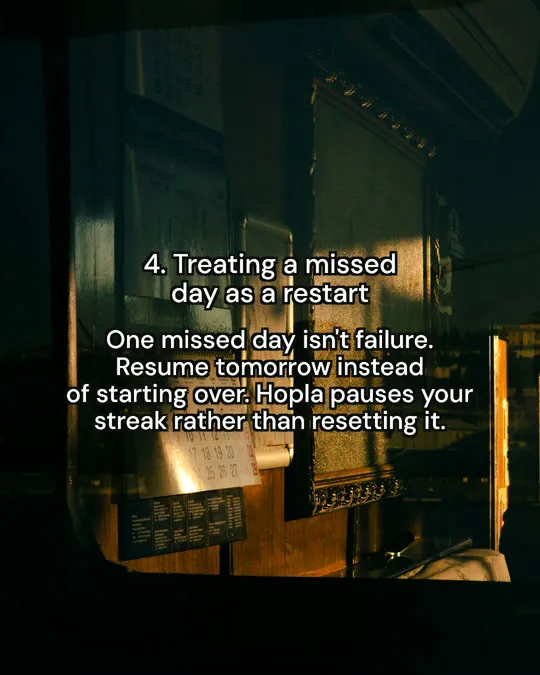
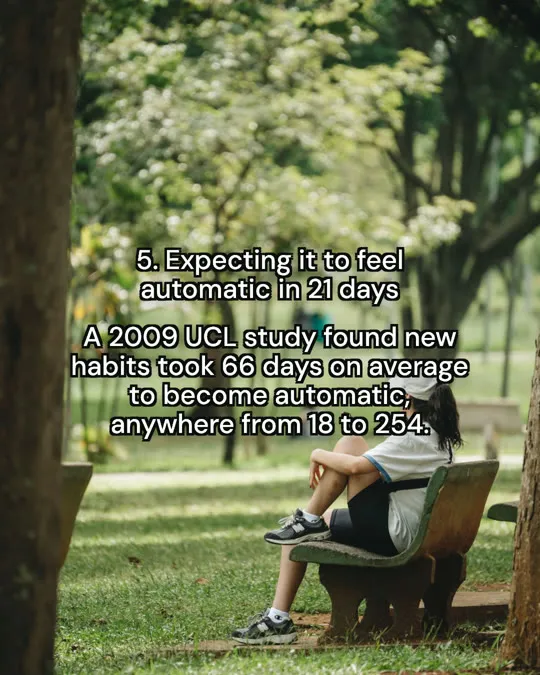
Real Postdom posts for sample brands, which aren't real businesses. Clips and photos are licensed stock or made with AI, as in the product.
It starts from what your website already says, so each post carries a fact your buyers care about.
Postdom reads your main pages: what you offer, who it is for, your prices, your process and the questions clients ask. You can open the page behind any fact and correct it.
A how-to in five steps, a number your clients ask about, a myth in your field and the fact that answers it.
Carousels have a cover and one point per slide, up to 10 slides, in one of 28 styles. Postdom writes a LinkedIn caption to go with each.
Approved posts go to LinkedIn at your posting times. By default nothing posts until someone on your team approves it. If you approve 9 of your last 10 posts of one type without edits, Postdom can offer to post that type without review, and you decide.
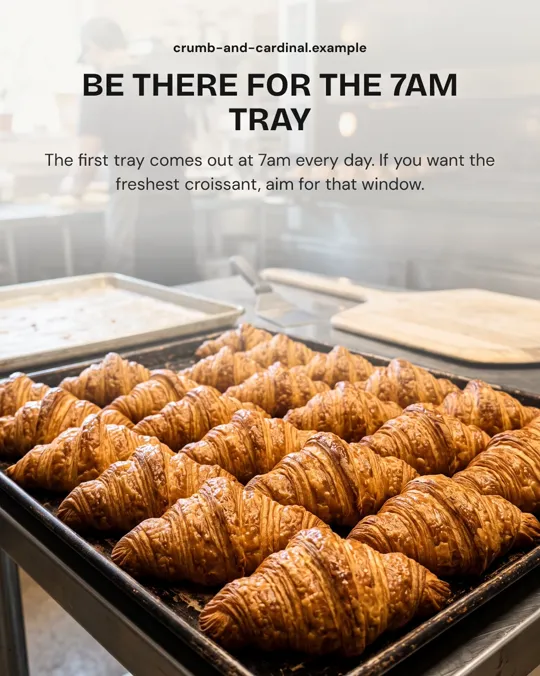
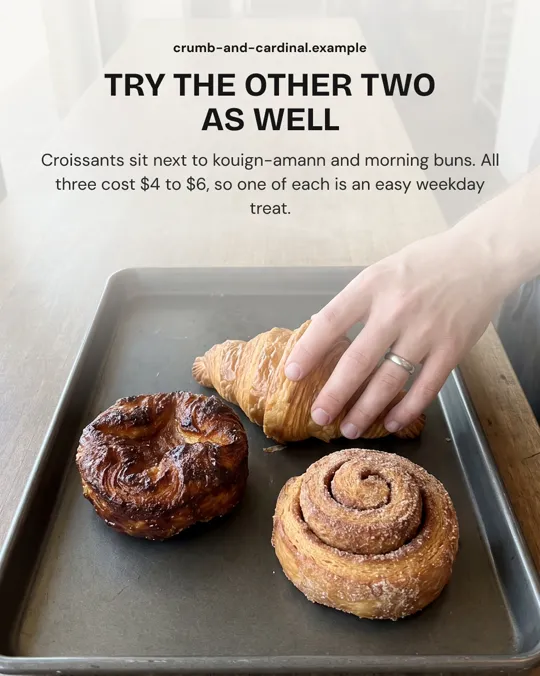
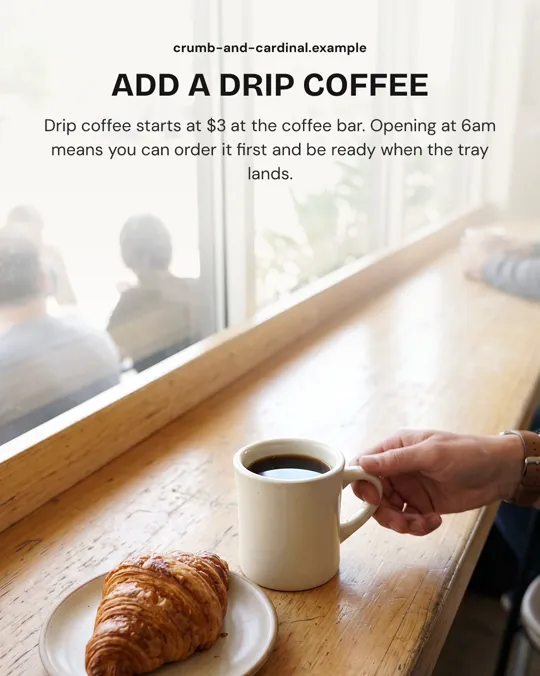
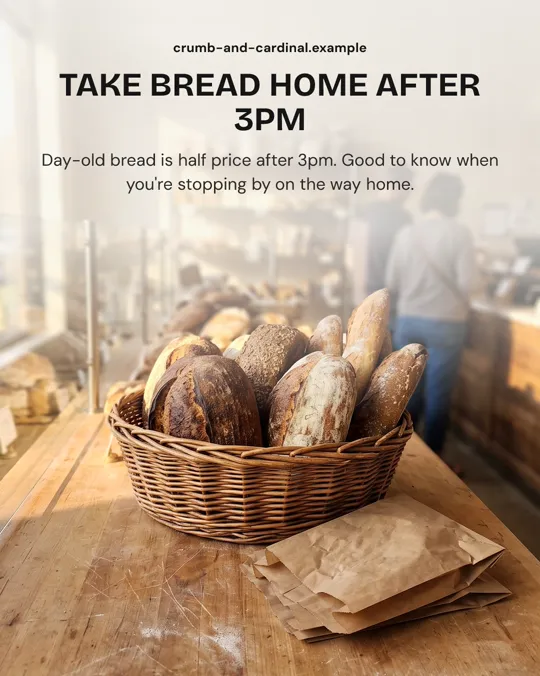
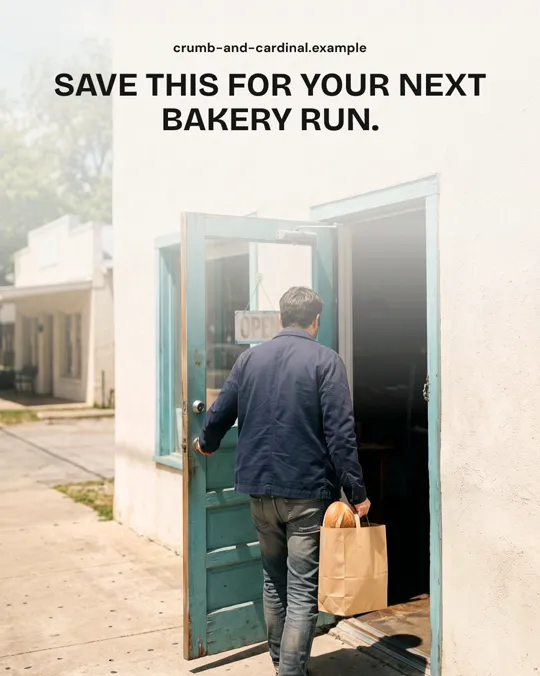
Crumb & Cardinal Bakehouse is a sample bakery in Austin. Postdom made this magazine-cover carousel from its pastry, coffee and FAQ pages. Sent to LinkedIn, the six slides become one document post with a page for each slide.
| On the website | In the post |
|---|---|
| Topic: the 7am croissant tray | Cover: "Croissants: 5 things the person behind the counter won't tell you." |
| FAQ: when are croissants ready? At 7am, every day | Page 2: "Be there for the 7am tray" |
| Pastries: croissants, kouign-amann and morning buns, $4 to $6 | Page 3: "Try the other two as well", all three at $4 to $6 |
| Coffee bar: drip coffee from $3 | Page 4: "Add a drip coffee", from $3 at the coffee bar |
| Day-old bread half price after 3pm | Page 5: "Take bread home after 3pm" |
| Call to action: come in from 6am | Page 6: "Save this for your next bakery run." |
One promise on the cover and one fact on each page after it. The reader learns something on every swipe, which is what keeps a document post moving through the feed.
This is the tool people describe when they ask an AI chat for something that takes their website and writes their LinkedIn posts. You give it the address once; it does the reading, the writing and the design.
Because the posts come from your own pages, they talk about your services, your process and your numbers rather than general career advice.
An AI LinkedIn post generator usually means a box that writes a caption from a topic you type. Postdom goes further: it picks the topic from your site, writes the slides and the caption, makes the photos in one look for your brand, and publishes the post.
The output is a post with something to look at. Every LinkedIn post Postdom makes carries a document, an image or a video, with the caption beside it.
On LinkedIn a carousel is a document post: a PDF whose pages people click through in the feed. Postdom draws each slide as a page, builds the file and posts it, so you never export a PDF yourself.
A carousel can run up to 10 slides. Five to seven suit most topics: a cover with the promise, one point per page and a last page that says what to do next.
Steps a client would otherwise ask you for, one per page.
A belief common in your field, then the fact from your own experience that corrects it.
What something costs or how long it takes, with the numbers from your site.
Postdom writes to these rules. They are a fair checklist if you write your own posts too.
LinkedIn takes all three: carousels as document posts, single images and short videos.
| Format | What it is | Where it posts |
|---|---|---|
| Short video | Upright 9:16 video with on-screen text, clips matched to each line and music; one style adds an AI voiceover | TikTok, Instagram Reels, YouTube Shorts, Facebook Reels and LinkedIn |
| Slideshow | Swipeable photo slides with the text set the way the apps set it | TikTok, Instagram, Facebook and LinkedIn |
| Single image | One designed image, such as a price list or a this-vs-that card | TikTok, Instagram, Facebook and LinkedIn |
A tool that writes LinkedIn posts for you. Postdom's reads your website and makes document carousels, single images and short videos, each with its own LinkedIn caption, then posts the ones you approve.
Yes. Your first post is made free before you add a card, and then Postdom is free for 7 days on Starter, Growth or Scale: the trial makes up to 10 posts, and a LinkedIn carousel can be one of them. After it, Starter is $39 a month for 30 posts. Cancel anytime.
No. Every LinkedIn post Postdom makes has a document, an image or a video with it.
As a document post. Postdom turns the slides into one PDF with a page for each slide and publishes it with the caption, so it shows in the feed as pages people click through.
Yes. Ask for different wording, a new cover, new photos or fewer slides, or reject it so it never posts. Each change to a carousel starts at 4 credits, from the credits your plan includes every month.
They use the words and facts on your site, and Postdom picks up its tone from there. When you keep changing posts the same way, such as shorter covers or fewer emoji, later posts follow it.
Yes. The same carousel can also go to your other connected accounts that take slideshows, as a swipeable photo post.
No. It makes posts. Your profile, headline and messages stay with you, and Postdom has no inbox.
Enter your address and see the carousels Postdom makes for you. You approve each one before LinkedIn sees it.