
Swipeable photo slideshows for social feeds
Free AI slideshow maker: paste your website, get swipeable slideshows free for 7 days
Paste your website and this free AI slideshow maker writes, designs and posts swipeable slideshows about your business, free for 7 days on the trial. It writes the slides, makes the photos and sets the text the way the apps do, and nothing posts until you approve it.
A free AI slideshow maker writes and designs slides for you. Postdom is an AI social media tool that turns your website into short videos, slideshows and posts, then publishes them. Its slideshows run up to 10 slides in 35 styles, on photos made for your brand, and post to TikTok, Instagram, Facebook and LinkedIn.
Slideshows Postdom has made
Swipe through these. Each is a finished post for a sample business, labelled with its style and its trade.

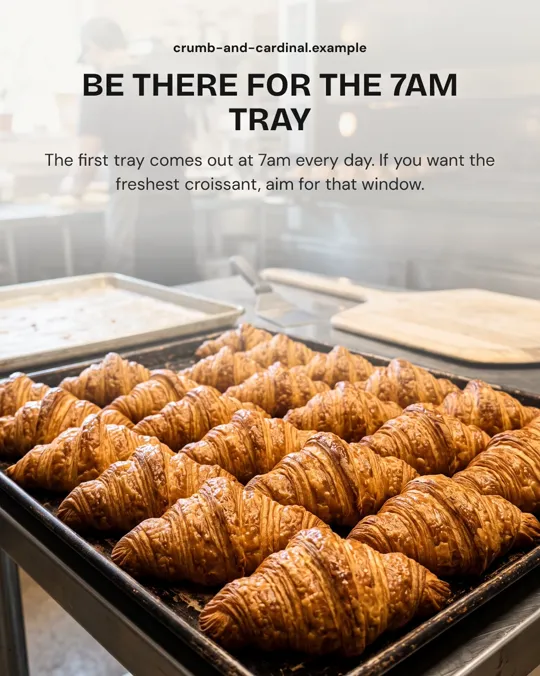
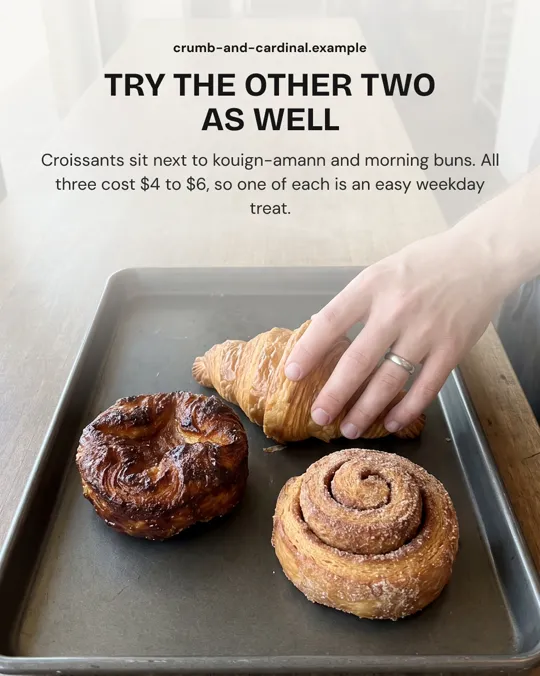
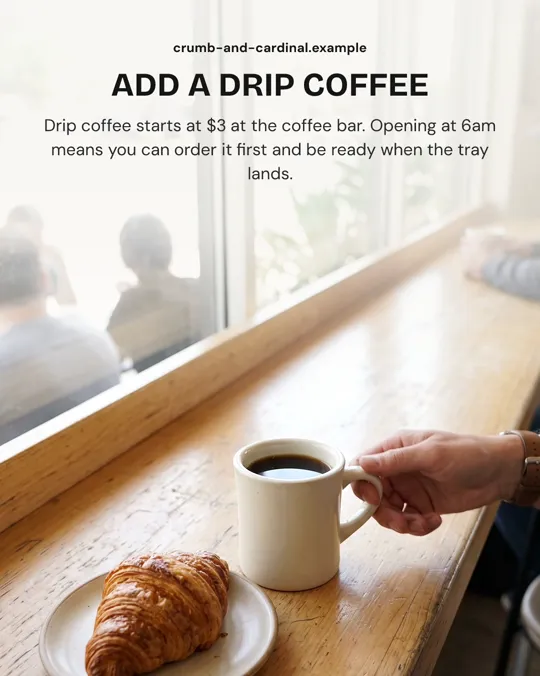
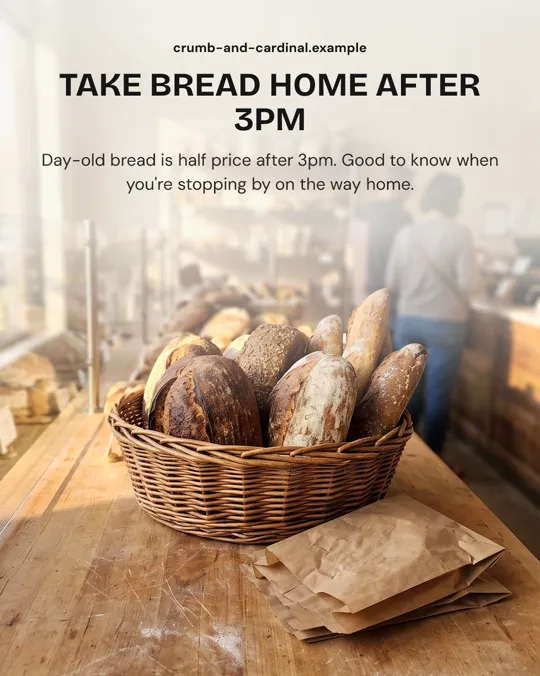
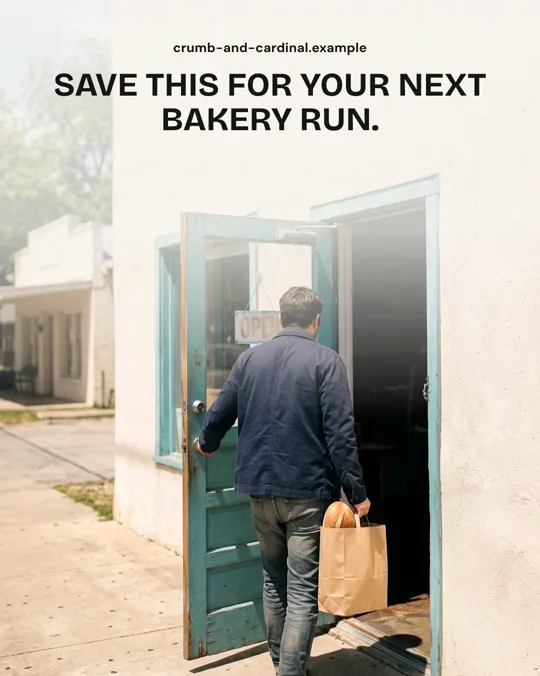
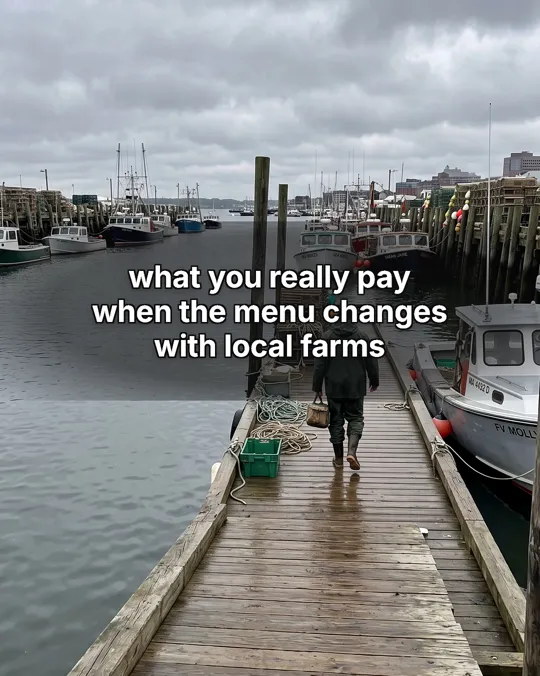
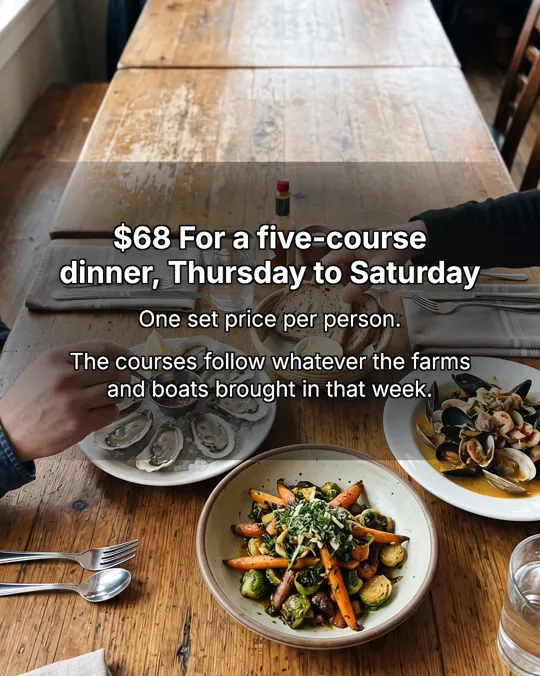
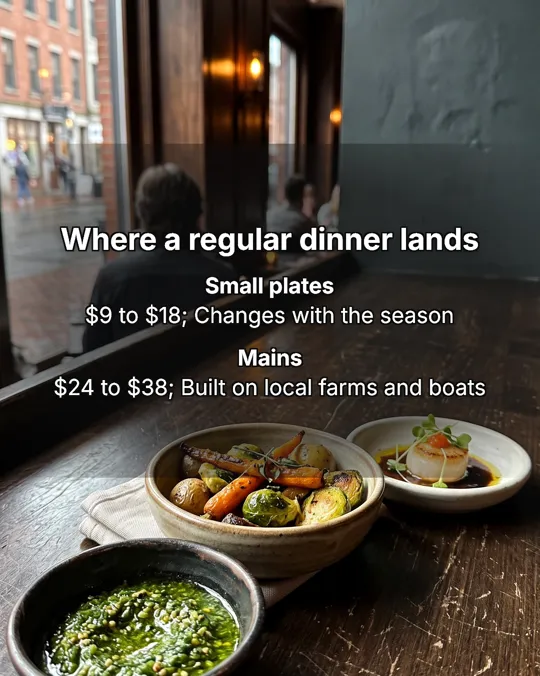
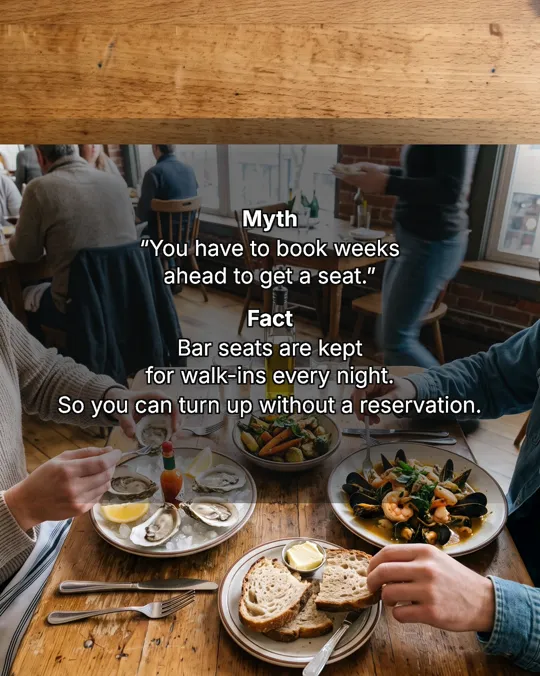
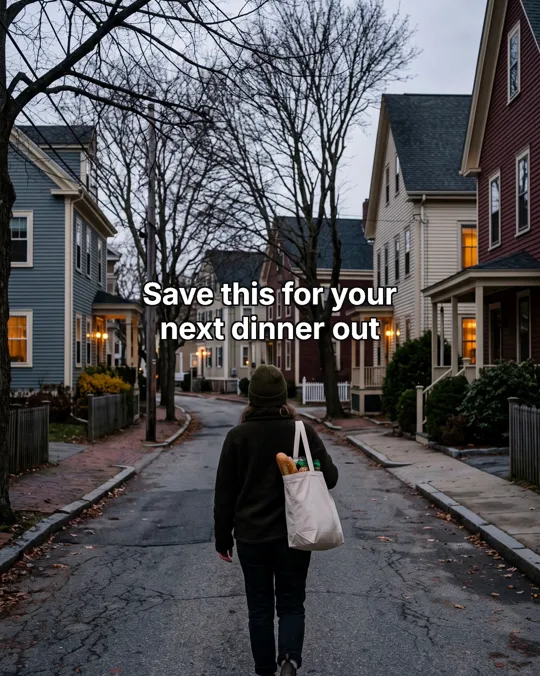
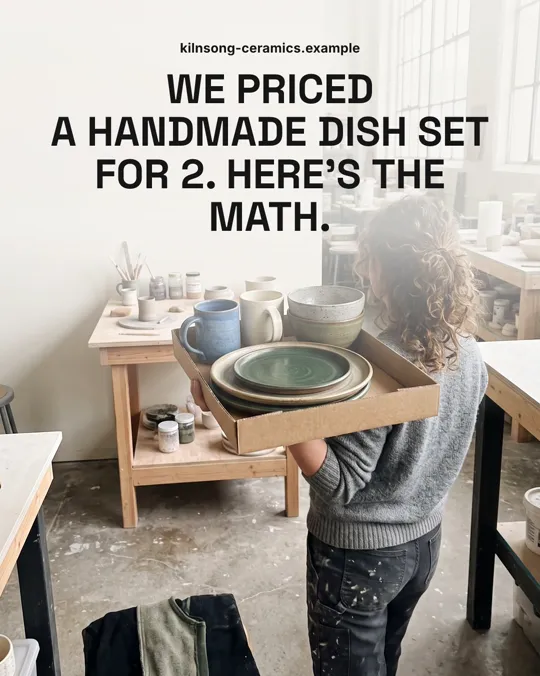
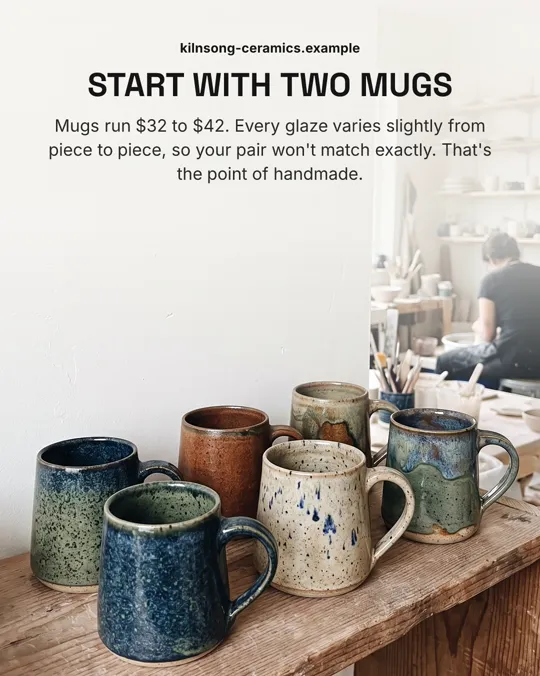
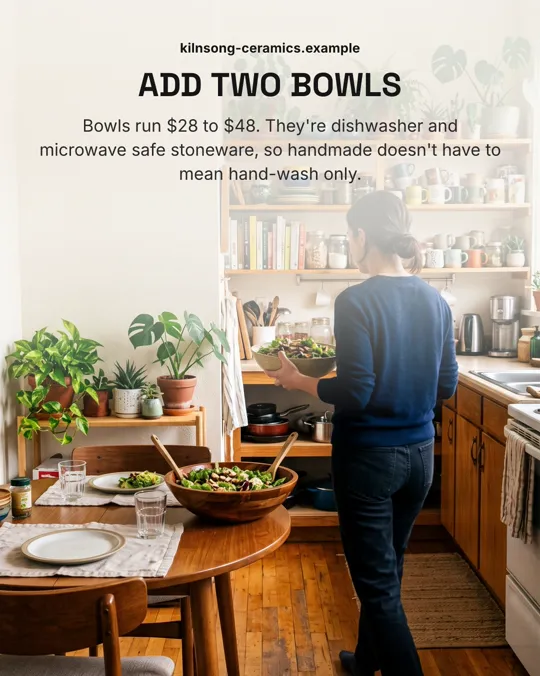
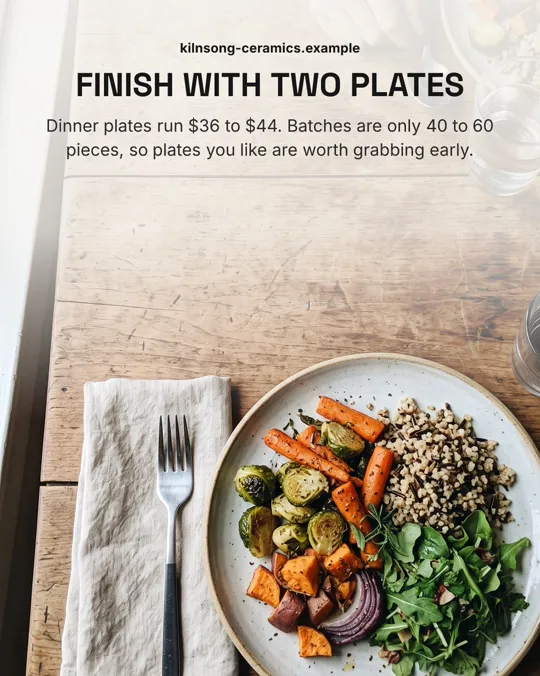
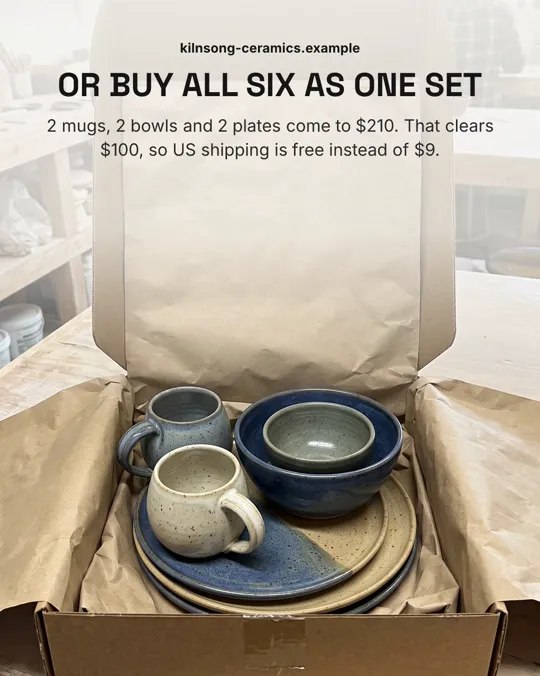
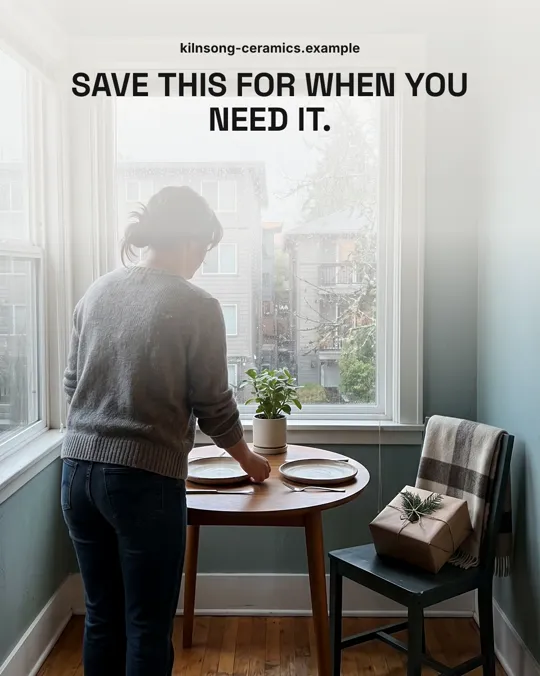
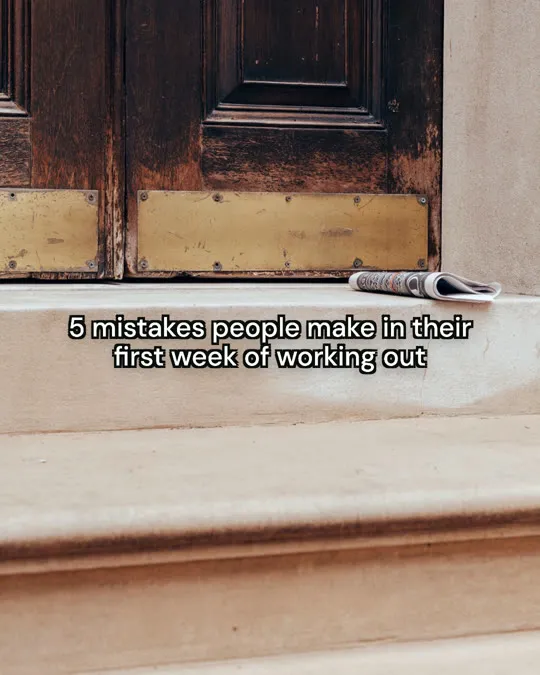
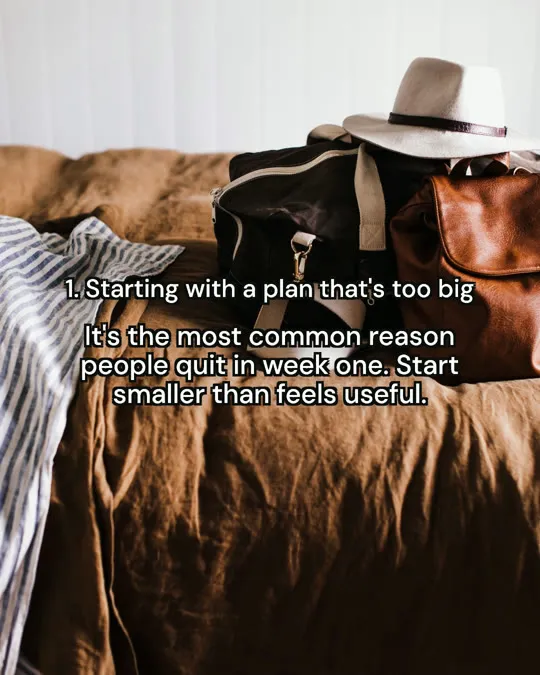
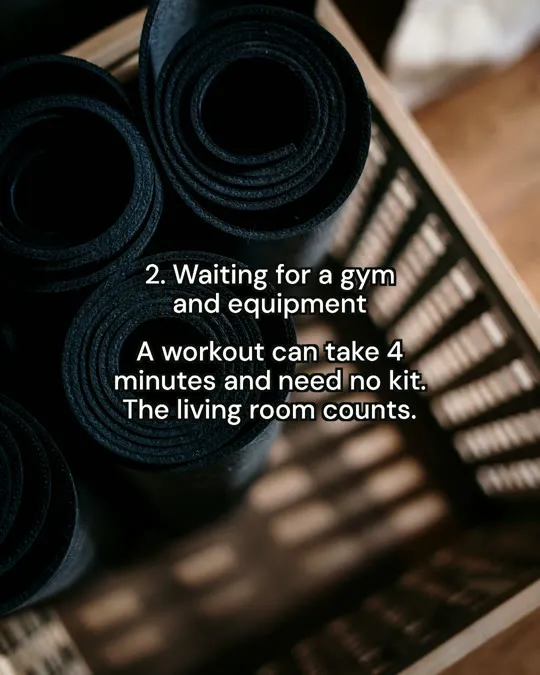
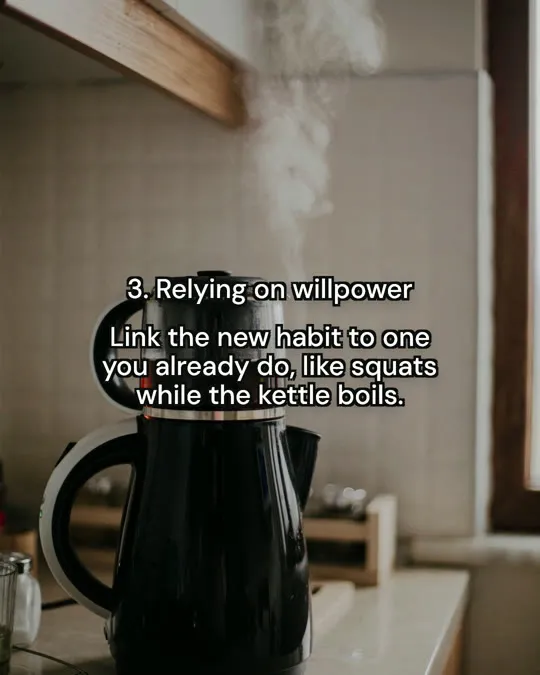
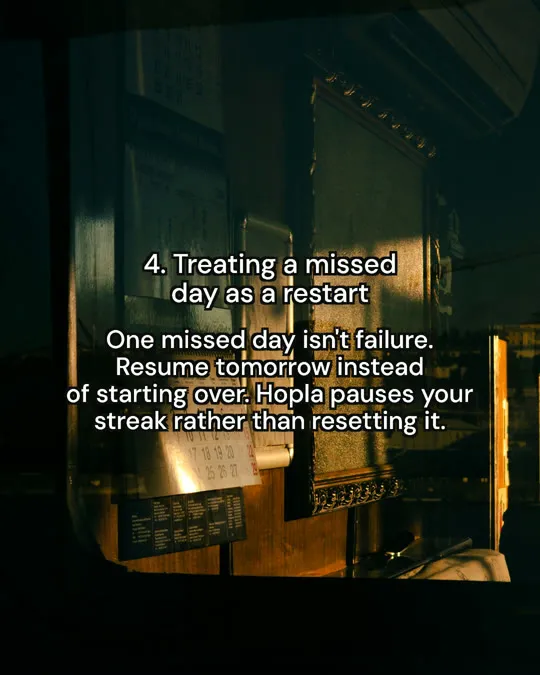
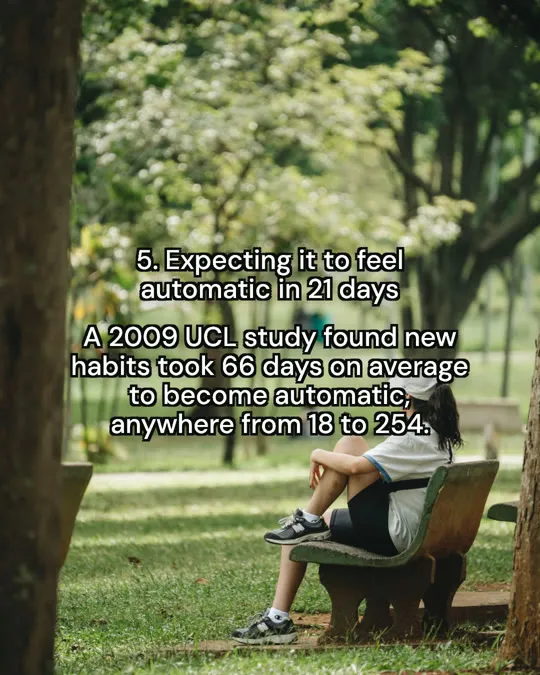
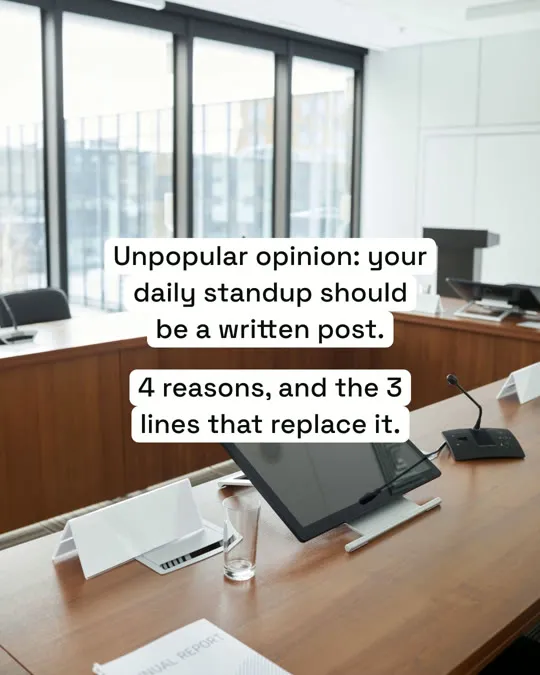
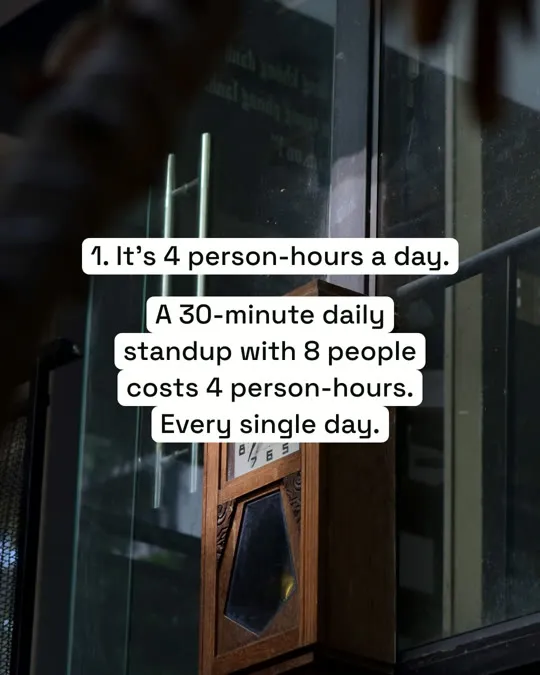
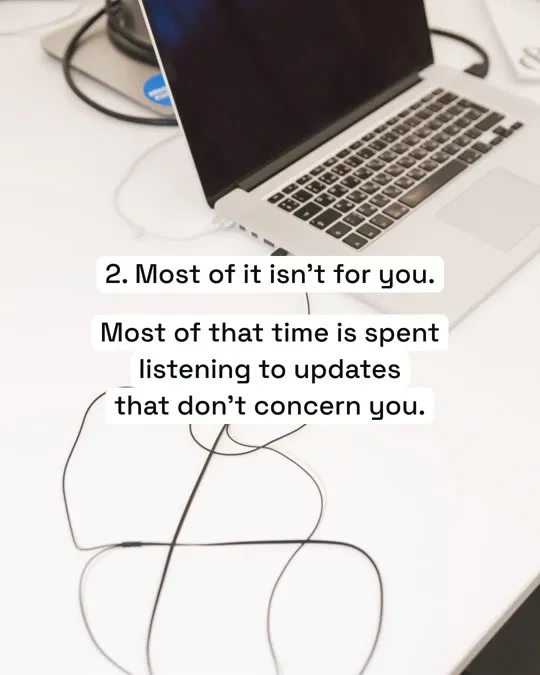
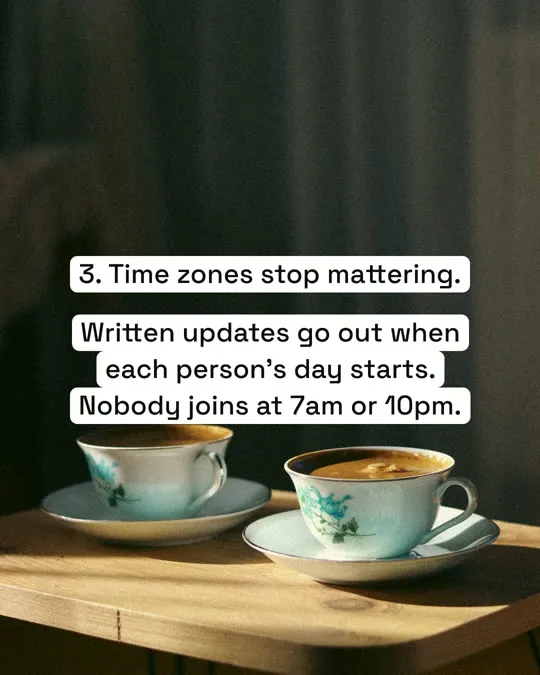
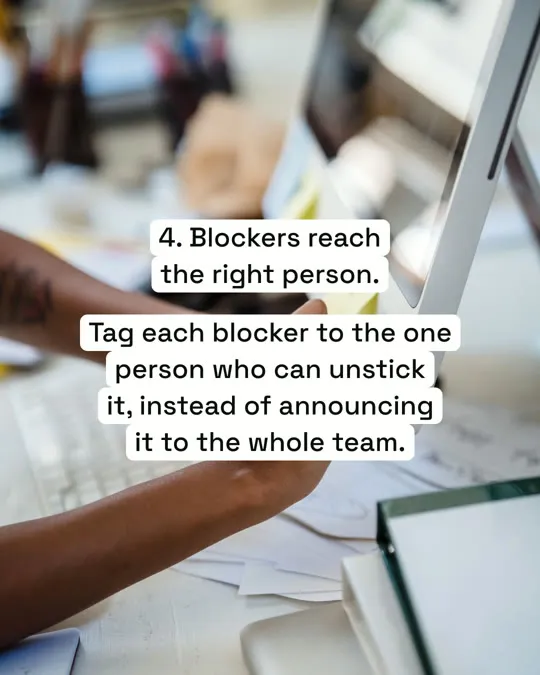
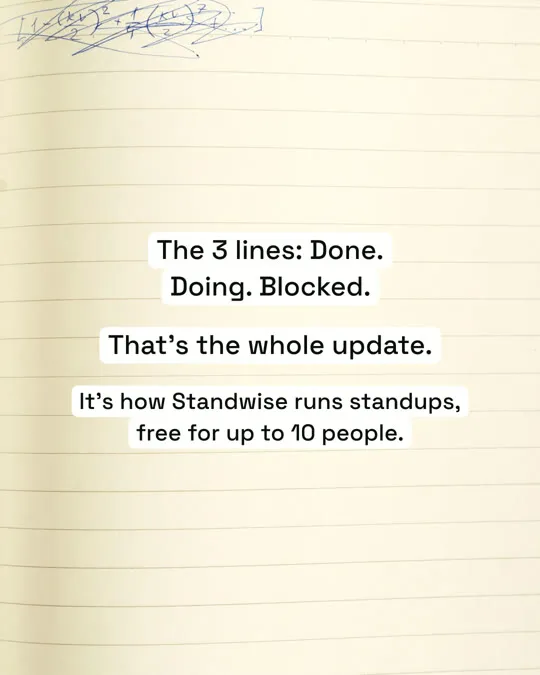
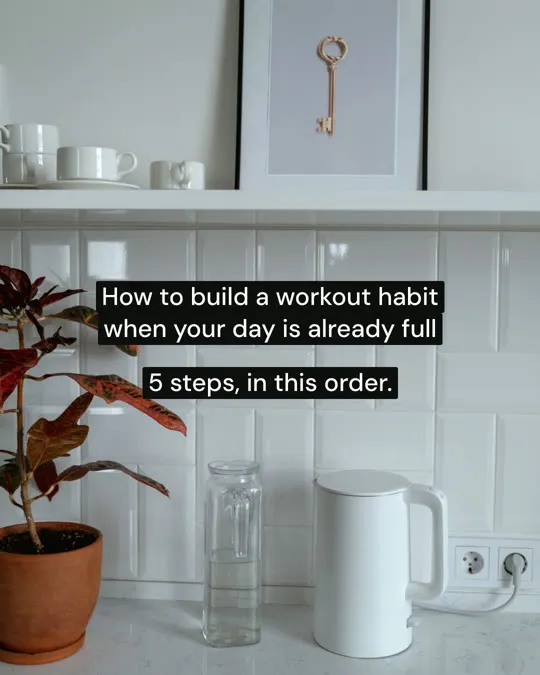
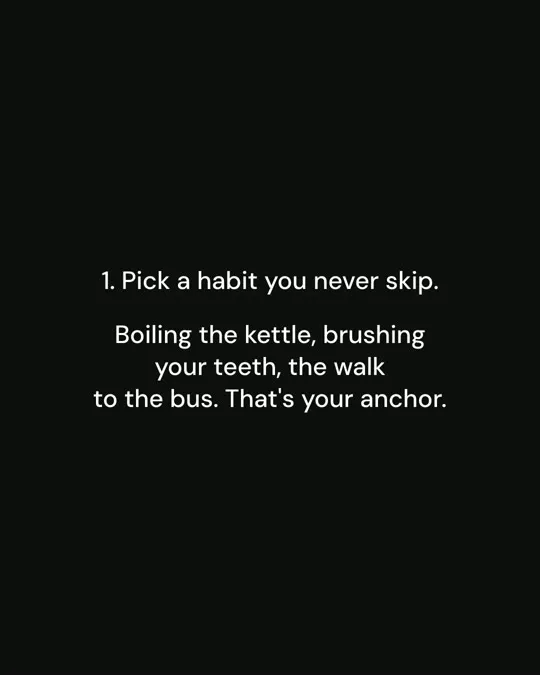
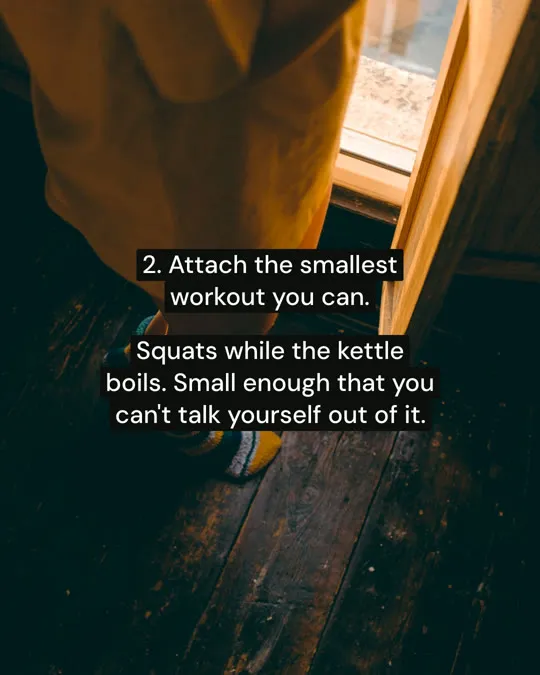
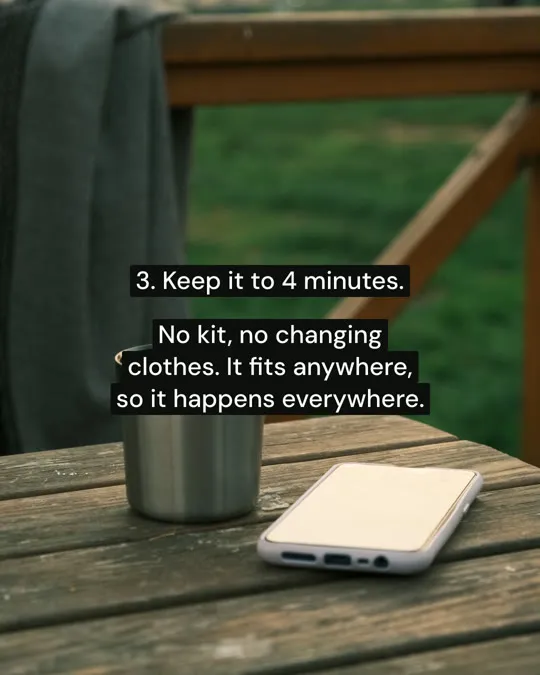
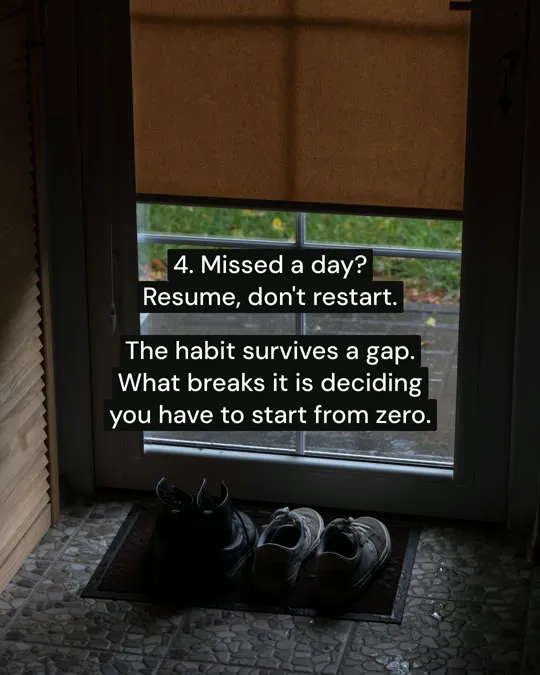
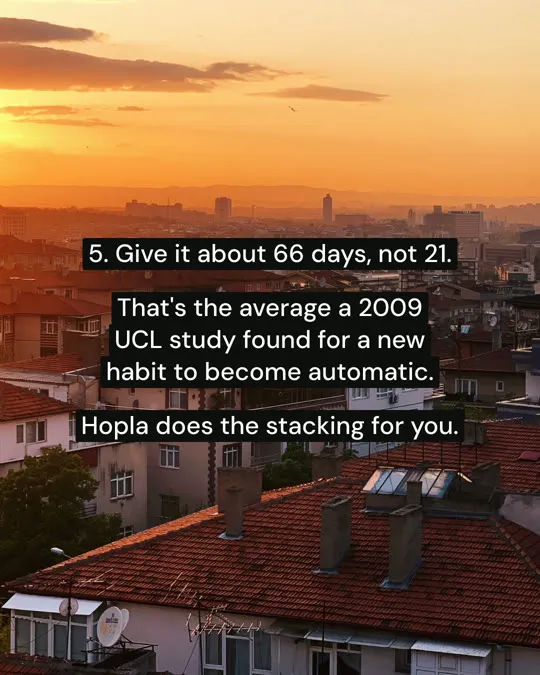
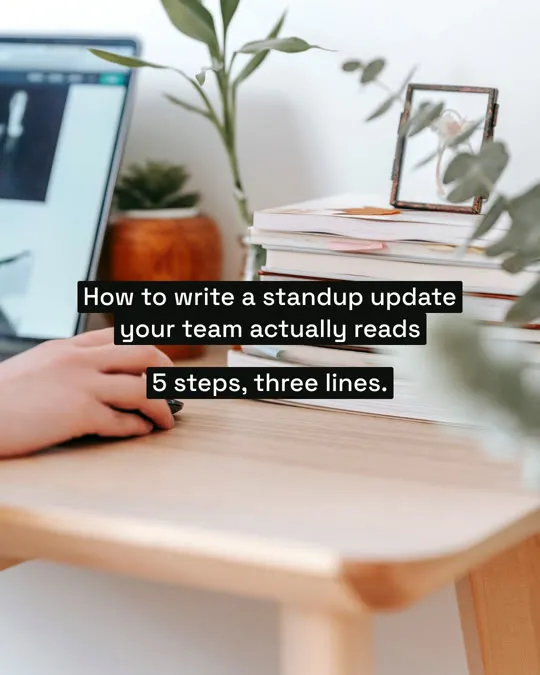
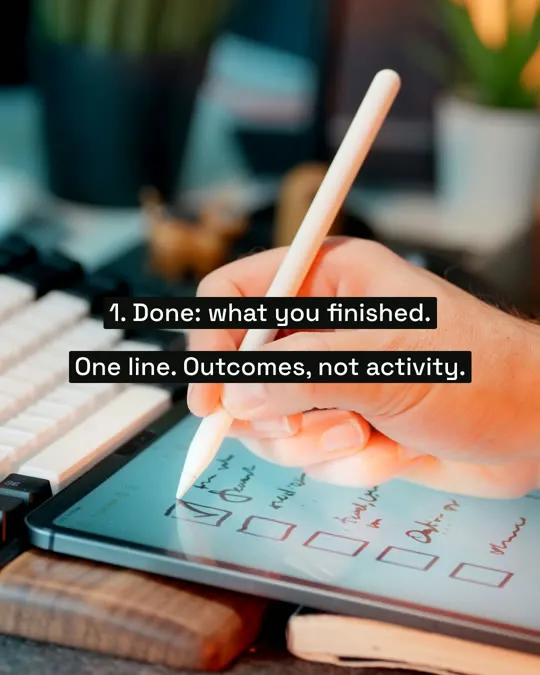
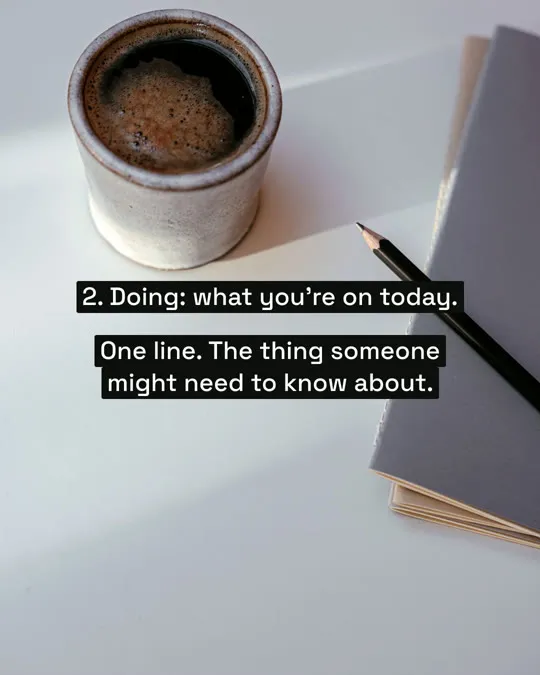
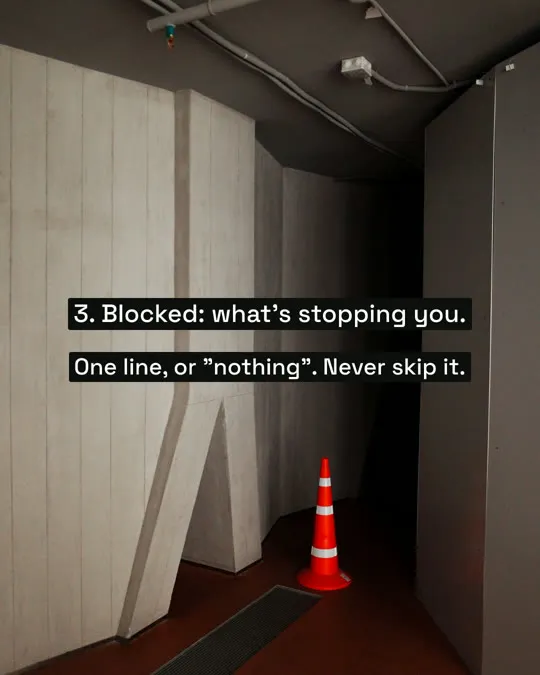
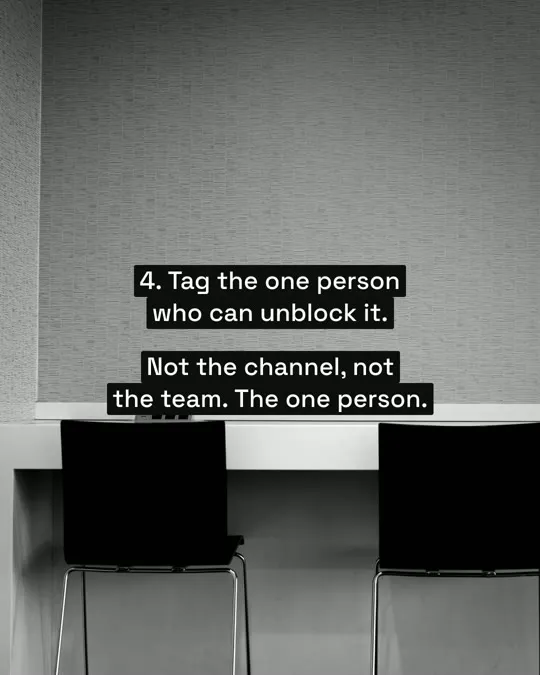
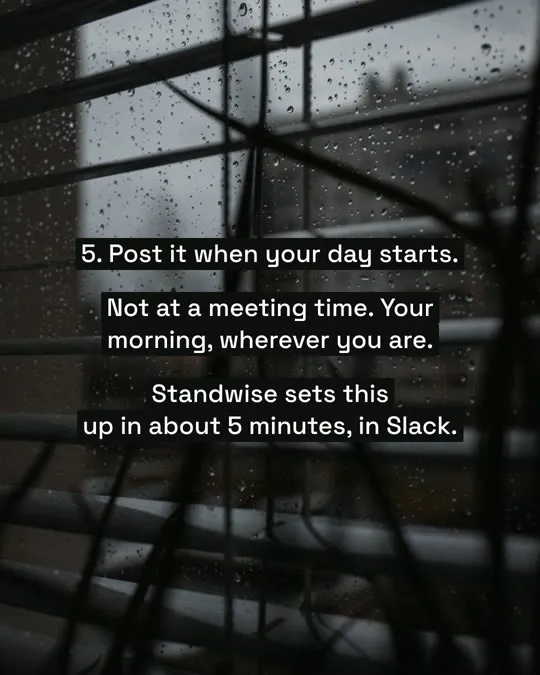
Real Postdom posts for sample brands, which aren't real businesses. Clips and photos are licensed stock or made with AI, as in the product.
How the free AI slideshow maker works
It is built for social feeds, not presentation decks. The free part is the trial: 7 days on Starter, Growth or Scale, with up to 10 posts made for you.
Give it your website.
Postdom reads what you sell, what it costs and where you are, and keeps each fact linked to the page it came from.
Pick a look, or start with the default.
There are 35 slideshow styles, from plain text on a photo to a phone note or a text-message thread, each previewed in your brand.
Get the slides.
A hook up front, one point per slide, and up to 10 slides. The photos are made with AI in one casual look for your brand, so a set reads like one shoot.
Approve, and it is scheduled.
Slideshows publish to TikTok, Instagram, Facebook and LinkedIn. On LinkedIn they go out as a swipeable document post.
Free slideshow maker
Start a 7-day free trial on Starter, Growth or Scale and Postdom makes up to 10 posts from your website, any of them slideshows, in every style your plan includes. Starting takes three steps: paste your website in the box at the top, pick a look or keep the default, and approve the slideshows you like so they post at your times.
After the trial, Starter is $39 a month for 30 posts. Want one carousel to download and post yourself instead? The free Instagram carousel maker tool makes 4 to 6 slides from your website or a topic.
AI slideshow maker
An AI slideshow maker writes the words, picks the photos and lays out every slide, so you approve a finished post instead of designing one. Postdom writes each slideshow from facts on your website, such as prices, steps or a common mistake, and puts the whole promise on the cover in about ten words.
The text sits in plain text boxes, the way people set text on the apps themselves, so the slideshow looks native in the feed rather than like an ad.
Slideshow maker
People search for a slideshow maker for three different jobs. Pick the tool by the job: Postdom makes one kind, swipeable photo posts for social feeds, not one video made from your photos.
| Kind | What you get | Tools to look at |
|---|---|---|
| Social photo slideshows | Swipeable photo posts with short text, made for a feed | Postdom |
| Photo-to-video slideshows | Your photos set to music as one video | Video editors such as Canva or CapCut |
| Presentation decks | Slides to present in a meeting or a class | Deck tools such as Canva or Google Slides |
Instagram slideshow maker
On Instagram a slideshow is a swipeable post of several images, often called a carousel. Postdom sizes the slides for the feed, writes a caption to go with them and posts them to your Instagram account at the time you set.
The same slideshow can go to TikTok as a photo post, where TikTok adds a matching track, and to your other accounts that take slideshows, each with its own caption.
What makes a slideshow worth swiping
- Put the whole promise on the cover, in about ten words, said the way you would say it out loud.
- Keep each slide to one point. If a slide needs two, make it two slides.
- Use real numbers from your business, such as a price, a time or a place.
- Pick photos that match the point on each slide, not a generic background.
- End with one easy next step, like saving the post or booking online.
Questions
What is an AI slideshow maker?
It is a tool that writes and designs a set of slides for you. Postdom's is made for social posts: swipeable slideshows for TikTok, Instagram and other feeds, not presentation decks.
Is there a free AI slideshow maker?
Yes, free for 7 days on Starter, Growth or Scale: the trial makes up to 10 posts, and a slideshow can be one of them. After it, Starter is $39 a month for 30 posts. Cancel anytime.
Where do the photos come from?
Postdom makes them with AI, in one casual phone-photo look for your brand, or uses your store's product photos once you connect Shopify or Squarespace. A stock photo stands in only when a photo can't be made.
Can I upload my own photos?
Yes, as your own finished post: Postdom publishes content you made as it is. The slideshows Postdom makes use photos made for your brand, so every slide in a set matches.
How many slides can a slideshow have?
Up to 10. Most work well with a cover, a handful of points and a last slide, and each slide carries one point.
Can I add music?
Yes, on TikTok: a slideshow goes out as a photo post and TikTok adds a matching track. To pick the sound yourself, send it to your TikTok inbox and choose it in the app.
Can I make slides for presentations or school?
No. Postdom makes slideshows for social media, sized for feeds and posted for you. For a deck to present in a meeting or a class, use a presentation tool.
How is this different from Canva or CapCut?
In Canva or CapCut you design each slide yourself from a template. Postdom writes the slides, makes the photos and lays them out from your website, then posts the slideshow once you approve it.
Which platforms can the slideshows go to?
TikTok, Instagram, Facebook and LinkedIn, each at the size that platform uses, with a caption written for each one.
Can I change a slideshow before it posts?
Yes. Approve it, reject it or ask for changes. Each change to a slideshow uses one credit, from the credits your plan includes every month.
Make your first slideshow
Paste your website and get a slideshow in your brand before you connect any account.