
Approval
Social media approval software where nothing posts until you say so
Postdom is social media approval software that also does the work: it makes ready-to-post videos, slideshows and single images from your website, and you approve, edit or skip each one before anything goes out.
Updated
Social media approval software holds each post for a person to approve, change or reject before it is published. Postdom is an AI social media tool that turns your website into short videos, slideshows and posts, then publishes them. Every post waits in your queue until someone on your team approves it, and an AI agent can never approve its own post.
Posts Postdom has made
Short videos, slideshows and single images. Postdom made these for sample businesses (not real ones) from their websites. Yours are written from your own website, in your brand.
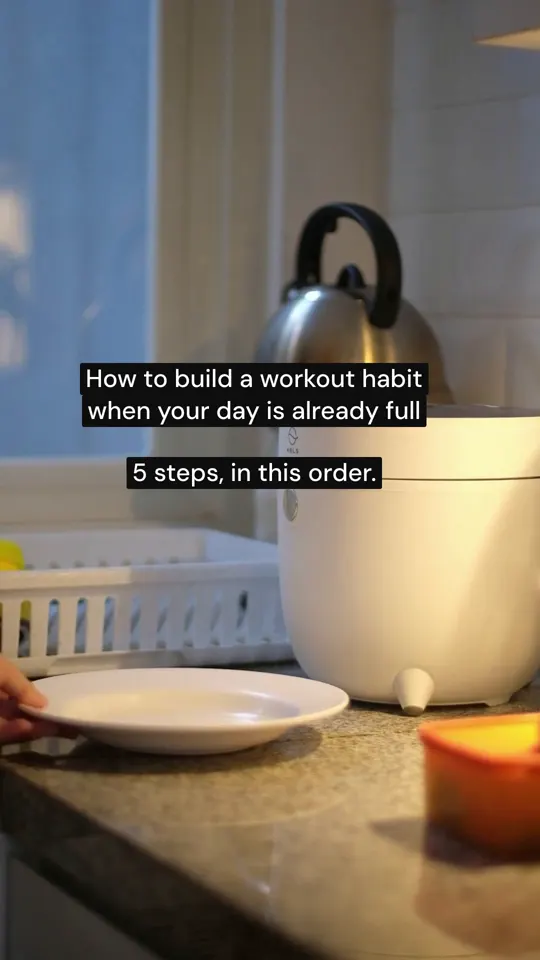




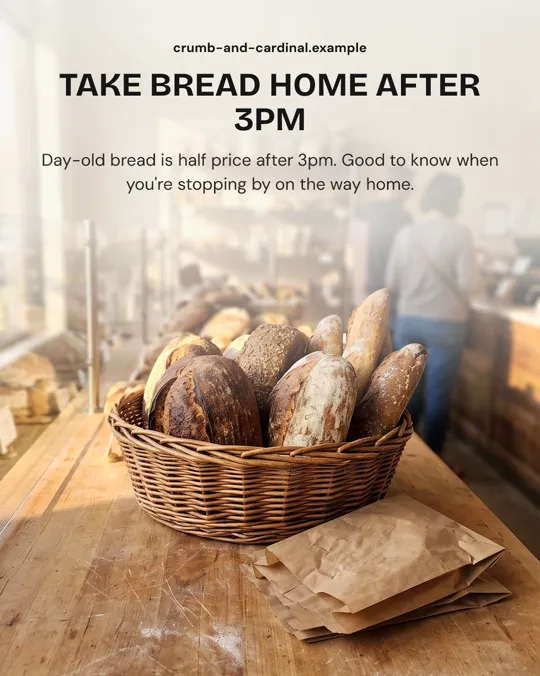

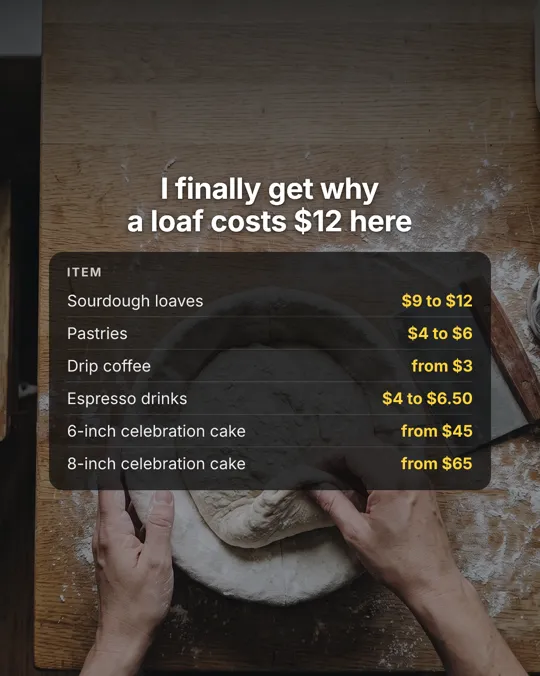



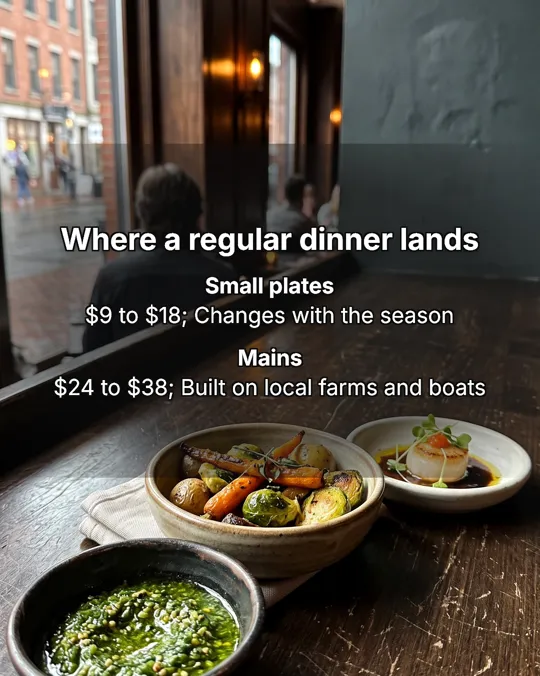


Real Postdom posts for sample brands, which aren't real businesses. Clips and photos are licensed stock or made with AI, as in the product.
How Postdom social media approval software works
Every post waits for you. Approve it, ask for a change, or skip it.
- 01
See the post
Each post in your For You feed is finished: the video or slideshow, the caption and the accounts it will go to.
- 02
Approve, edit or skip
Approve to schedule it. Edit the caption or ask for changes. Skip what you don't want; skipped posts don't count.
- 03
Follow it out
After it publishes, each account shows its own result, so you know what went live.
Free social media approval software
Starter, Growth and Scale start with a 7-day free trial, so you can see posts made from your website before you pay. Cancel anytime. After the trial, Starter is $39 a month for 30 posts.
The approval queue, batch approvals and plan approvals are included on every plan.
Social media approval tool
Choose how much review each account needs, from approving every post to letting a trusted post type go out on its own. The demo below shows the levels.
Posts flow only inside one approved plan covering the accounts, UTC window, and post maximum.
Every approve, edit and skip shapes the next posts. Once 9 of your last 10 posts of one type are approved without edits, Postdom offers to post that type without review.
Content approval software
Content approval software for teams that don't want a long chain of sign-offs. Invite your team: Starter includes 2 seats and Growth includes 10.
Members can approve, edit and schedule posts too.
Social media approval workflow
A social media approval workflow in Postdom is short: the post arrives finished, someone approves it, and Postdom schedules and publishes it.
If the content changes after review, the old approval no longer applies. If an account is paused, nothing goes out until someone resumes it.
Social media approval process
- 01
The post arrives finished
The video, slideshow or single image, its caption and the accounts it will go to, made from your website.
- 02
Someone approves, edits or skips it
Each account has its own review level, from approving every post to letting a trusted post type go out on its own.
- 03
Postdom publishes and reports
The approved post is scheduled, and each account shows its own result once it goes out.
Postdom's social media approval process has those three steps and no more. If a post changes after it was approved, the approval no longer applies and it waits again. An agent connected over MCP can prepare a post, but only a person in your workspace can approve it.
Social media approval
Social media approval is the check a post passes before it goes public: is it accurate, on brand and right for this account? In Postdom that check happens on the finished post, so the person approving sees exactly what will publish, not a brief or a mock-up. Members of your workspace can approve, edit and schedule; Starter includes 2 seats and Growth includes 10.
Social media approval tools compared
| Tool | What it approves | Who approves |
|---|---|---|
| Postdom | Finished posts it made from your website, plus posts an agent or the API sends | Members of your workspace; an agent never approves its own post |
| Hootsuite | Posts your team writes and schedules in Hootsuite | Team members with approval rights |
| Gain | Posts your team writes, sent to clients for sign-off | Your team and your clients |
Postdom has no client portal without an account: a client approves as a member of your workspace. Pick Postdom when you want the posts made for you as well as approved.
Social media approval software questions
Is there free social media approval software?
Yes, for 7 days. Starter, Growth and Scale start with a 7-day free trial, and approvals are included on every plan. Cancel anytime.
Does anything post without approval?
No. Nothing posts until you approve it. Every approve, edit and skip shapes the next posts. Once 9 of your last 10 posts of one type are approved without edits, Postdom offers to post that type without review.
Can my team approve posts?
Yes. Members can approve, edit and schedule posts. Starter includes 2 seats and Growth 10.
Can an AI agent approve its own posts?
No. An agent connected over MCP can prepare a post, but a person approves it.
Can clients approve without an account?
No. A client approves as a member of your workspace, so they need a seat. Starter includes 2 seats and Growth 10.
What happens if a post is edited after approval?
The old approval no longer applies. A post whose content changed after review waits for a new approval before it can publish.
Start free with Postdom
Paste your website and review your first post today. Nothing goes out until you approve it.
Your website is all it needs
Starter, Growth and Scale start with a 7-day free trial.