
Instagram automation that makes the posts for you
Postdom's Instagram automation turns your website into Reels, slideshows and single images in your brand, schedules the ones you approve, and shows how each one did. Nothing posts without you.
Updated
Instagram automation is software doing repeat Instagram work for you, such as making, scheduling and posting content. Postdom is an AI social media tool that turns your website into short videos, slideshows and posts, then publishes them. It makes Reels, slideshows and single images in your brand and posts them to Instagram when you approve them.
Instagram posts Postdom has made
Reels, slideshows and single images. Postdom made these for sample businesses (not real ones) from their websites. Yours are written from your own website, in your brand.
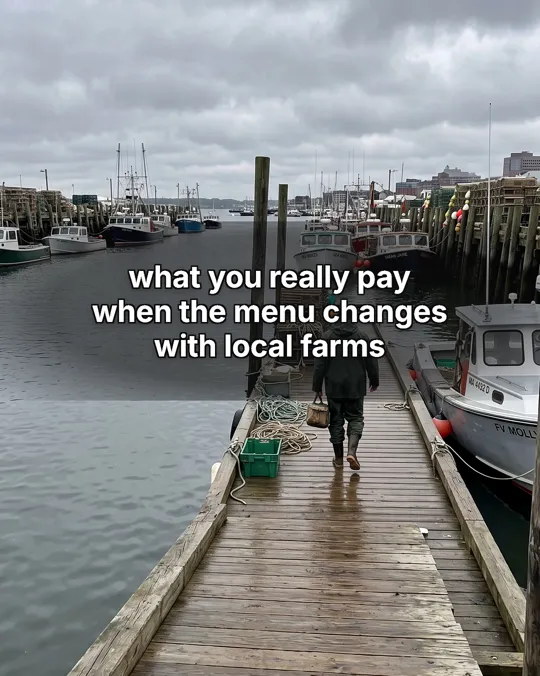
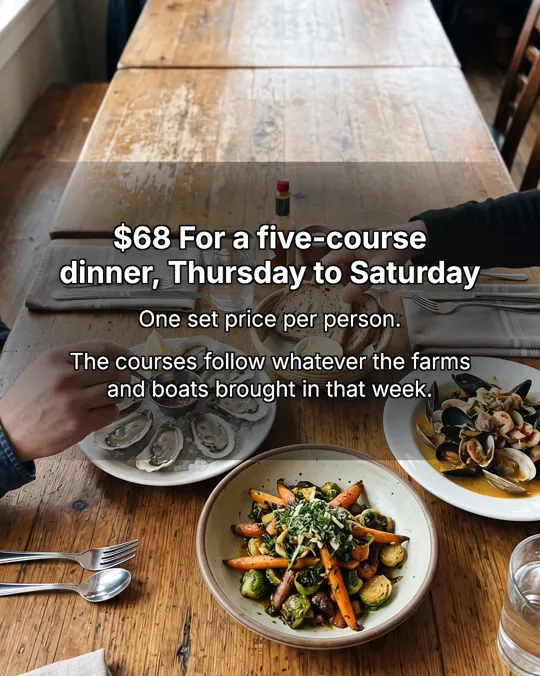
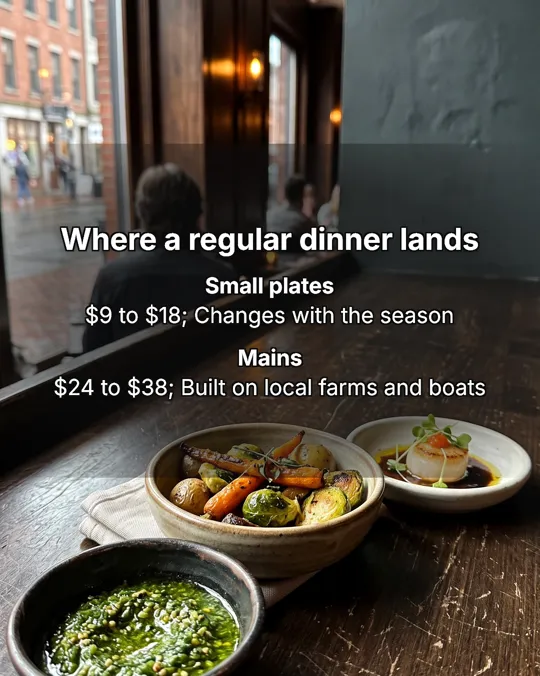
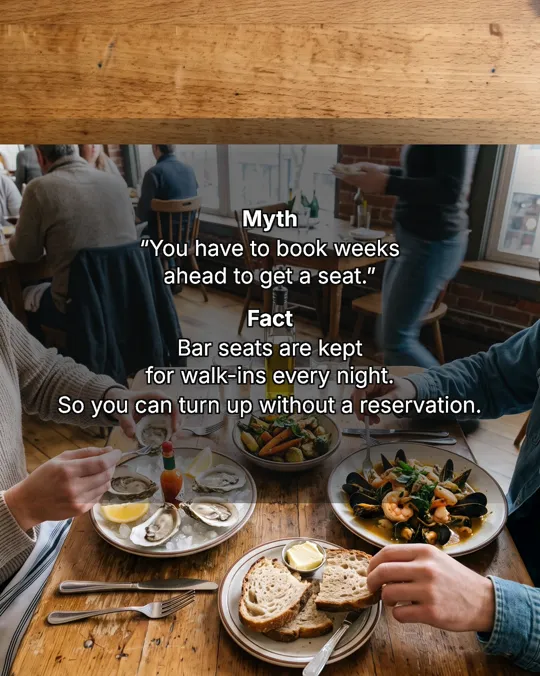
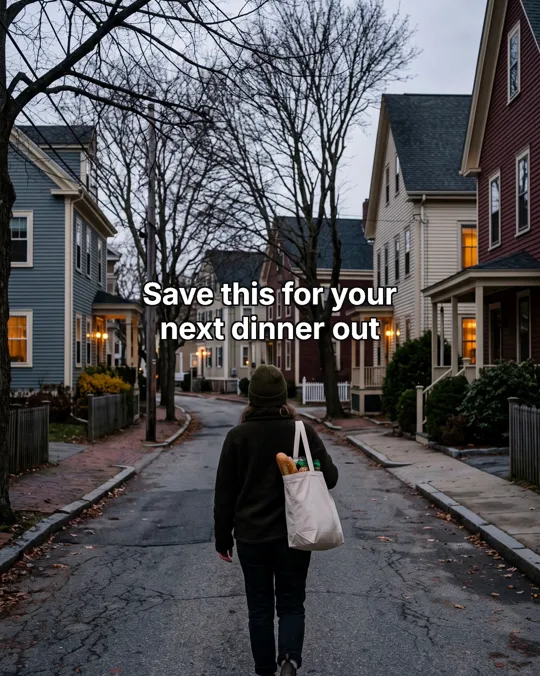
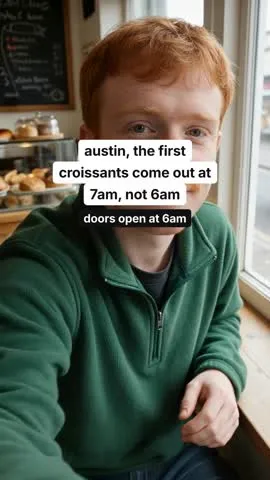
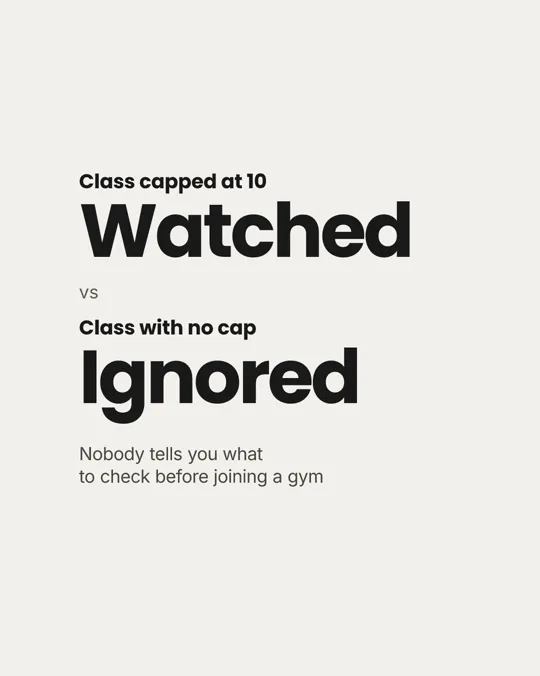


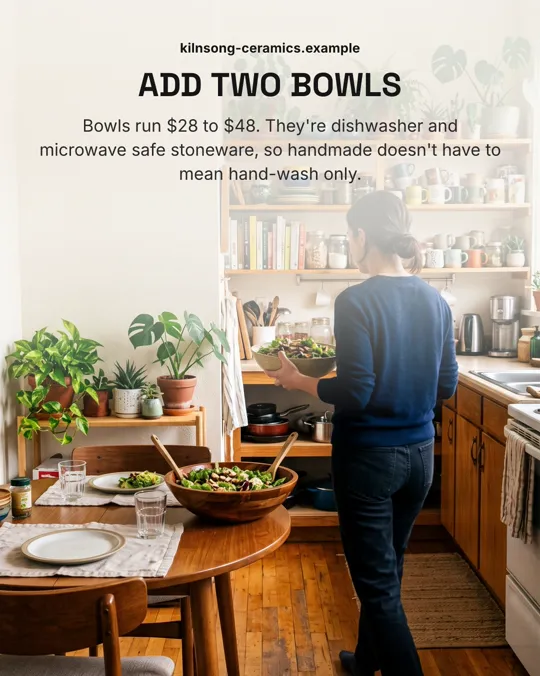
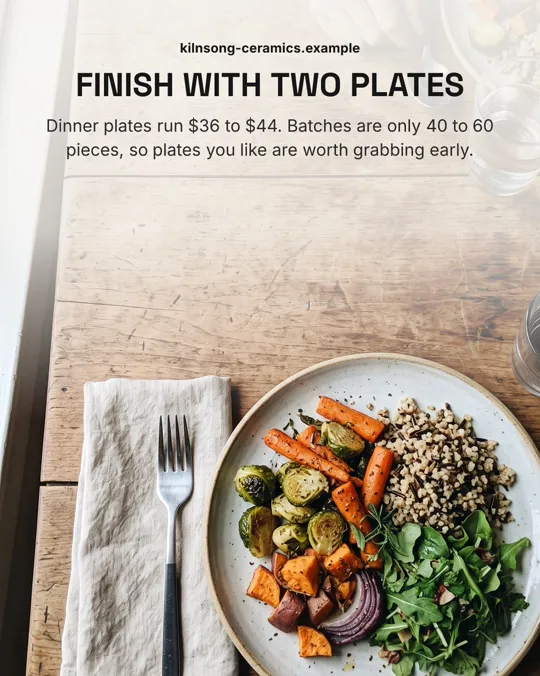
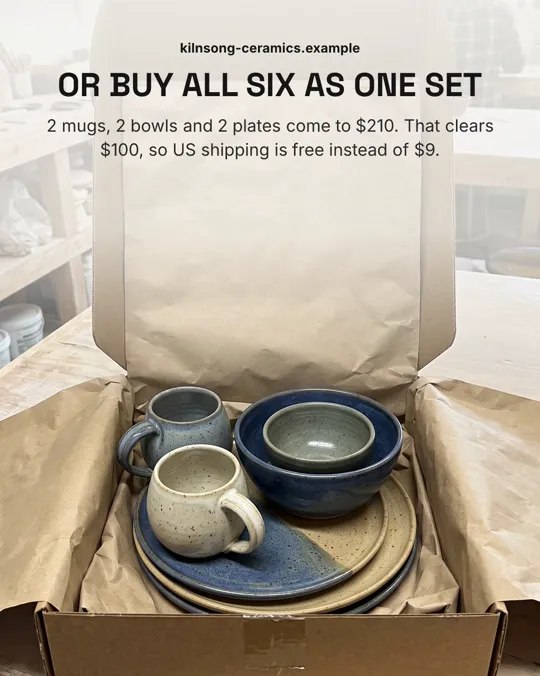


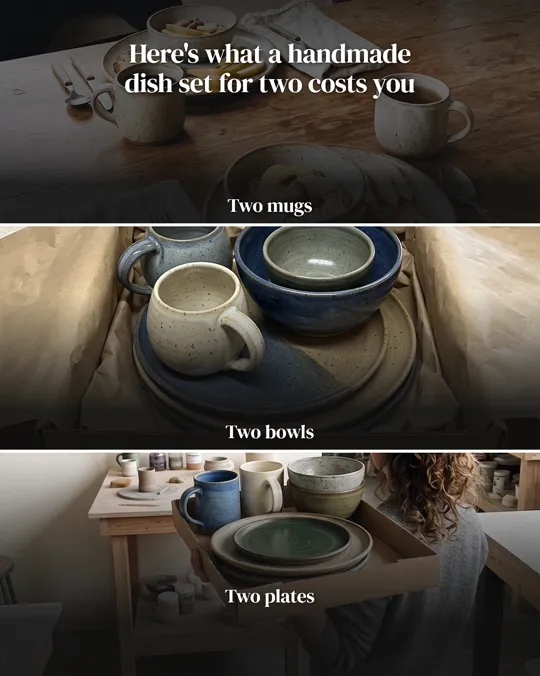
Real Postdom posts for sample brands, which aren't real businesses. Clips and photos are licensed stock or made with AI, as in the product.
How Postdom Instagram automation works
- 01
Paste your website
Postdom reads your brand and what you do.
- 02
Get Instagram-ready posts
Reels, slideshows and single images with native text boxes, in your logo, colours and tone.
- 03
Approve and connect
At your first approval, connect Instagram. Approved posts are scheduled in your time zone.
- 04
See what worked
Each post's results come back and shape the next ones.
Free Instagram automation
Starter, Growth and Scale start with a 7-day free trial, so you can see posts made from your website before you pay. Cancel anytime. After the trial, Starter is $39 a month for 30 posts.
Instagram automation tool
Choose an Instagram automation tool by the job. Postdom makes and schedules posts. If you need DMs or comment replies, that's an inbox tool, not Postdom.
Instagram's AI label is off by default, and you can turn it on in Settings.
| Task | Postdom |
|---|---|
| Making Reels, slideshows and single images from your website | Yes |
| Scheduling and posting the posts you approve | Yes |
| Tracking each post's results | Yes |
| DMs, comment replies and customer conversations | No |
| Like, follow or comment bots | No |
Does it schedule the posts too?
Yes. Approved posts go out twice a day at set times in your time zone, with quiet hours overnight. See the Instagram scheduler for how scheduling works.
Developers can also submit their own finished Reels. The MCP server, the REST API, the SDKs and webhooks are included on every plan. Your own agent uses its own model.
Related: Instagram scheduler, AI Instagram post generator and Social media automation.
See also the free social media scheduler.
Automate Instagram posts
To automate Instagram posts with Postdom, paste your website once and connect your Instagram professional account at your first approval. Postdom keeps your For You feed full of Reels, slideshows and single images in your brand, and each one you approve goes into the next open slot, twice a day in your time zone. Once nine of your last ten posts of one type go out without edits, Postdom offers to post that type without review.
Instagram auto post
Instagram auto post means a post publishes at its time without you opening the app. Postdom publishes through Meta's official Instagram API, so the Reel or carousel appears on your profile at its scheduled time and Postdom records the link to the live post. If Instagram refuses a post, the reason stays on the post so you can fix it and try again.
Instagram post automation
Instagram post automation covers the whole post, not only the timing. Postdom writes the hook and the text on each slide or clip from your website, sets it in your logo, colours and fonts, writes the caption and picks the time. You approve, edit or skip each post, and every choice shapes the next ones.
Posting automation or DM automation?
| Tool | What it automates |
|---|---|
| Postdom | Making and posting Reels, slideshows and single images from your website |
| ManyChat | Instagram DM replies and comment-triggered messages |
| CreatorFlow | Instagram DM automation |
Most Instagram automation searches are about DMs. Postdom does the posting side: it never sends DMs, replies to comments or likes and follows for you.
Instagram automation questions
Is there free Instagram automation?
Yes, for 7 days. Starter, Growth and Scale start with a 7-day free trial: Postdom makes posts from your website and posts them to Instagram when you approve. Cancel anytime.
Does Postdom post without my approval?
No. Nothing posts until you approve it. Every approve, edit and skip shapes the next posts. Once 9 of your last 10 posts of one type are approved without edits, Postdom offers to post that type without review.
Does Postdom handle Instagram DMs?
No. Postdom makes and publishes posts. It does not manage DMs or comments.
What Instagram formats does Postdom make?
Reels, slideshows and single images.
Is Instagram automation allowed?
Posting through Meta's official Instagram Platform API, as schedulers like Postdom do, is allowed for professional accounts. Bots that automate likes, follows or comments break Instagram's terms, and Postdom doesn't run them.
What is the 5-3-1 rule on Instagram?
It's an informal growth habit, not an Instagram rule: each day, like 5 posts, comment on 3 and follow 1 account in your niche. Instagram doesn't publish it. Treat it as a routine to test against your own reach, not a guarantee.
Start your free trial
Paste your website and get your first Instagram post today.
Your website is all it needs
Starter, Growth and Scale start with a 7-day free trial.