
Starter
For a small business posting a few times a week
$39/month
- 30 posts a month, videos, slideshows or single images
- Up to 2 posts a day after your first batch
- 20 credits a month for AI personas
- 3 connected accounts
7 days free

Your website in.Social posts out.You just approve.
Postdom is an AI social media tool that turns your website into short videos, slideshows and posts, then publishes them.


It finds your logo, colours, fonts, products, audience and tone.



Millions watched the original. Make your version.


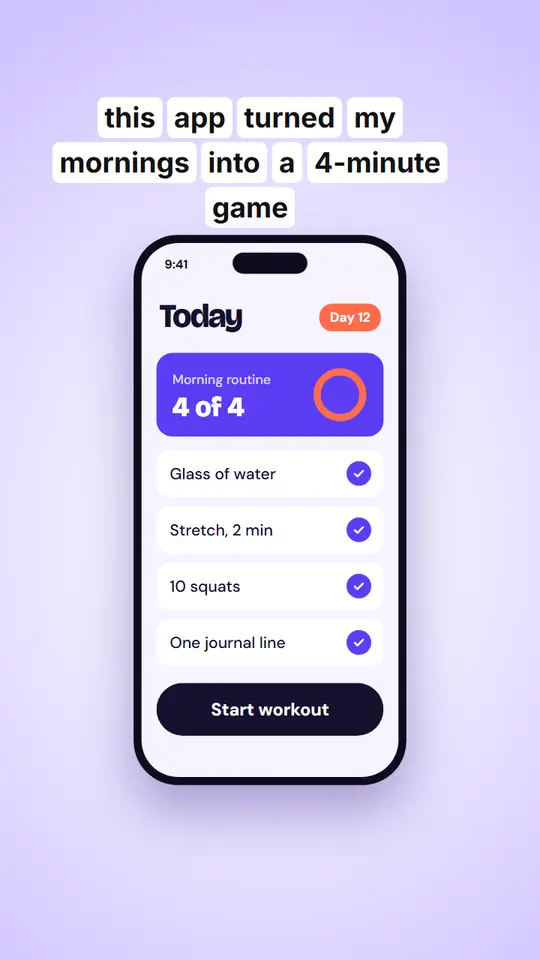
Looks like it belongs in the feed.
New to Postdom?

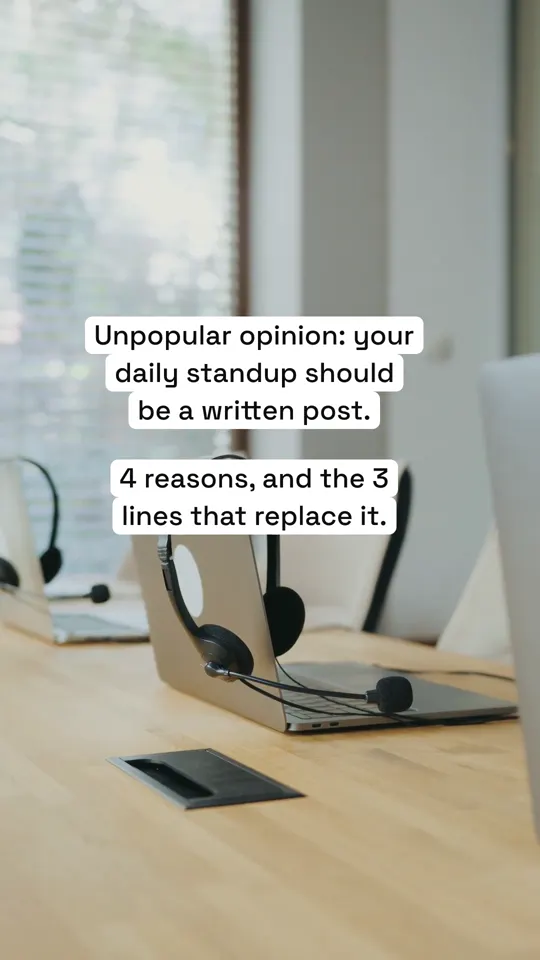
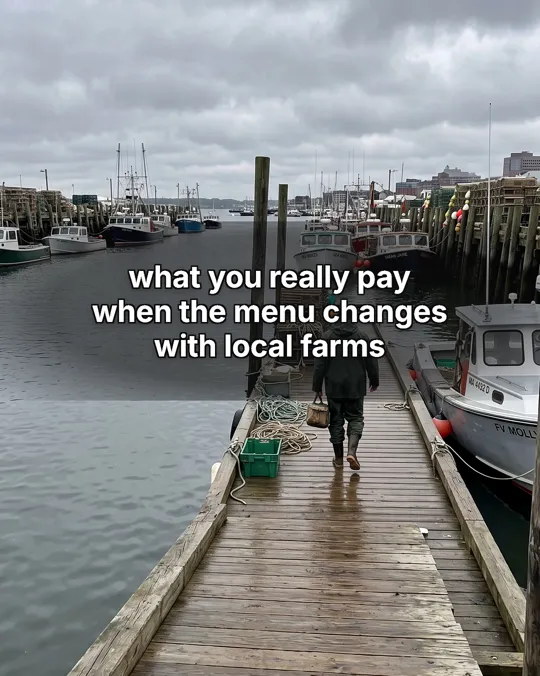
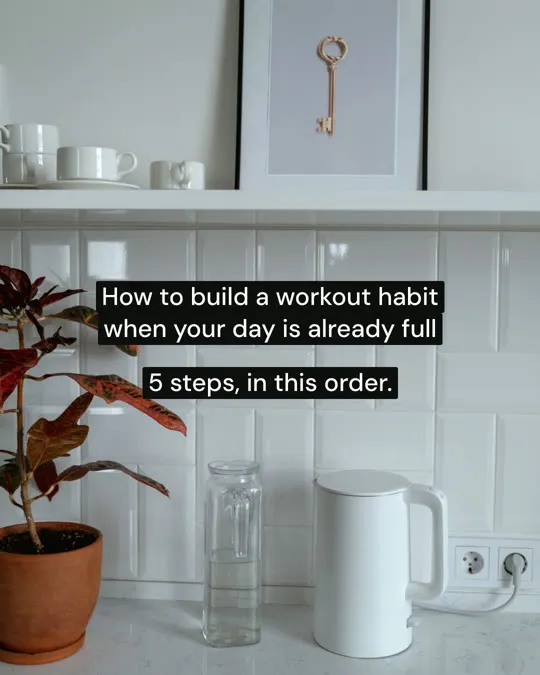
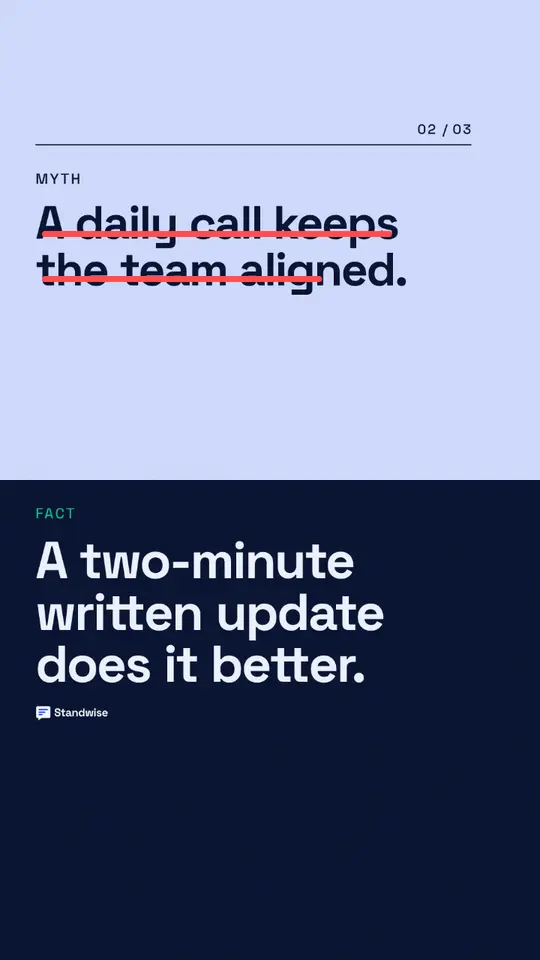
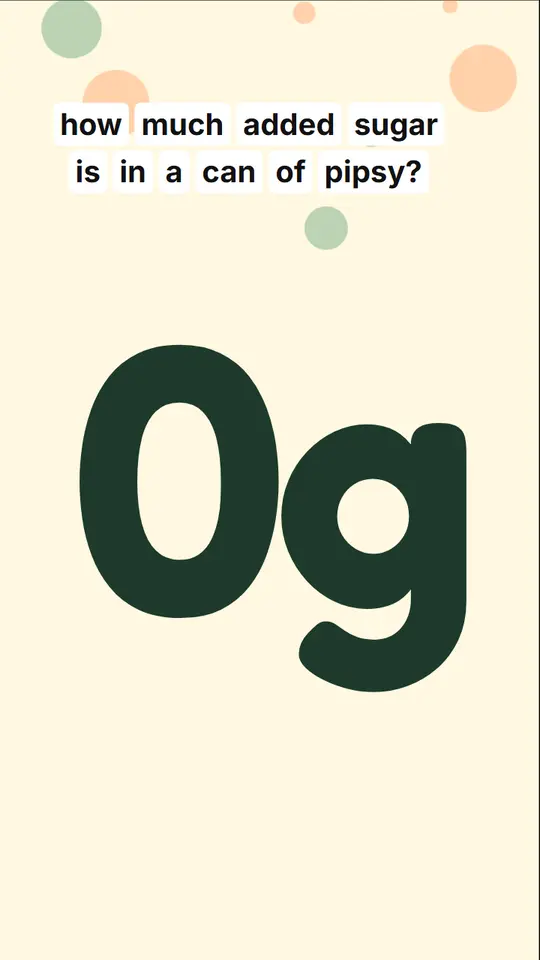
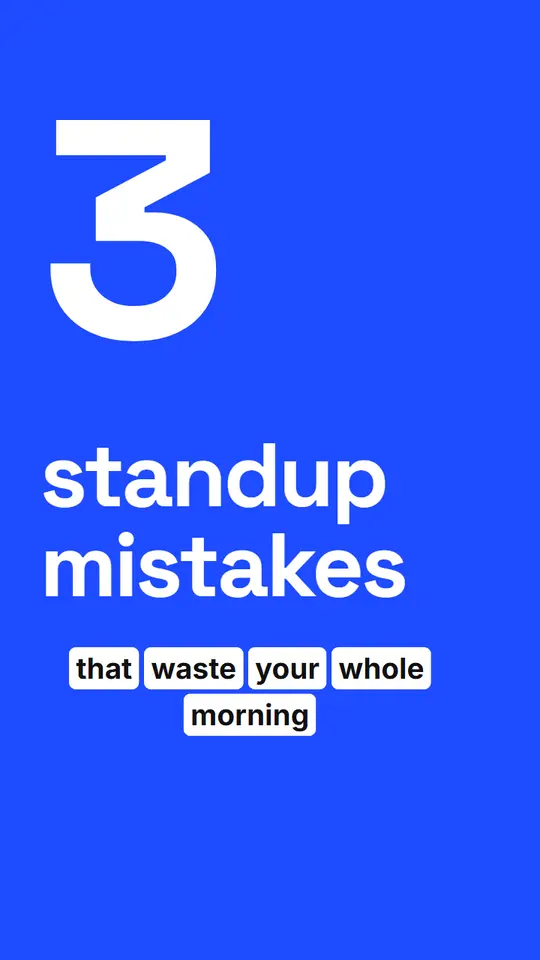
Hook clips, walls of text, lists and reaction memes.

Every slide uses your colours, fonts and logo.
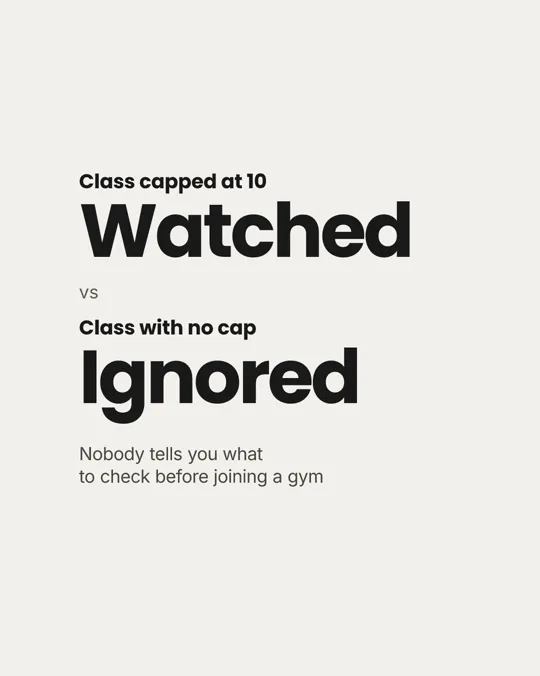
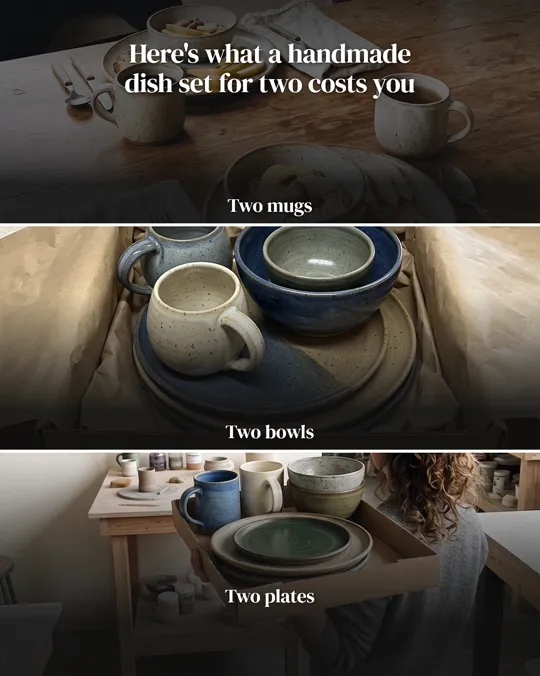
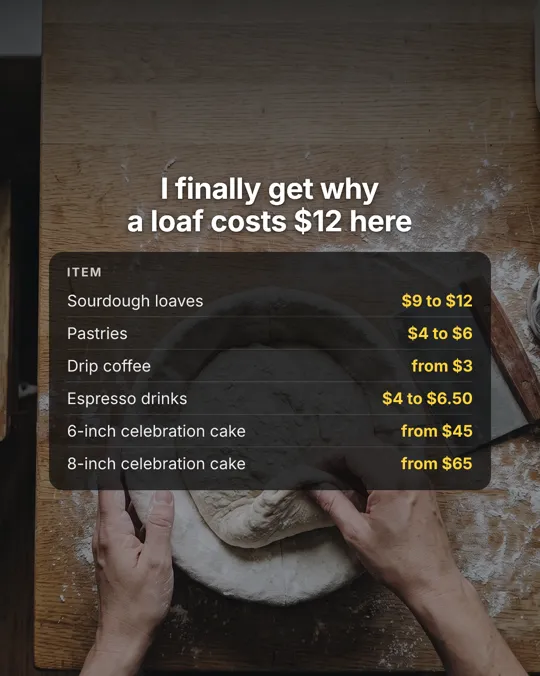
Price lists, versus cards and triptychs in your brand.
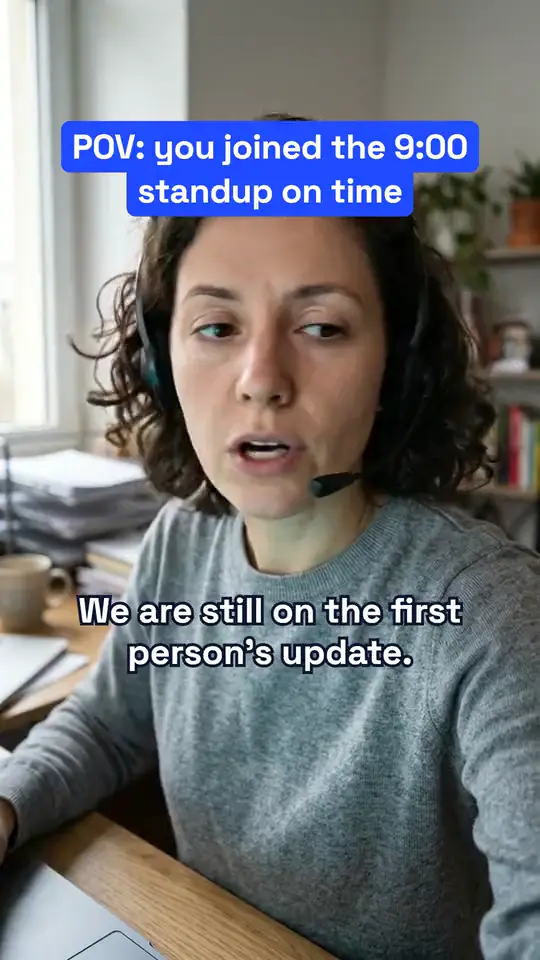
Talking and green-screen videos, paid in credits.

Each post comes with a hook, caption and call to action.
Approve a post and it's queued. Postdom picks the time inside your rules.
a post on Starter ($39 a month for 30 posts).
platforms: TikTok, Instagram Reels, YouTube Shorts, LinkedIn, Facebook Reels, X, Threads, Snapchat Stories and Bluesky.
TikTok photo posts and 105 Instagram carousels the text styles are written to.
a month: the average social media marketing project on Clutch.
Clutch, Social Media Marketing Pricing, updated 21 Sep 2026.Made by Postdom





















How it works
Nothing publishes until you approve it.
A batch of five, each with a hook, caption and call to action.
Want a short video from your site first? Try the URL to video converter.
Postdom MCP
Connect Postdom's MCP server to Claude, Codex or Cursor, or add the verified Postdom node in n8n. You keep publishing approval.
Connect PostdomPricing
30% off when you first open the plans.
For a small business posting a few times a week
$39/month
7 days free
For businesses posting every day
$99/month
7 days free
For teams and agencies running several brands
$229/month
7 days free
For agencies and brands making video every day
$399/month
The 30% off is for your first 3 months of Starter or Growth, monthly, for 15 minutes after you first open the plans, until 31 Oct 2026.
Postdom is an AI social media tool that turns your website into short videos, slideshows and image posts in your brand, then schedules and publishes them to TikTok, Instagram, YouTube, LinkedIn and more. You approve what goes out, and it learns from your edits and views. AI agents connect through MCP.
Starter, Growth and Scale start with 7 days free, and you can make up to 10 posts during the trial. Checkout takes your payment details but charges nothing for 7 days. There is one trial per workspace, and you can cancel any time from Usage & billing.
Short videos, slideshows and single images in your brand, plus viral remixes of trending formats. Each post comes with a hook, caption and call to action. Talking and green-screen AI persona videos are on paid plans, paid in credits.
TikTok, Instagram Reels, YouTube Shorts, LinkedIn, Facebook Reels, X, Threads, Snapchat Stories and Bluesky. Approve a post and it's queued; Postdom picks the time inside your rules.
Postdom reads the main pages of your site and finds your logo, colours, fonts, products, audience and tone. You can check where each fact came from and change anything it got wrong.
Yes. Approve, edit or reject each post. On a paid plan, Make changes lets you say what should change in your own words; each change uses 1 credit. Postdom learns from what you approve and reject.
Not without you. Every post is written from what your website says and checked before you see it. Links to other sites are blocked, and a number or promise your website doesn't make is flagged for you to confirm. Nothing publishes until you approve it, and each rejection shapes the next batch.
Postdom never stores your passwords. Most platforms connect through their own sign-in screen, so Postdom only receives the authorization. Bluesky has no such screen, so you create an app password for it. You can disconnect an account at any time.
Yes. Scale is built for teams and agencies running several brands, with 20 connected accounts and 150 posts a month. Pro has 30 accounts and 300 posts a month.
Credits pay for AI personas and for Make changes on a post. Posts themselves use no credits: slideshows, videos, single images and remixes. Each paid plan includes credits every month, they roll over one month, and packs add more.