
Your website in, swipeable carousels out
Carousel maker: paste your website, get your first carousel free
Paste your website and this carousel maker writes swipeable carousels about your business, makes the photos and sets the text on each slide. Approve the ones you like and Postdom posts them to TikTok, Instagram, Facebook and LinkedIn.
No website handy?
See posts made for:Online shop: Kilnsong CeramicsRestaurant: Gullstone KitchenDrinks brand: Pipsy
Carousels made from a website
Swipe through these. Each one started as a sample business website: a ceramics shop, a restaurant, a drinks brand, a fitness app, a bakery and a software company. The label says the style and the trade.


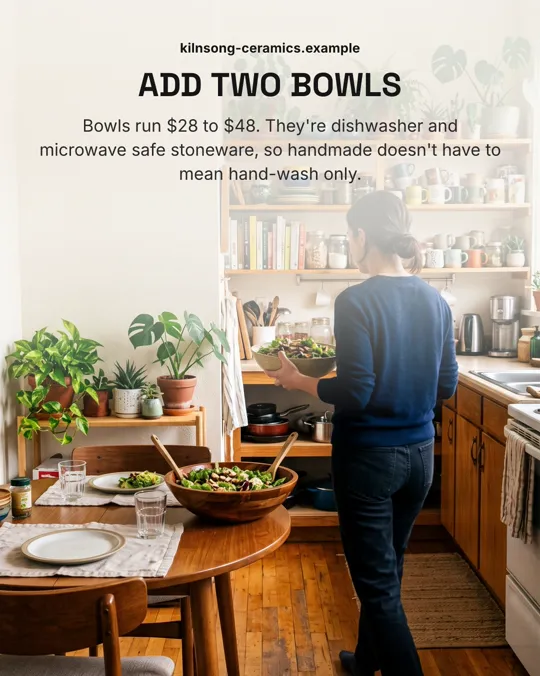
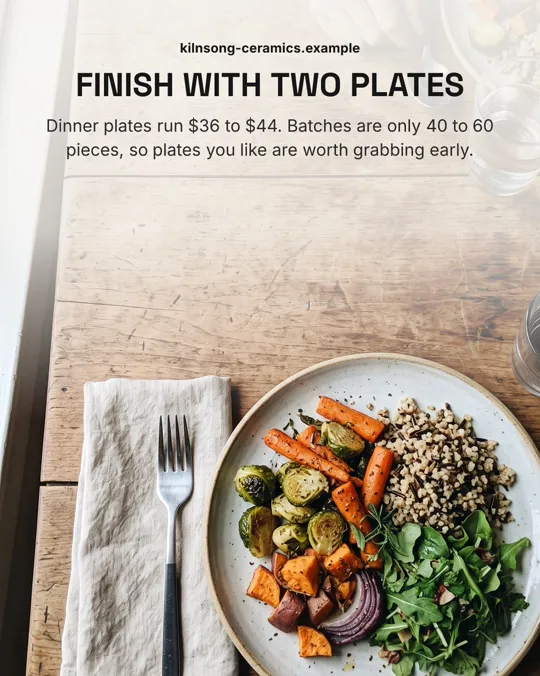
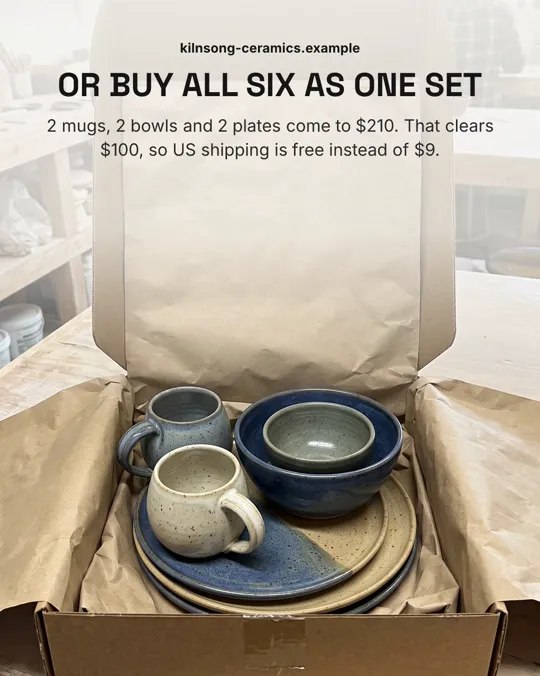


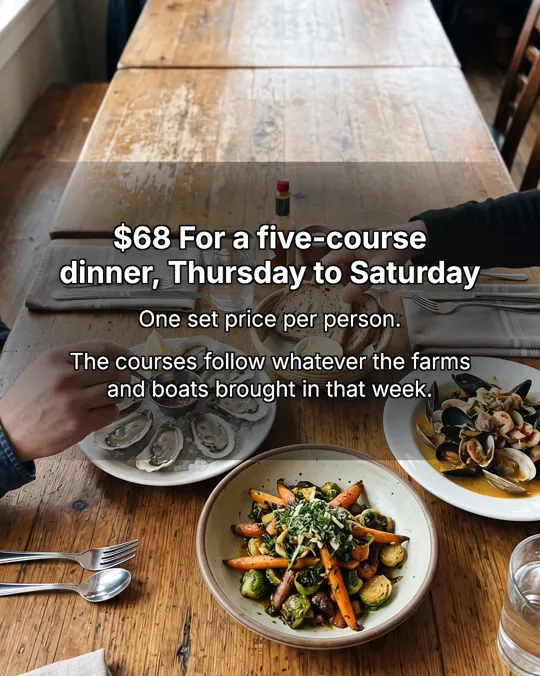
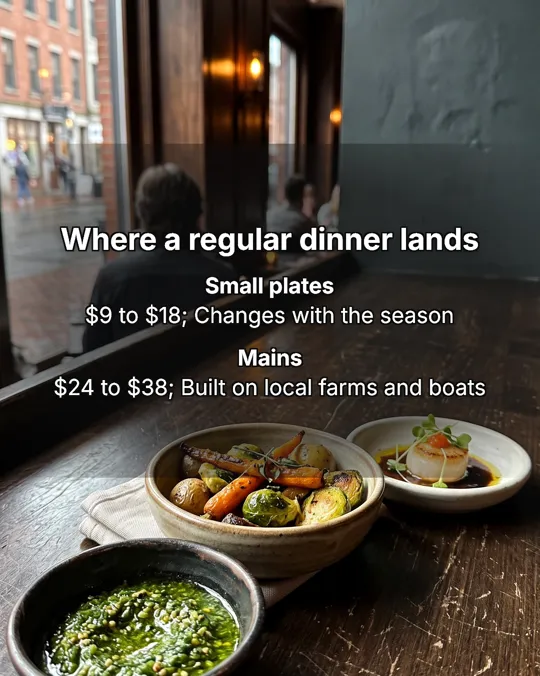
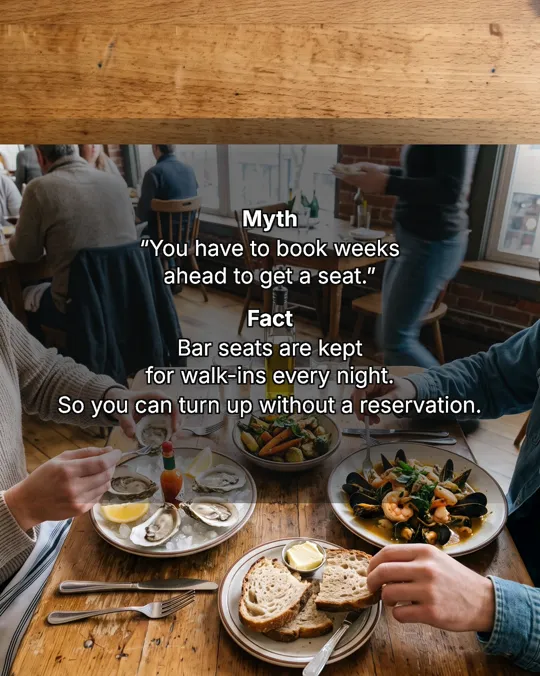



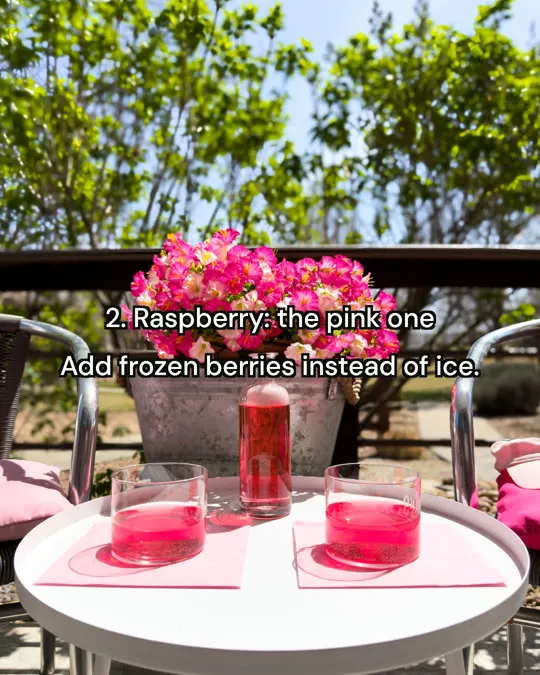



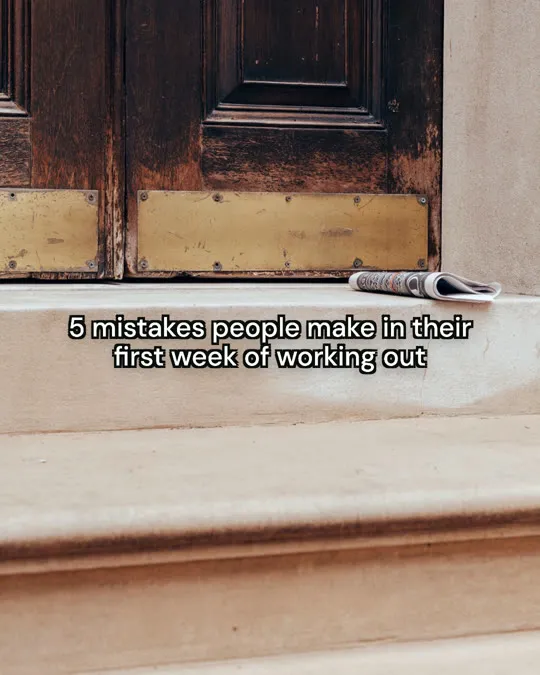

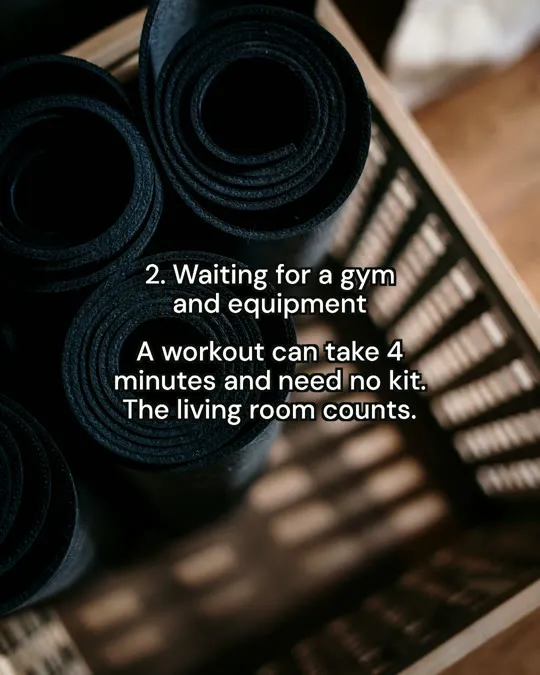
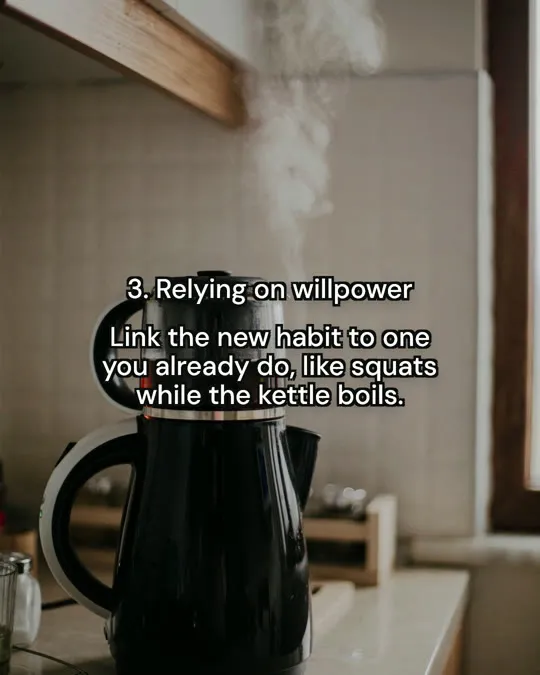
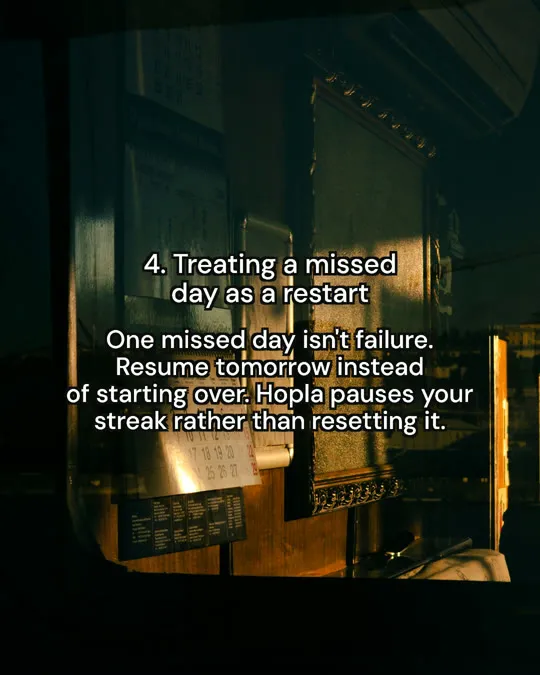



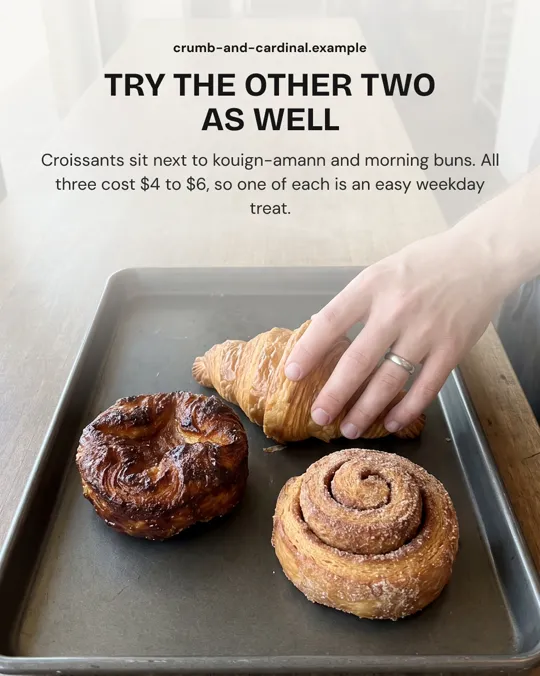
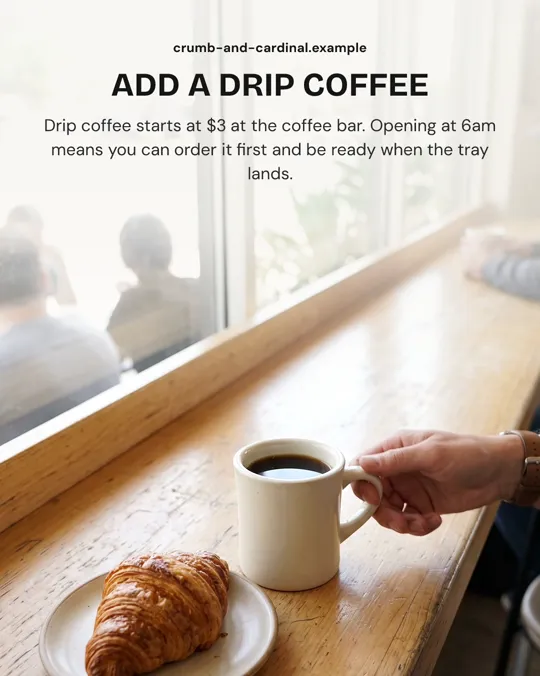
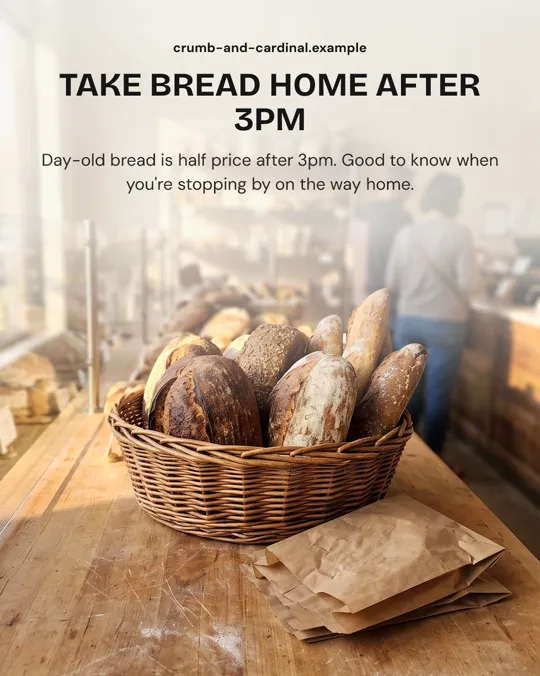
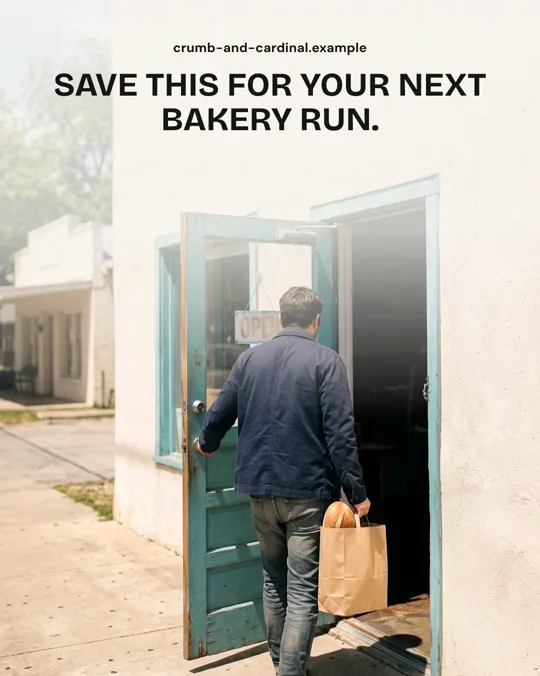
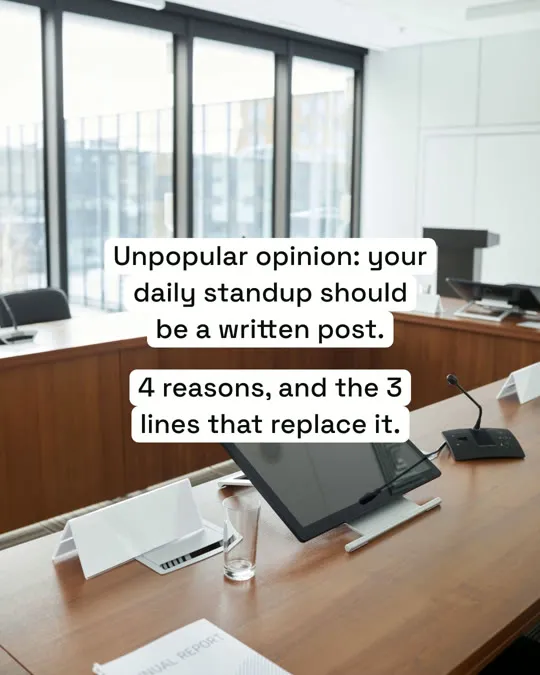
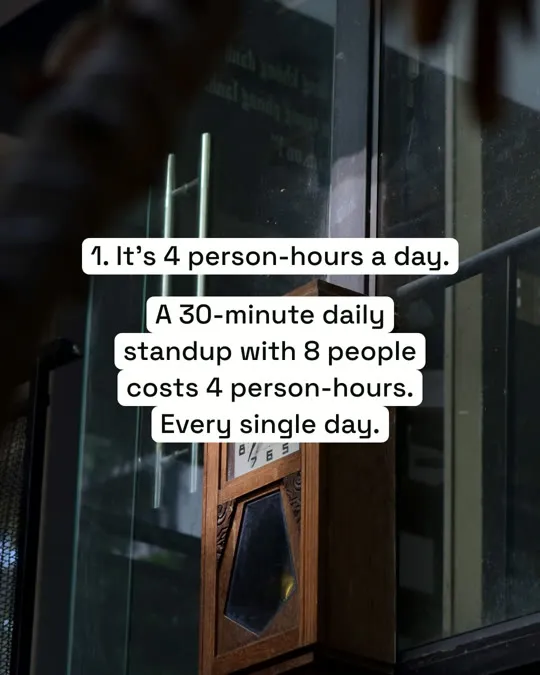
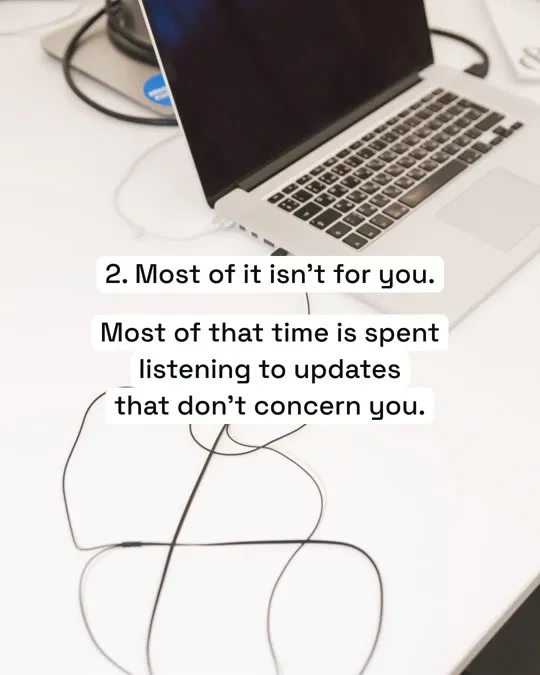
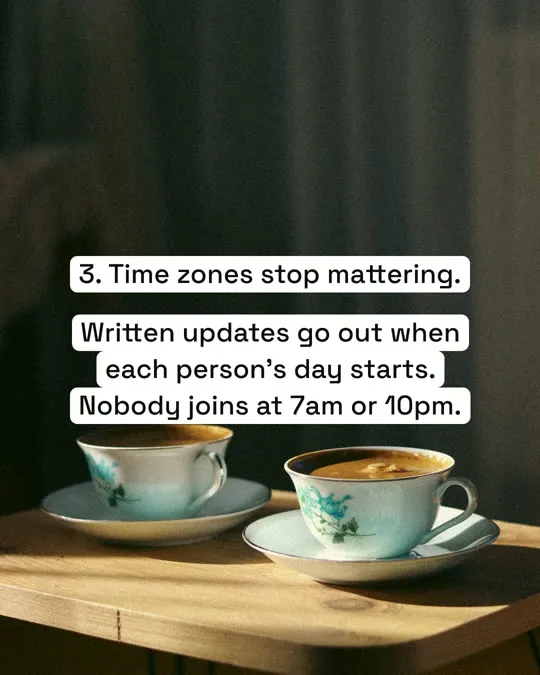

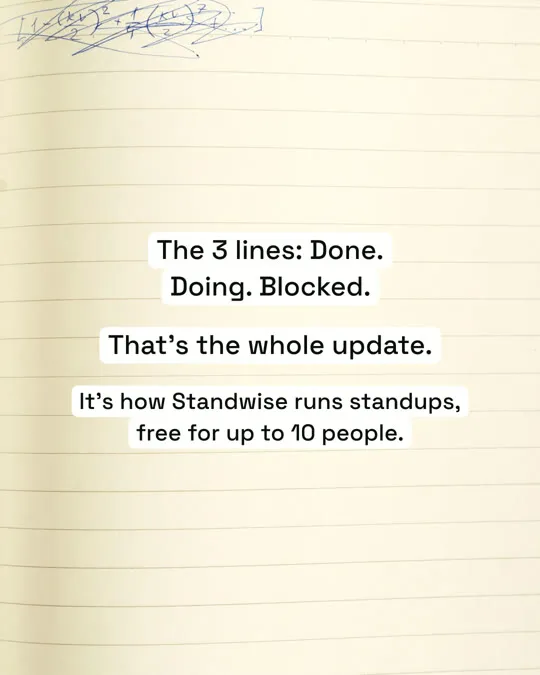
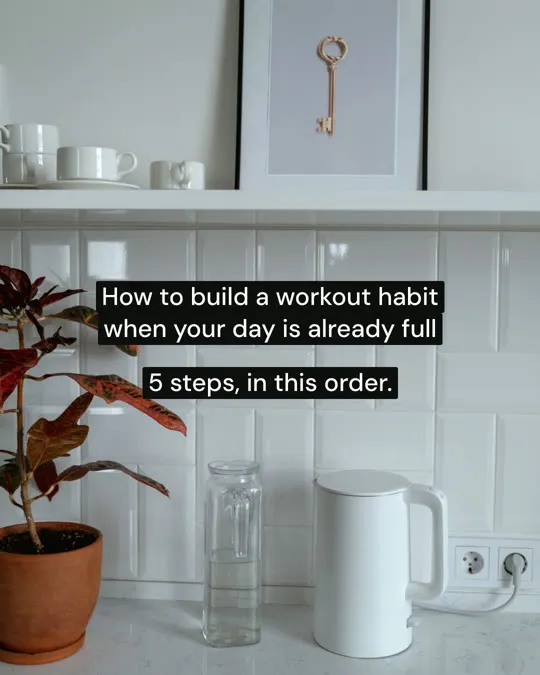

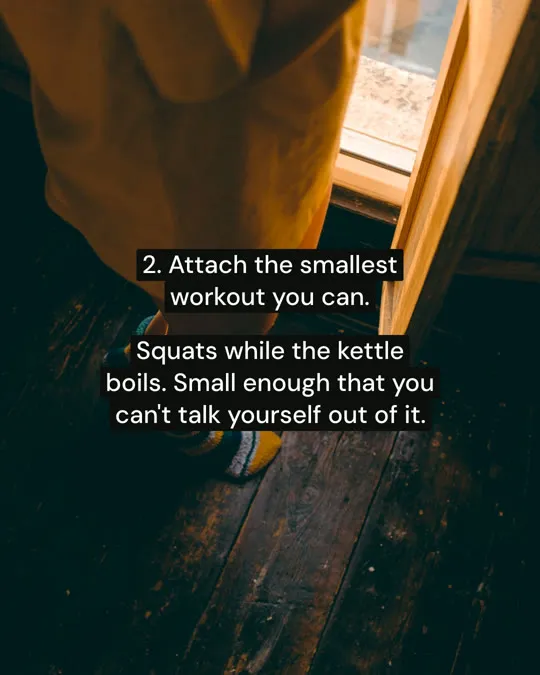
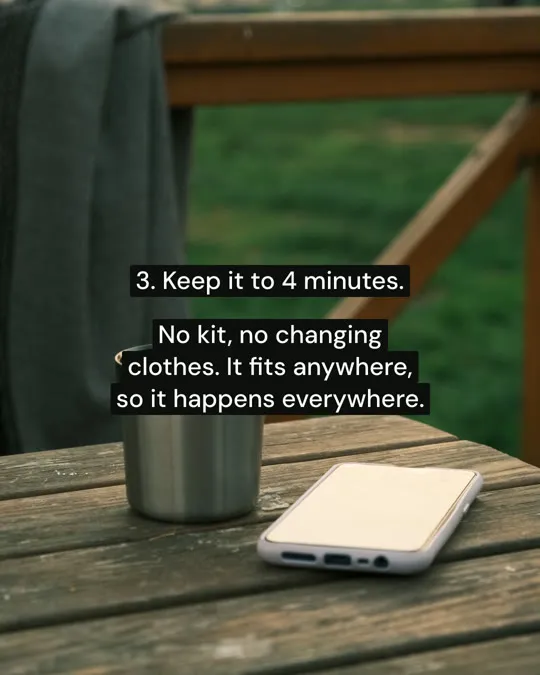
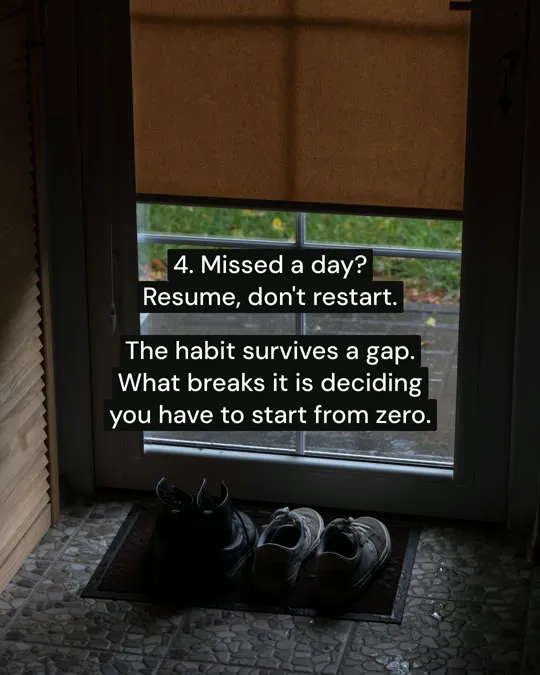
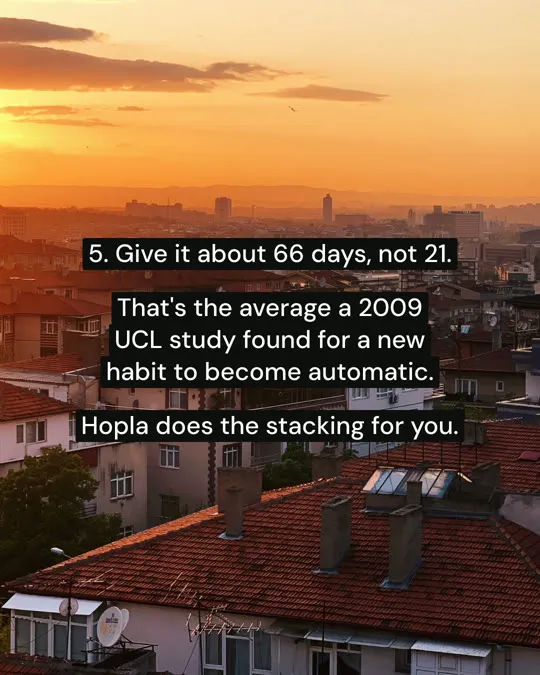

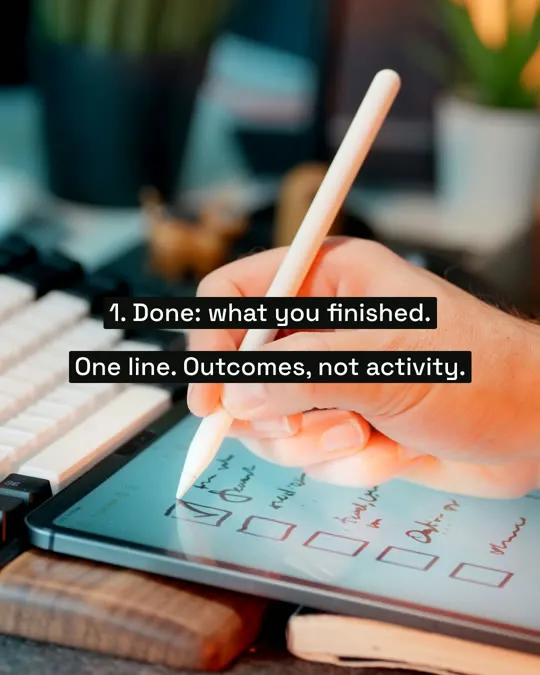
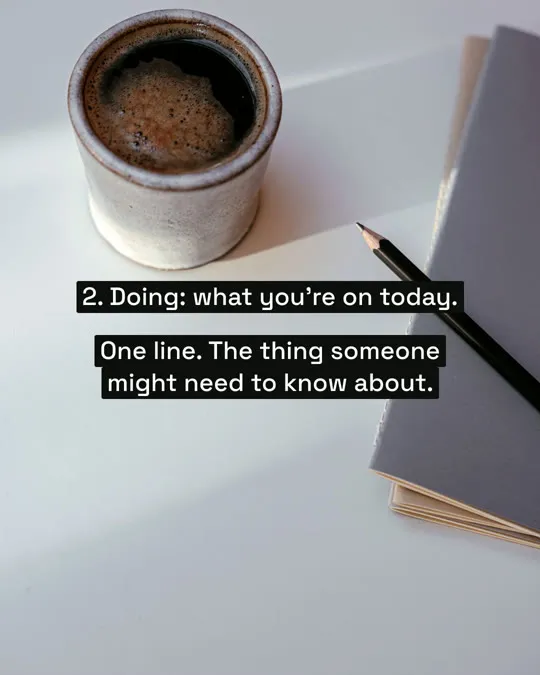
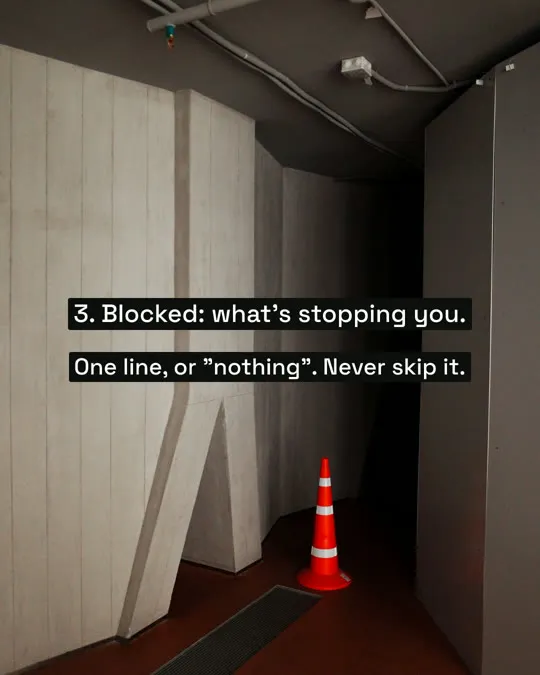

Real Postdom posts for sample brands, which aren't real businesses. Clips and photos are licensed stock or made with AI, as in the product.
How the carousel maker works
A carousel is a post of several slides that people swipe through. Postdom makes them from what your website says, so each one is about your business, not a blank template.
Postdom is an AI social media tool that turns your website into short videos, slideshows and posts, then publishes them.
Paste your website address.
Postdom reads your main pages and builds a Brand Kit: what you sell, what it costs and where you are. Each fact links to the page it came from.
It picks the ideas.
A price people ask about, a common mistake, a quick how-to, a list of options.
Each idea becomes a carousel.
A cover with the hook, one point per slide and up to 10 slides, in one of 35 styles. A caption is written for each platform.
You approve, and it posts.
Approved carousels are scheduled at your posting times. They publish to TikTok, Instagram, Facebook and LinkedIn.
AI carousel maker
An AI carousel maker writes the slides and lays them out for you. Postdom's AI builds each carousel around facts from your site, such as a price, a service or your area, so the slides say something true about you.
The photos are made with AI in one casual look for your brand, so a carousel reads like one shoot. The text sits in plain text boxes, the way people set text on the apps themselves.
Carousel post maker
A carousel post maker should give you a post, not only slides. Postdom writes the caption for each platform and schedules the carousel inside your posting rules.
You see every carousel before it goes out, and you decide which ones post.
Instagram carousel maker
On Instagram, Postdom posts a carousel as a swipeable post of several images, sized for the feed, with its own caption.
Want one Instagram carousel to download and post yourself? Use our free Instagram carousel maker tool. It makes 4 to 6 slides from your website or a topic, and you download them with a free account.
LinkedIn carousel maker
On LinkedIn, a carousel goes out as a document post: each slide becomes a page that people swipe through in the feed. Postdom builds that file and posts it for you.
The same carousel can go to your other connected accounts too, each with a caption written for that platform.
Free carousel maker
Paste your website in the box at the top and sign up with no card. Your first carousel is made for you, so you can judge it before you pay for anything.
Carousels made on Free carry a small Postdom watermark. Paid plans add more posts each month and can turn the watermark off.
What else Postdom makes
Carousels are one of three formats. You choose which ones are in your mix.
| Format | What it is | Where it posts |
|---|---|---|
| Short video | Upright 9:16 video with on-screen text, clips matched to each line and music; one style adds an AI voiceover | TikTok, Instagram Reels, YouTube Shorts, Facebook Reels and LinkedIn |
| Slideshow | Swipeable photo slides with the text set the way the apps set it | TikTok, Instagram, Facebook and LinkedIn |
| Single image | One designed image, such as a price list or a this-vs-that card | TikTok, Instagram, Facebook and LinkedIn |
What makes a carousel worth swiping
These are the rules Postdom writes to. They also work if you make carousels yourself.
- Put the whole promise on the cover, in about ten words, said the way you would say it out loud.
- Give every slide a single point. A second point belongs on its own slide.
- Use a real number from your business, such as a price, a time or a place.
- Pick a photo that fits the point on each slide, not a generic background.
- End with one easy next step, such as saving the post or booking online.
Questions
What is a carousel maker?
A tool that makes posts of several slides people swipe through. Postdom makes them from your website and posts the ones you approve.
Is the carousel maker free?
Your first carousel is free. The Free plan is 1 post a month on 2 accounts on any platform, with no card, so your free post can be a carousel. On Free the slides carry a small Postdom watermark, which you can turn off on Starter ($39 a month for 30 posts) or any other paid plan.
How many slides can a carousel have?
Up to 10. Most work well with a cover, a handful of points and a closing slide.
Where do the carousel photos come from?
Postdom makes them with AI in one look for your brand. Once you connect a Shopify or Squarespace store, it uses your store's product photos first. Your website's photos are not put on slides.
Can I add my own photos to a carousel?
Not into the carousels Postdom makes. If you already have finished posts of your own, Postdom can publish those as they are.
Which platforms can the carousels go to?
TikTok, Instagram, Facebook and LinkedIn, each in the form that platform uses for a post of several images.
How is this different from the free Instagram carousel maker tool?
The tool makes one carousel for you to download. Postdom makes new carousels from your site every month and posts the ones you approve.
Do I need to design anything?
No. Postdom writes the slides, makes the photos and lays out the text. You pick a style, or keep the default.
Can I change a carousel before it posts?
Yes. Approve it, ask for a change or reject it. Each change to a carousel uses one credit, from the credits paid plans include every month (Free includes none).
Do I need to install anything?
No. Postdom runs in your browser. Paste your website address in the box at the top to start.
Turn your website into carousels
Enter your address and swipe through the carousels Postdom makes for you. Nothing posts until you connect an account and approve a carousel.