
TikTok photo posts you swipe through
TikTok slideshow maker: slides written for your business, on photos made for your brand
Add your website, @handle or business name and this TikTok slideshow maker writes the slides, makes the photos and posts a swipeable photo post to your TikTok once you approve it, with TikTok's own matching track.
A TikTok slideshow is a photo post people swipe through, with text on each slide and a track. Postdom is an AI social media tool that turns your website into short videos, slideshows and posts, then publishes them. It makes them from your website: up to 10 slides, a hook cover and photos made for your brand, posted to TikTok.
Slideshows Postdom has made for TikTok
Seven finished slideshows for sample businesses, labeled with their style and their trade. Swipe each one the way you would on TikTok.
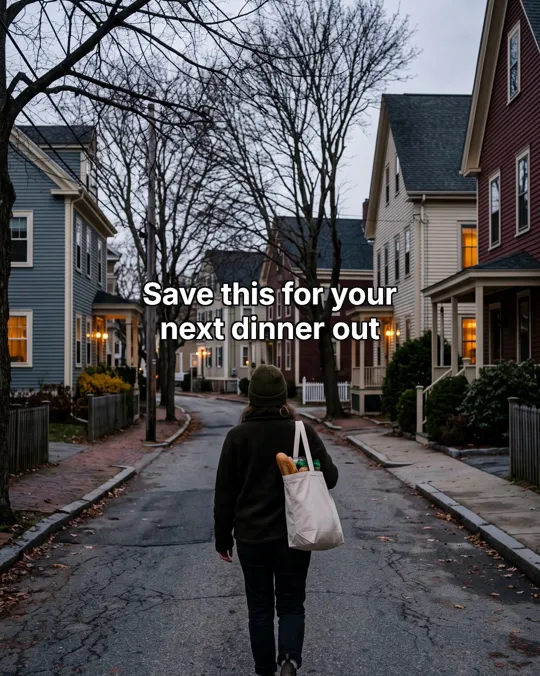

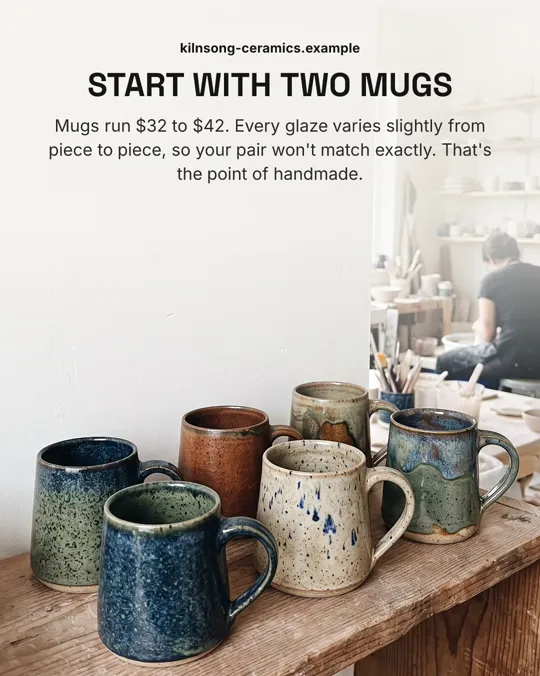
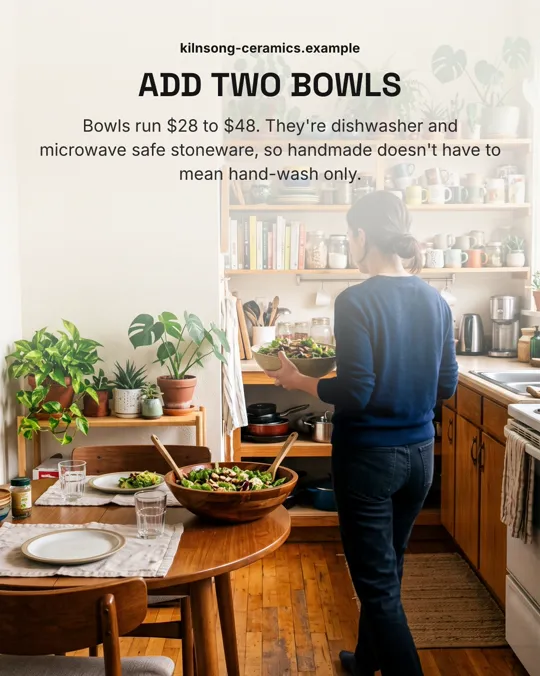
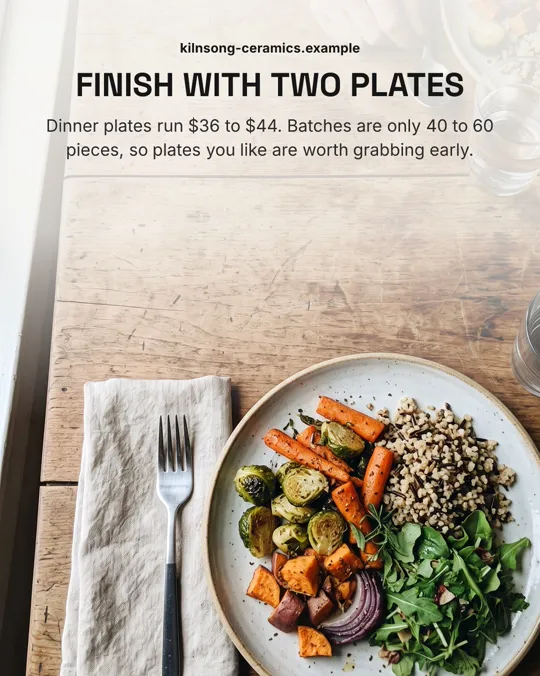
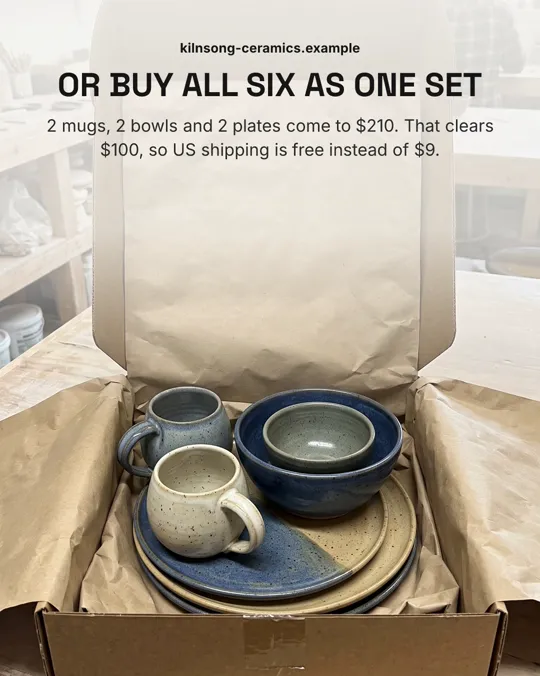

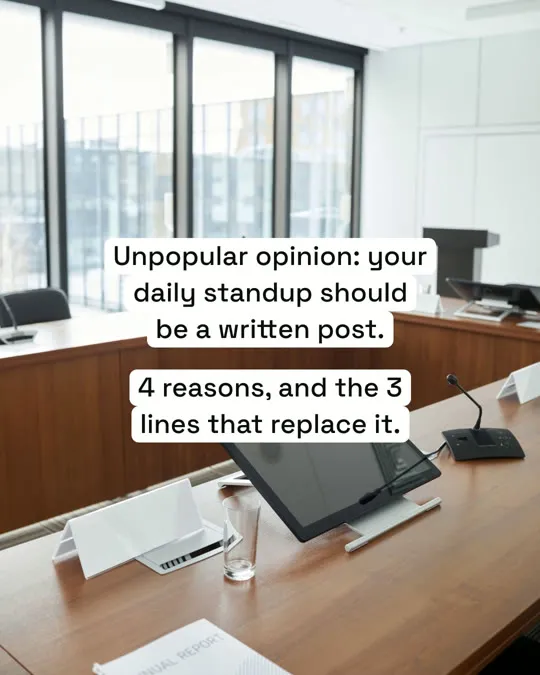
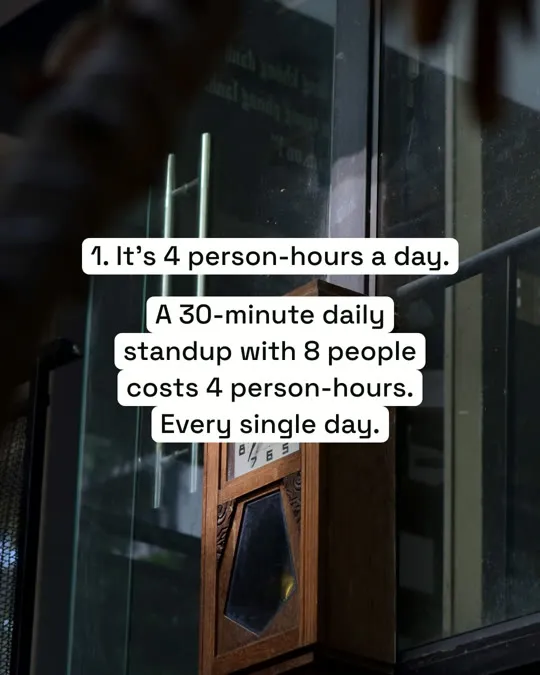
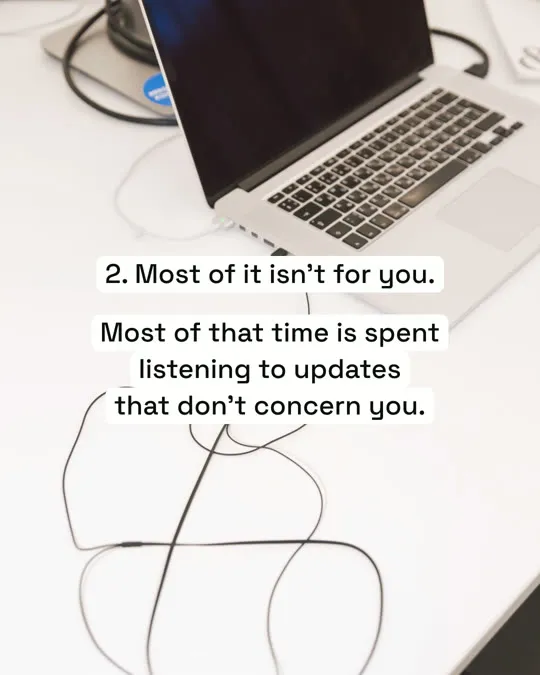
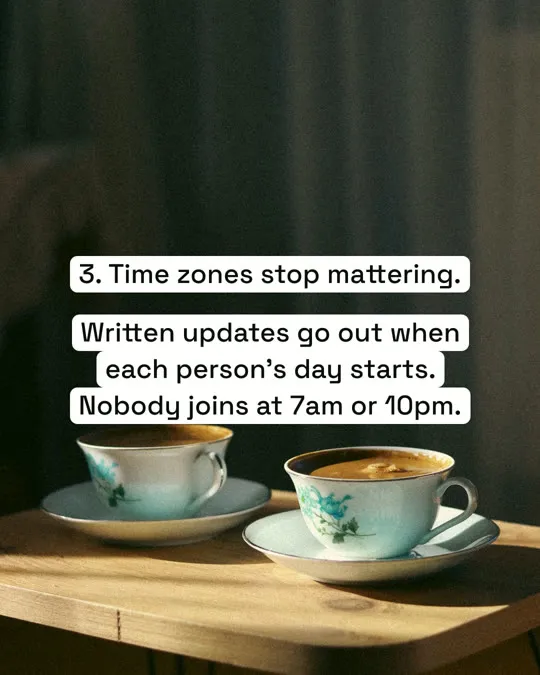
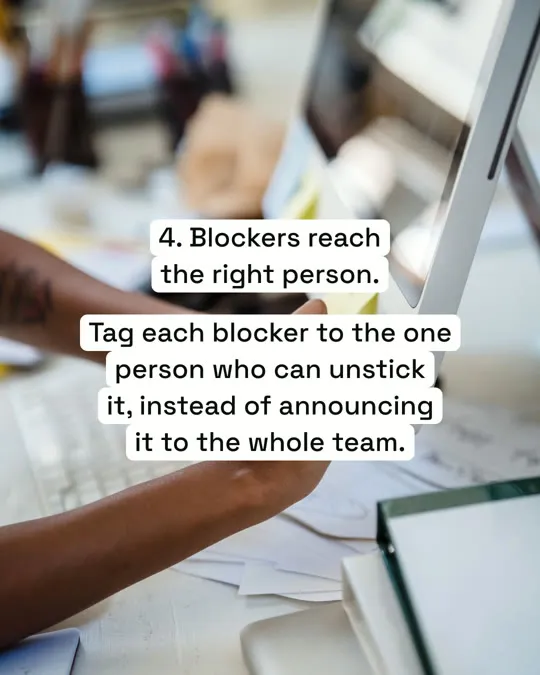
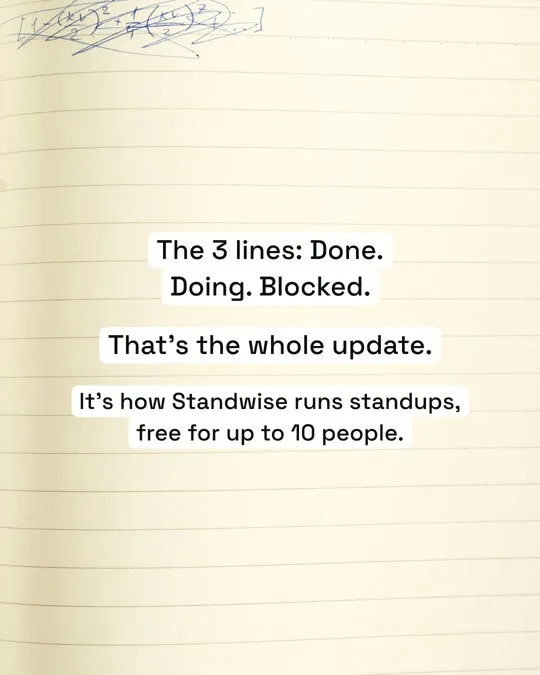


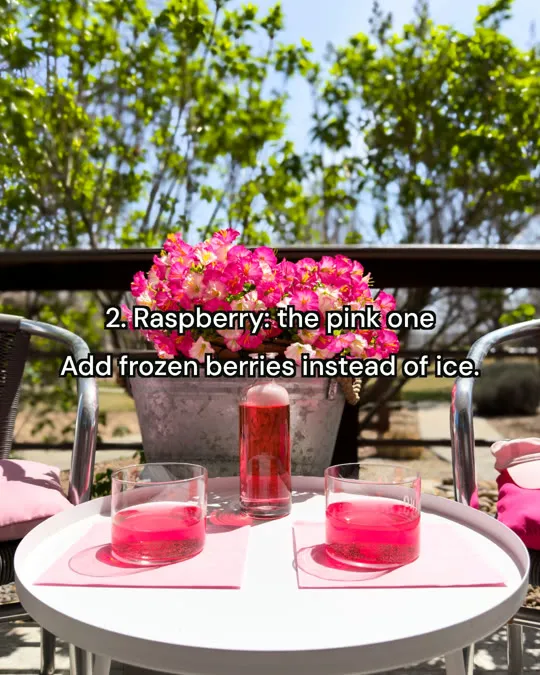
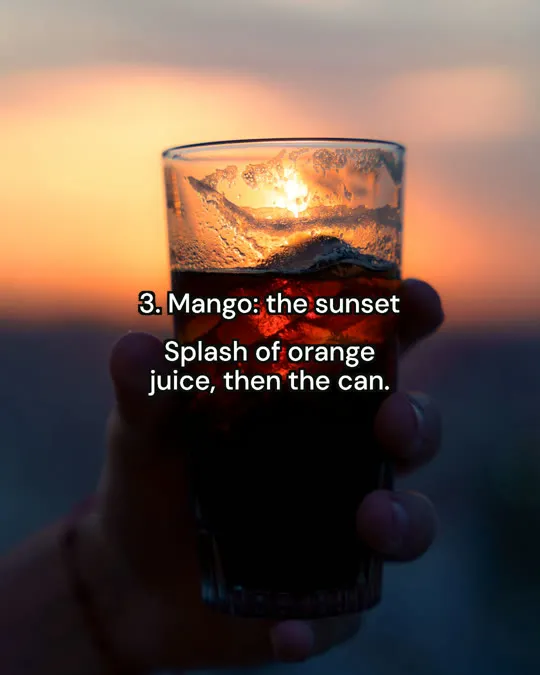



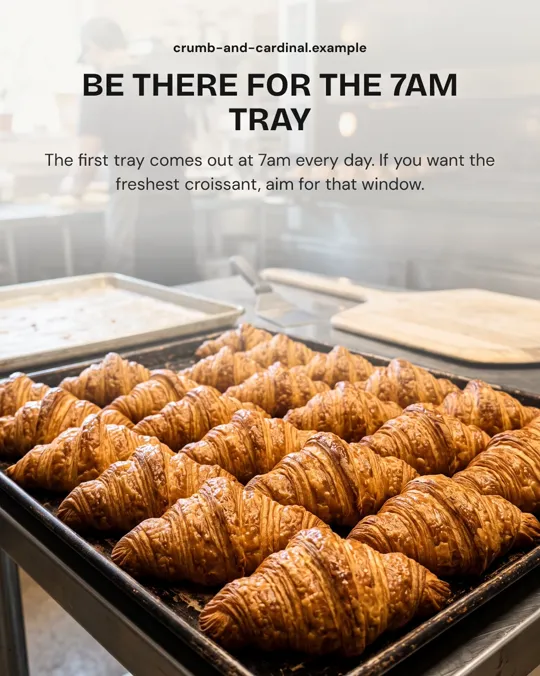
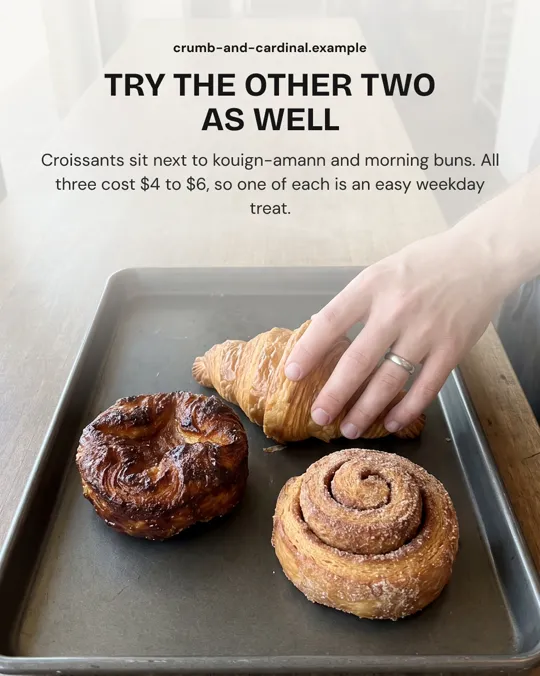
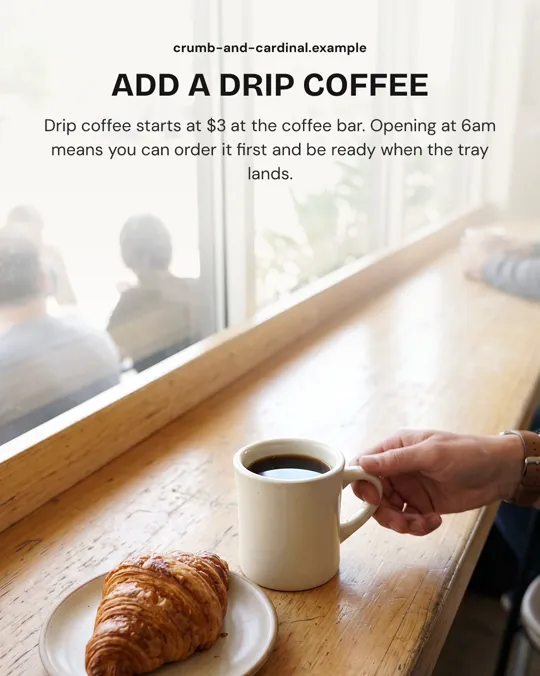
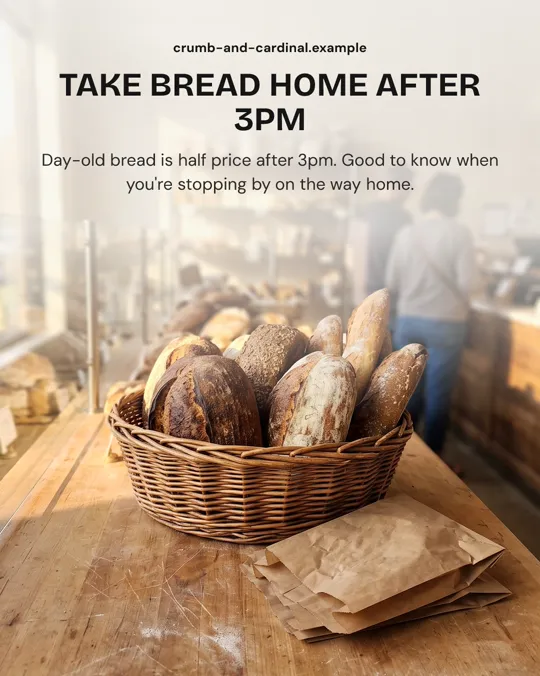
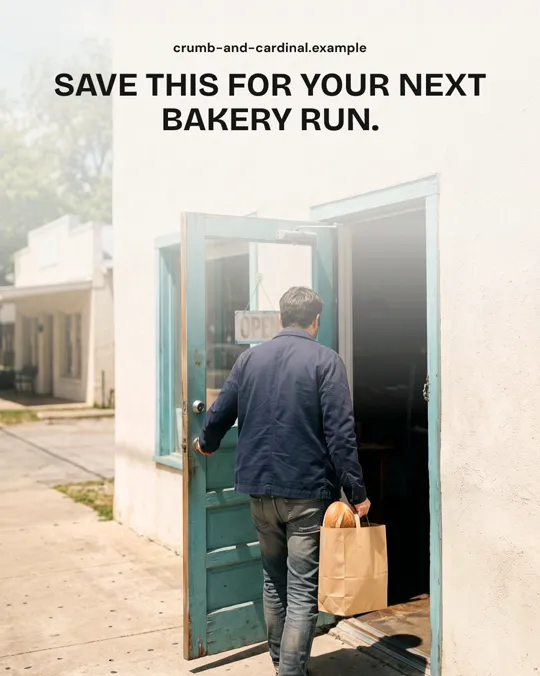

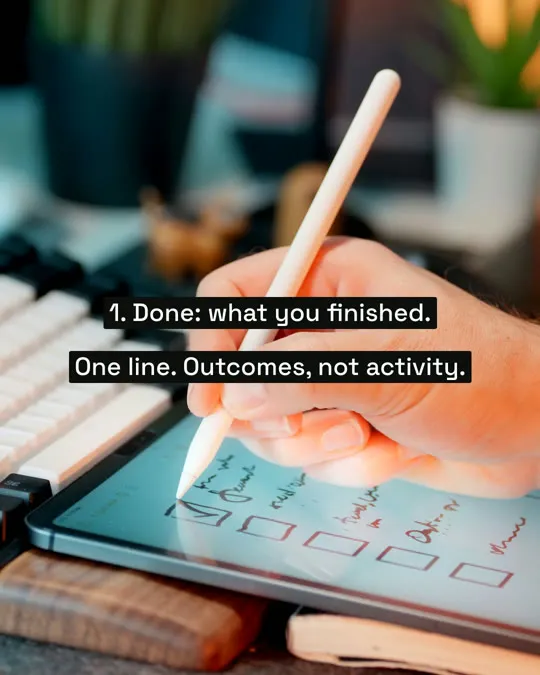
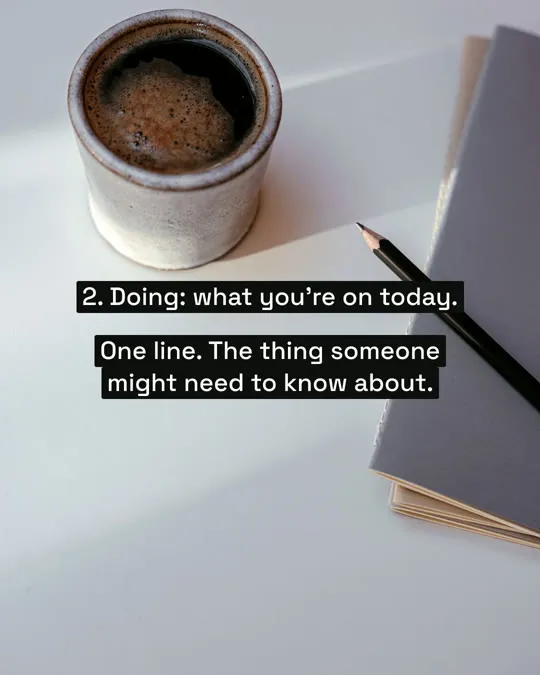
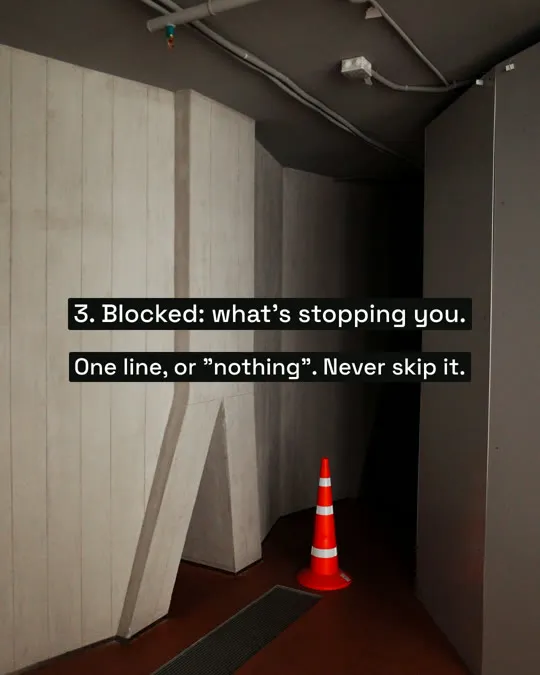
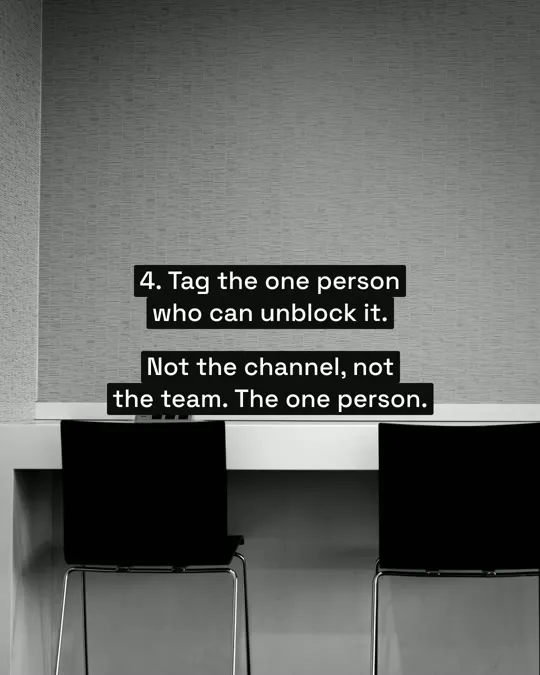
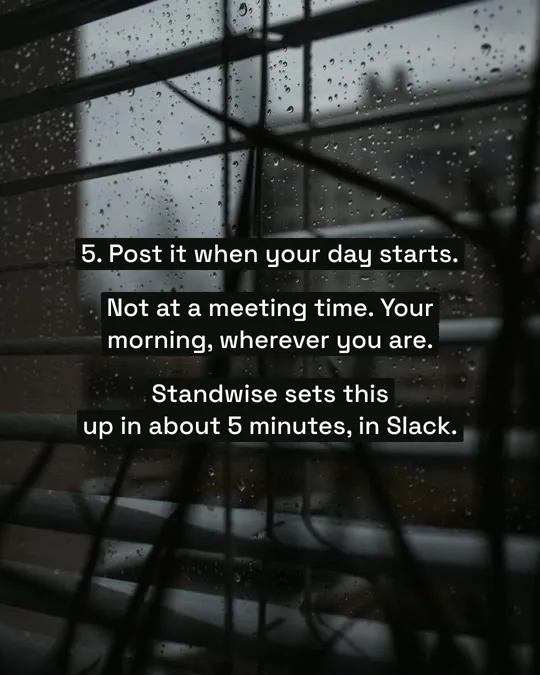
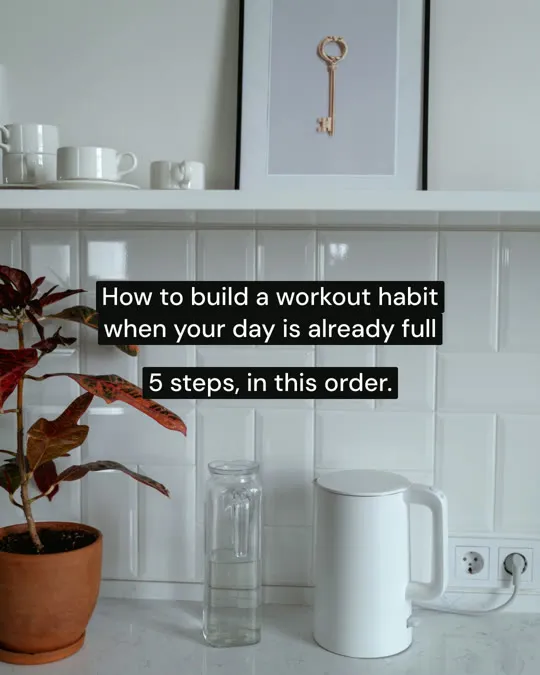
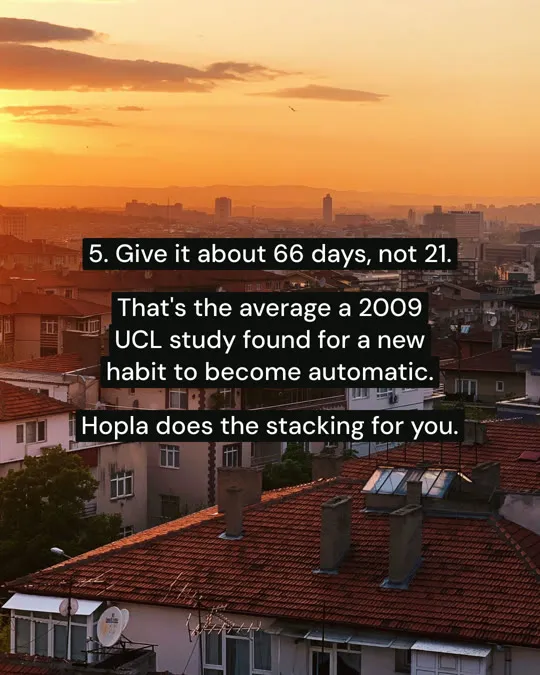
Real Postdom posts for sample brands, which aren't real businesses. Clips and photos are licensed stock or made with AI, as in the product.
How to make a TikTok slideshow with Postdom
Postdom writes and designs the slides for a TikTok photo post, so you don't have to find photos and type text on each one.
Paste your website.
Postdom finds what a slideshow can say: a list of tips, a mistake people make, a price people ask about.
Pick a look.
Choose from 28 slideshow styles, such as white text boxes on a photo or a caption in TikTok's own style, each previewed in your brand.
Get the slides.
A cover that makes people swipe, one point per slide and up to 10 slides, on photos made with AI in one look for your brand.
Approve, and it posts.
Postdom posts the slideshow to your TikTok account as a photo post at the time you set. TikTok adds a matching track.
Example: a restaurant menu as five swipeable slides
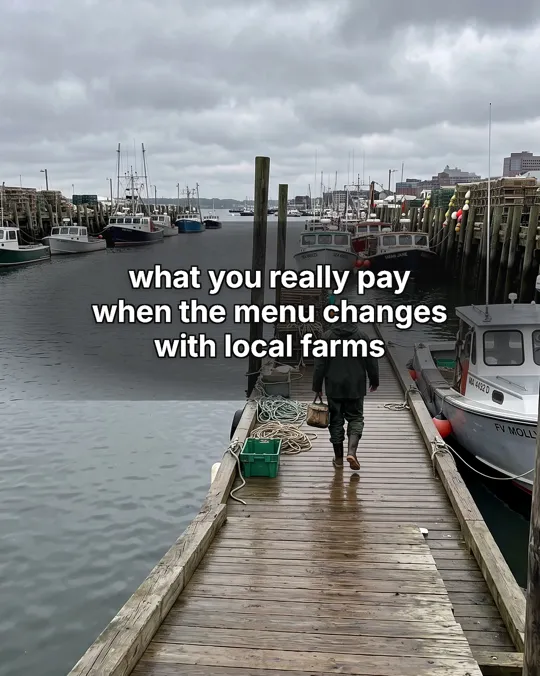
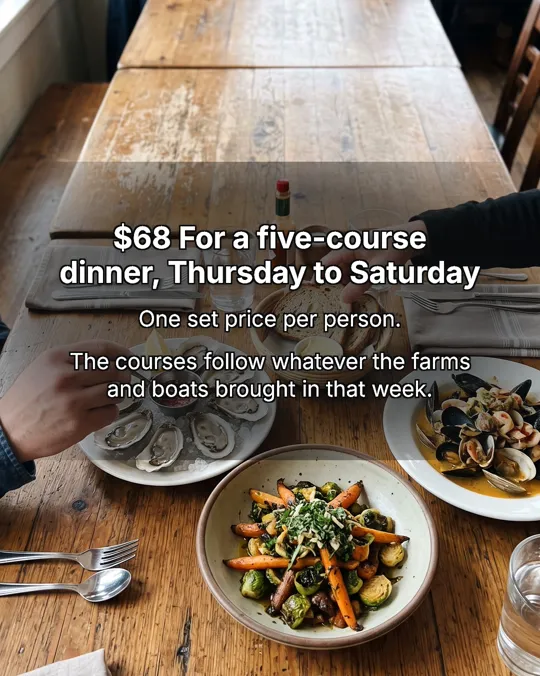
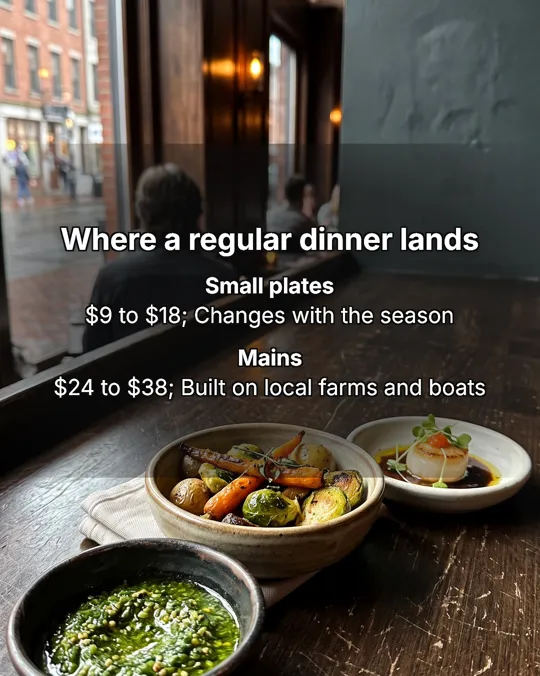
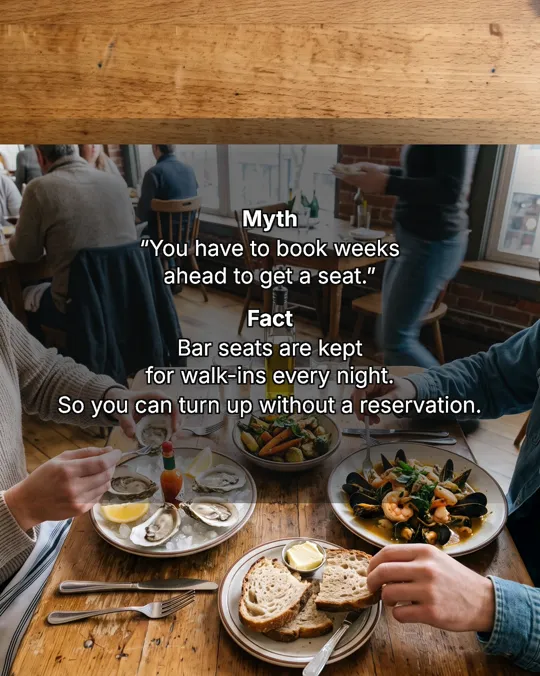
Gullstone Kitchen is a sample 40-seat restaurant in Portland, Maine. Postdom made this five-slide photo post in the caption-on-photo style from its menu and FAQ pages.
| On the website | In the post |
|---|---|
| The menu changes with what local farms and boats bring in | Cover: "what you really pay when the menu changes with local farms" |
| Chef's tasting menu: five courses for $68 a person, Thursday to Saturday | Slide 2: "$68 for a five-course dinner, Thursday to Saturday" |
| Dinner menu: small plates $9 to $18, mains $24 to $38 | Slide 3: "Where a regular dinner lands", with both price ranges |
| FAQ: walk-ins? Yes, the bar seats are kept for walk-ins every night | Slide 4: Myth "You have to book weeks ahead to get a seat", then the fact |
| Call to action: book a table online, or walk in for a bar seat | Slide 5: "Save this for your next dinner out" |
The cover makes the promise, each slide answers one part of it with a real number, and the last slide gives people a reason to save the post.
TikTok slideshow maker
On TikTok you can post a short video or a photo slideshow. They do different jobs.
| Photo slideshow | Short video | |
|---|---|---|
| How people watch | They swipe at their own pace and can go back | It plays on its own and loops |
| What it suits | Lists, steps, before and after, things to save | One hook and one idea, with movement |
| Sound | TikTok adds a matching track, or you pick one in the app | Postdom adds music, or a voiceover in one style |
| What Postdom makes | Up to 10 slides on photos made for your brand | An upright video with text, clips and music |
How to make a slideshow on TikTok
In the TikTok app it takes five steps:
Tap the plus button.
Open TikTok and tap + at the bottom of the screen.
Choose your photos.
Tap Upload, pick two or more photos in the order you want them, and keep them as a photo post, not a video, so people can swipe.
Add text to each slide.
Tap Text and type one short point per slide; put the whole promise on the cover.
Pick a sound.
Tap Add sound and choose a track, or keep the one TikTok suggests.
Write a caption and post.
Add a caption and hashtags, then post now or save it for later.
The shortcut: paste your website in the box at the top and Postdom writes the slides, makes the photos and posts the slideshow to TikTok once you approve it, with a matching track added by TikTok.
AI TikTok slideshow generator
An AI TikTok slideshow generator does more than lay out text: Postdom writes the words from the facts on your website, so every slide says something true about your business.
The same slideshow can also post to TikTok, Instagram, Facebook and LinkedIn, sized for each.
- Put the whole promise on the cover, in about ten words.
- Keep one point on each slide.
- Use a real number from your business on at least one slide.
- End on a slide worth saving, such as a checklist or a price.
Free TikTok slideshow maker
Connect TikTok when you approve one, and it posts at the time you set. Starter is $39 a month for 40 posts.
Questions
What is a TikTok slideshow?
It is a TikTok post made of photos instead of a video. People swipe through the slides at their own pace, a line of text sits on each one, and a track plays under them.
How do I make a slideshow on TikTok?
Tap +, then Upload, pick your photos as a photo post, add text to each slide, choose a sound and post. With Postdom you paste your website instead, approve the slideshow it makes, and it posts for you.
Can I add music to a TikTok slideshow?
TikTok adds a matching track when Postdom posts the slideshow. To choose the sound yourself, send it to your TikTok inbox and pick the sound in the app.
Whose photos are on the slides?
Postdom makes them with AI in one casual look for your brand, or uses your store's product photos once you connect Shopify or Squarespace. A stock photo stands in only when a photo can't be made.
How many slides can it make?
Up to 10. A cover, a handful of points and a last slide works for most topics.
Why not design it in Canva or CapCut?
With Canva or CapCut you design each slide yourself. Postdom writes the slides from your website, makes the photos and posts the slideshow to TikTok after you approve it.
Can I edit the slides before they post?
Yes: approve the slideshow, send it back with a change, or reject it. Each change to a TikTok slideshow starts at 4 credits, from the credits your plan includes every month.
Do slideshows work for a business on TikTok?
Yes. They suit anything people want to read and keep, such as tips, prices, steps and checklists. Many businesses post a mix of slideshows and short videos, and Postdom makes both from the same website.
Make your first slideshow for TikTok
Paste your website and get a slideshow in your brand before you connect TikTok.