
Your store in, short product videos out
AI product video generator: paste your store, get product videos free for 7 days
Paste your store's address and this AI product video generator reads your product pages, writes short vertical videos about what you sell, and posts the ones you approve to TikTok, Instagram Reels, YouTube Shorts, Facebook Reels and LinkedIn.
An AI product video generator turns what you sell into short videos. Postdom is an AI social media tool that turns your website into short videos, slideshows and posts, then publishes them. It reads your store's product pages, or Shopify catalogue, and makes 7 to 22 second vertical videos showing your real product photo with a hook, text and music.
Product videos made from a website
Each of these started as a sample business website: a drinks brand, a bakery, a hotel, a fitness app and a software company. Postdom read each site and made the video. Every tile is labelled with its style and its trade.
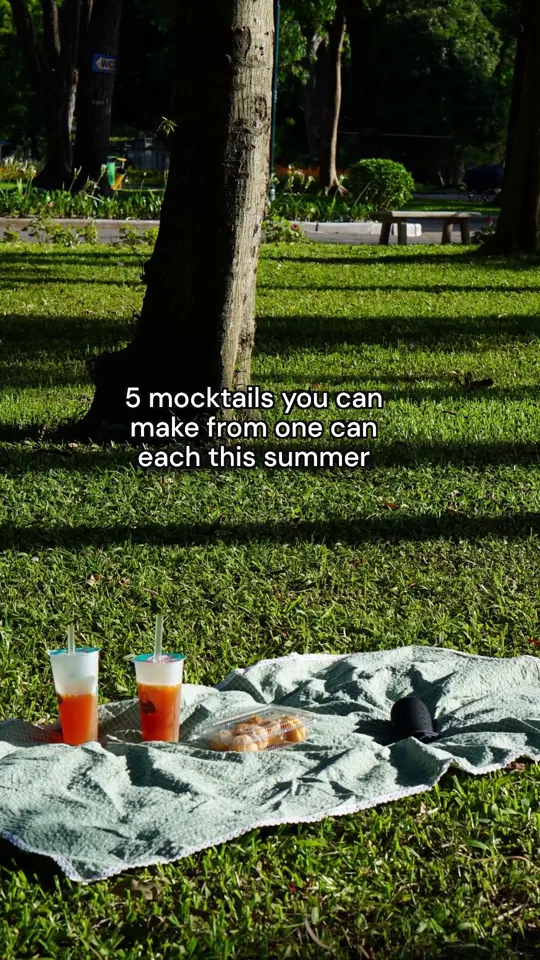



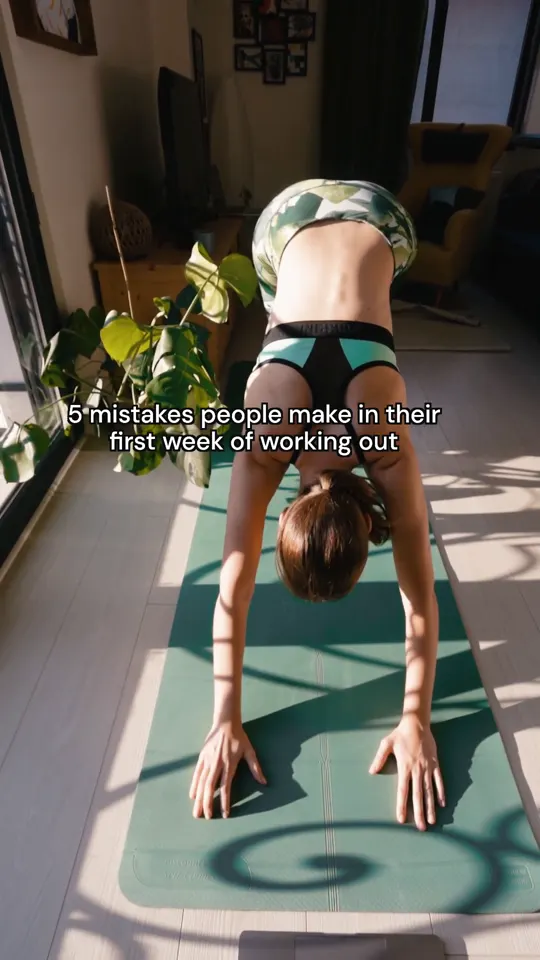

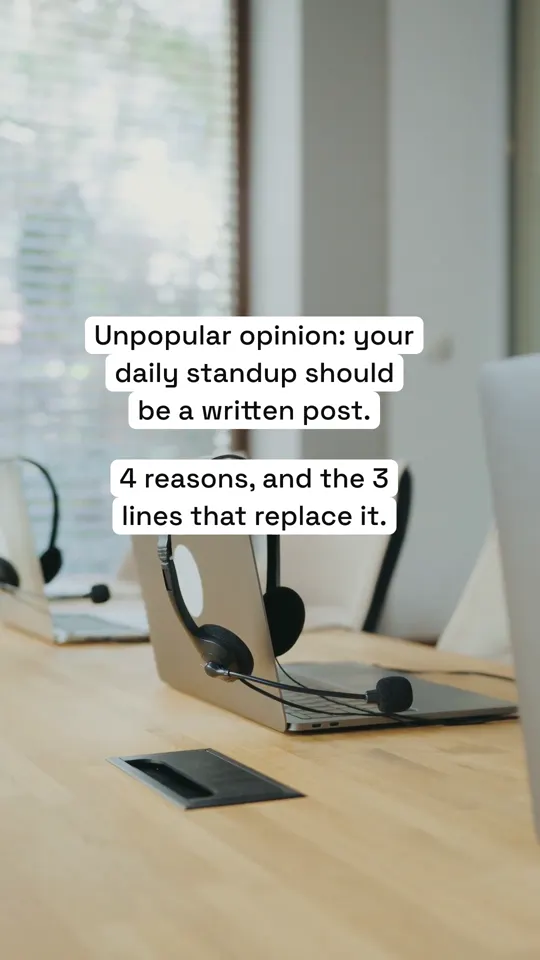
Real Postdom posts for sample brands, which aren't real businesses. Clips and photos are licensed stock or made with AI, as in the product.
How the AI product video generator works
Postdom starts from your website, so the videos use your real product names, prices and details.
It works with any public store, and with Shopify and Squarespace stores you connect: Postdom reads the catalogue (products, prices and photos), and on Shopify it never reads orders or customers.
Paste your store's address.
Postdom reads your home page and the pages it links to. Product and service pages get more room in that read than any other kind of page.
It builds your Brand Kit.
What you sell, what it costs and who it's for, with each fact linked to the page it came from. You can edit any of them.
Each idea becomes a video.
A product, a price, a reason to buy or a common question, turned into a hook, text on screen, clips and music, in one of 38 styles.
You approve, and it posts.
Approved videos go out at your posting times, to TikTok, Instagram Reels, YouTube Shorts, Facebook Reels and LinkedIn.
AI product video
An AI product video from Postdom is built around one fact about one product, such as what it costs, what it's for or why people buy it. A short, spoken-style hook opens it, and the words stay on screen.
When your site has a clear photo of the product, a video can show it as it is. Postdom does not redraw the photo or animate it with AI.
The rest of each video uses checked stock clips and AI-made shots. If a clip looks wrong, ask for a different one, or reject the video.
| Part | What it is | Example |
|---|---|---|
| One product | A product from your store, named as you name it | A handmade dish set |
| One fact | Its price, what it's for or why people buy it | Four pieces for $120 |
| One next step | What the viewer does now | Shop the link in our bio |
Product video maker
Most product video makers are editors: you upload clips and build each video by hand. Postdom makes finished videos for you, and you pick, approve or reject them.
Making one takes four steps: paste your store's address, let Postdom read your products into the Brand Kit, pick a style or keep the mix, and approve the videos you like. Each one sells with words and clips, and with your own product photos where your site has them, and posts at your times.
Shopify product video
Postdom works with any public store, including Shopify stores. Paste your store's address and it reads your products from the pages.
You can also connect your Shopify store. Postdom then reads your products from the store itself: titles, descriptions, prices, product types, tags and photos. It does not read orders or customers, and it never changes your store. See the Postdom for Shopify FAQ.
Free AI product video generator
Start a 7-day free trial on Starter, Growth or Scale with the box at the top. During the trial Postdom makes up to 10 posts from your store, any of them product videos, in every style your plan includes, and posts the ones you approve.
After the trial, Starter is $39 a month for 30 posts. To make a video from one product page, see product link to video.
Videos, slideshows and single images
Short videos are one of three formats. Slideshows and single images can use your store's product photos once you connect Shopify or Squarespace.
| Format | What it is | Where it posts |
|---|---|---|
| Short video | Upright 9:16 video with on-screen text, clips matched to each line and music; one style adds an AI voiceover | TikTok, Instagram Reels, YouTube Shorts, Facebook Reels and LinkedIn |
| Slideshow | Swipeable photo slides with the text set the way the apps set it | TikTok, Instagram, Facebook and LinkedIn |
| Single image | One designed image, such as a price list or a this-vs-that card | TikTok, Instagram, Facebook and LinkedIn |
What makes a product video worth watching
These are the rules Postdom writes to. They also work if you film product videos yourself.
- Open with a spoken-style hook of about ten words that makes sense on its own.
- Open on a person where you can, then show the product.
- Name one product and one fact about it, such as the price or what it's for.
- Stick to one product per video. A second product is a second video.
- Keep the key words on screen, so a muted viewer still gets the point.
- End with one easy next step, such as shopping the link in your bio.
Questions
What is an AI product video generator?
A tool that turns what you sell into short videos. Postdom reads your store's website and makes short vertical videos about your products from it.
Is the AI product video generator free?
Yes, free for 7 days on Starter, Growth or Scale: the trial makes up to 10 posts, and any of them can be a product video. After it, Starter is $39 a month for 30 posts.
Does it work with Shopify?
Yes. Paste your Shopify store's address, or connect the store so Postdom reads your products from it directly. It never changes your store.
Will the videos show my real product?
When your site has a clear product photo, a video can show it as it is. Postdom checks each site photo before it uses one, and skips photos that are off topic or show children.
How long are the product videos?
Most run 7 to 22 seconds, and none is longer than 25 seconds.
What size are the videos?
Upright 9:16, the size TikTok, Reels and Shorts show.
Can it make a video for every product?
Postdom picks the products and ideas from your site and makes a steady run of videos through the month. How many you get depends on your plan.
Can I change a product video before it posts?
Yes. Approve it as it is, send it back with a change, or reject it. Each change to a video uses one credit, from the credits your plan includes every month.
Where can the product videos post?
To TikTok, Instagram Reels, YouTube Shorts, Facebook Reels and LinkedIn, with a caption written for each one.
Do I need to film anything?
No. Postdom makes the videos from your website, with checked stock clips and AI-made shots, plus your own product photos where your site has them.
Turn your store into product videos
Enter your store's address and watch the videos Postdom makes for you. Nothing posts until you connect an account and approve a video.