Your store, ongoing (Postdom)
Good for a shop that wants to post several times a week. Your product pages supply the facts, and Postdom supplies the ideas and the posting.

Your store's product pages in, short videos out
Paste a product link from your own store and this product link to video tool reads that page and the rest of your store, then makes short vertical videos about what you sell. You approve the ones you like, and Postdom posts them to TikTok, Instagram, YouTube, Facebook and LinkedIn.
Updated
See posts made for:Drinks brand: PipsyOnline shop: Kilnsong CeramicsBakery: Crumb & Cardinal Bakehouse
The Free plan needs no card. Nothing posts until you approve it.
Updated 16 October 2026.
Each of these started as a sample business website: a drinks brand, an online ceramics shop, a bakery, a hotel and a fitness app. Postdom read the site and made the post; the label says the format and the trade.

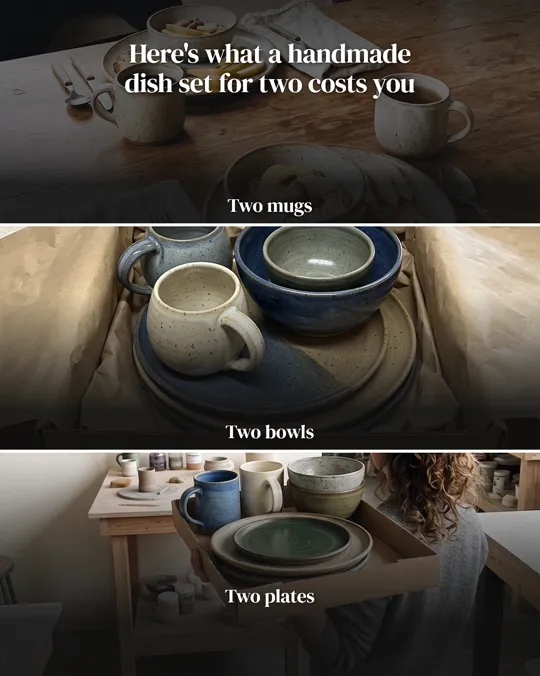



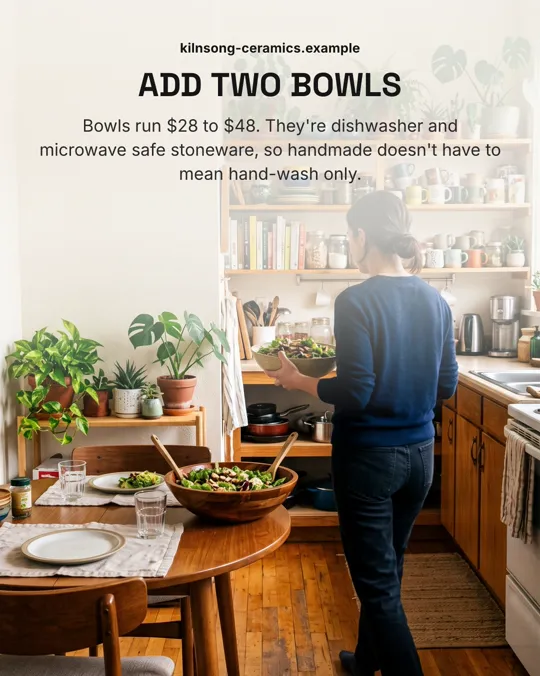
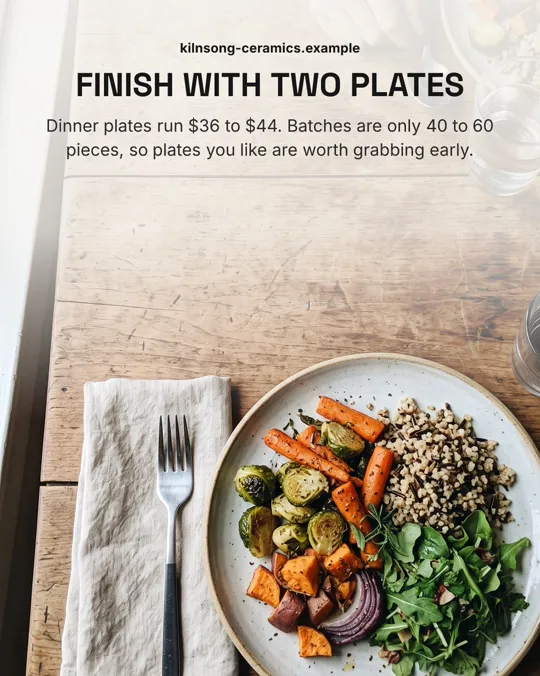
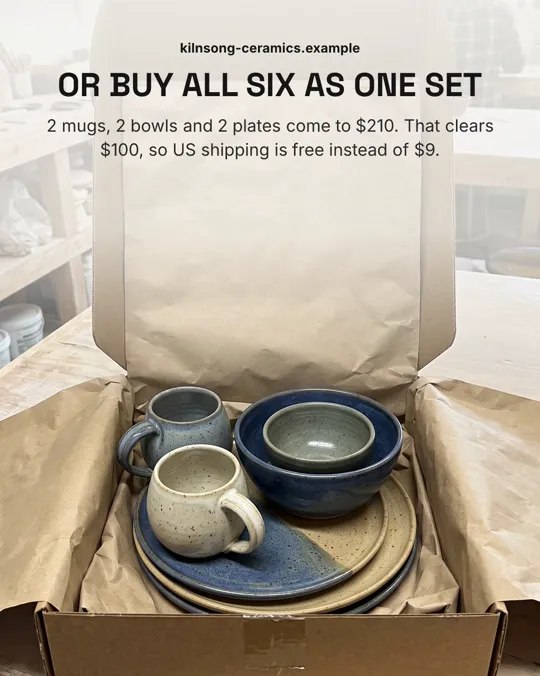



Real Postdom posts for sample brands, which aren't real businesses. Clips and photos are licensed stock or made with AI, as in the product.
Product link to video means pasting the web address of a product page and getting a video made from what the page says: the product's name, what it does, its price and its photos.
Postdom is the AI social media tool that turns your website into short videos, slideshows and posts, then publishes them. Give it a product link and it starts reading on that page, then reads your other product pages, your about page and your FAQ, so it can keep making videos about your store rather than one.
Every fact it picks up goes into your Brand Kit with the page it came from, and you can edit any of them before a video is made.
Use the address of a product page on your own store's site. Postdom reads that page first, then the store's other main pages.
Your products, prices and photos land in your Brand Kit, each linked to the page it came from. Edit anything that's wrong.
Each video has a spoken-style hook, text on screen, clips matched to each line and music. When a line is about the product, the video can show your own product photo from your site.
Nothing posts until you approve it. Approved videos are scheduled at your posting times, and every approve, edit and skip shapes the next ones.
Product link to video AI reads the words on your product pages and turns them into a script, on-screen text and a choice of clips for each line. Postdom builds each video around one true fact from your store, such as a price, a material or what's in the box, so the video says something specific about the product.
Your own product photos are shown as they are, on a plain stage. Postdom never redraws or animates them, and photos from your site are checked before they're used.
A product URL is the address of one product page, like yourstore.com/products/linen-shirt. Paste it and sign up, and your first video is ready in about 2 minutes.
The read begins on that page, so the product is among the first things Postdom learns. It is not the only thing: Postdom also reads your other products, so later videos cover the rest of your range.
Most product URL to video AI tools make one video from one link and hand you a file. Postdom makes a steady run of videos from your store and posts the ones you approve, with a caption written for each platform.
When you keep rejecting videos for the same reason, the next ones change.
Good for a shop that wants to post several times a week. Your product pages supply the facts, and Postdom supplies the ideas and the posting.
Good for a single launch or a sale. You pick the page and the message, then download the file.
Postdom reads the site a link is on as your brand, so the link should be a product page on your own store.
Shopify stores and other public store sites, as long as the page has readable text and its robots.txt allows reading.
Connect the store with the Postdom Shopify app and its catalogue's titles, descriptions, prices and photos join the read. It reads no orders or customers.
An Amazon link reads as Amazon's own site, not your brand, and its product photos sit on Amazon's servers. Paste a link from your own store instead.
Postdom can't read pages that need a password, or a site that blocks reading in its robots.txt.
An ecommerce product video shows what a product is, what it costs and why it's worth it, in a few seconds. Postdom makes these as short vertical videos for the feeds, sized 9:16, most of them 7 to 22 seconds long.
It doesn't make studio product films, 360-degree spins or 3D renders. See the AI product video generator for the kinds of product video it makes.
Postdom works as a Shopify video maker with no editor to learn: paste a product link from your Shopify store, or connect the store with the Postdom Shopify app, and the videos are made for you.
Connected stores also get their product photos in slideshows and single images. If you'd rather start from your homepage, the URL to video converter reads your whole site from one address.
Start on the Free plan and move up when you want more; the table sets Free against Starter. Your free post can be a video made from your product link.
When you want more, Starter is $39 a month for 30 posts, about $1.30 a post, and paid plans can turn the watermark off. See pricing for every plan.
| What you get | Free | Starter |
|---|---|---|
| Price a month | $0 | $39 |
| Posts a month | 1 | 30 |
| Connected accounts, any platform | 2 | 3 |
| Free trial | Not needed | 7 days free, up to 10 posts |
| Postdom watermark | Always on | You can turn it off |
| Formats | Short videos, slideshows, single images | Short videos, slideshows, single images |
The videos Postdom makes go to TikTok, Instagram, YouTube, Facebook and LinkedIn, and approved videos go out at 9am and 7pm in your time zone by default. Postdom posts to nine platforms in all.
The AI label is off by default, and you can turn it on in Settings.
Postdom makes and posts short videos, slideshows and single images. It doesn't read marketplace listings as your brand, make videos of someone else's product, run ads, or give you an editor to build videos by hand.
You pick, approve and nudge. If a video isn't right, edit it or skip it, and the next ones get closer.
Not usefully. Postdom reads the site a link is on as your brand, so an Amazon listing reads as Amazon, and its photos sit on Amazon's servers. Paste a product page from your own store. With no store site, you can describe what you sell, who it's for and where you are, and Postdom makes your first video from your answers.
No. The read starts on that page, so the product is among the first facts in your Brand Kit, and Postdom also reads your other products and pages. Your videos cover your range, not one item.
Your first video can be. The Free plan is 1 post a month on 2 accounts on any platform, with no card. Free posts carry a small Postdom watermark, and paid plans can turn it off.
When a line is about the product, the video can show your own product photo from your site, on a plain stage, before any stock clip. Postdom never redraws or animates it, and photos are checked before they're used.
Most run 7 to 22 seconds, none longer than 25, upright in 9:16 for the short-video feeds.
Yes. Paste a product link from your Shopify store, or connect the store with the Postdom Shopify app, which adds your catalogue's titles, descriptions, prices and photos. It reads no orders or customers.
No. Postdom uses your product photos, licensed stock clips and clips made with AI, with your message as text on screen.
Yes. Approve it as it is, ask for a change, or reject it. Nothing posts until you approve it.
Canva and CapCut are editors: you build each video yourself. Postdom starts from your store's pages, makes the finished videos and posts the ones you approve. If you like building by hand, an editor suits you. If you want videos made for you, Postdom does that.
Paste a product link from your store and get your first video today.
Starter, Growth and Scale start with 7 days free. Free makes 1 post a month.