Single images
A price list, a this-or-that card or three products side by side. The quickest post to read.
Your website in, Facebook posts out
Paste your website and this AI Facebook post generator reads it, then makes image posts, swipeable photo posts and short Reels about what you sell. Approve the ones you like and Postdom posts them to your Facebook Page at your posting times.
An AI Facebook post generator writes and designs posts for a Facebook Page. Postdom is an AI social media tool that turns your website into short videos, slideshows and posts, then publishes them. For Facebook it makes single images, photo posts of several slides and vertical Reels from your site, each with a caption, and posts the ones you approve.
Images, photo posts and Reels, each made from the website of a sample local business: a bakery, a hotel, a restaurant, a ceramics shop, a florist and a dentist. The label under each one says the format and the trade.

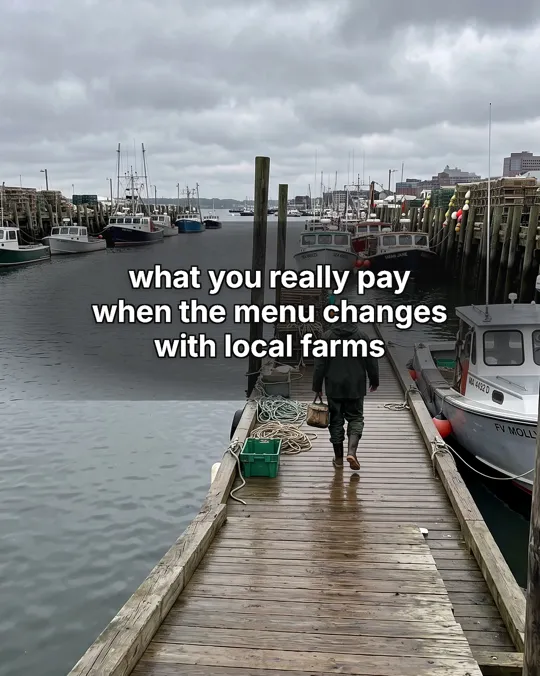
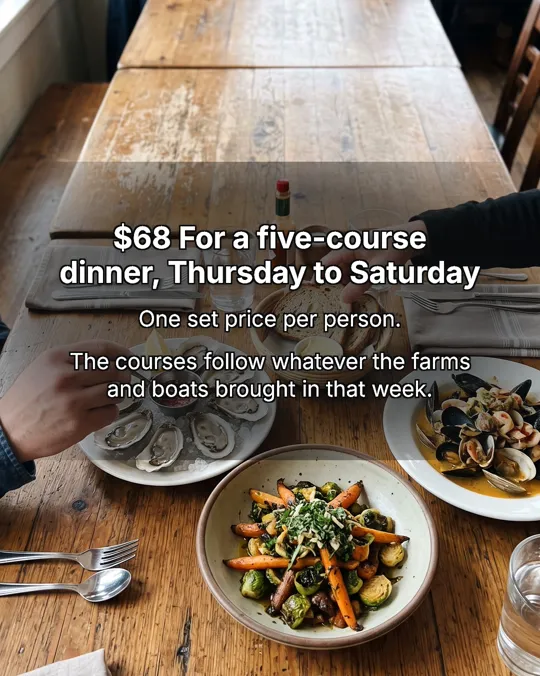
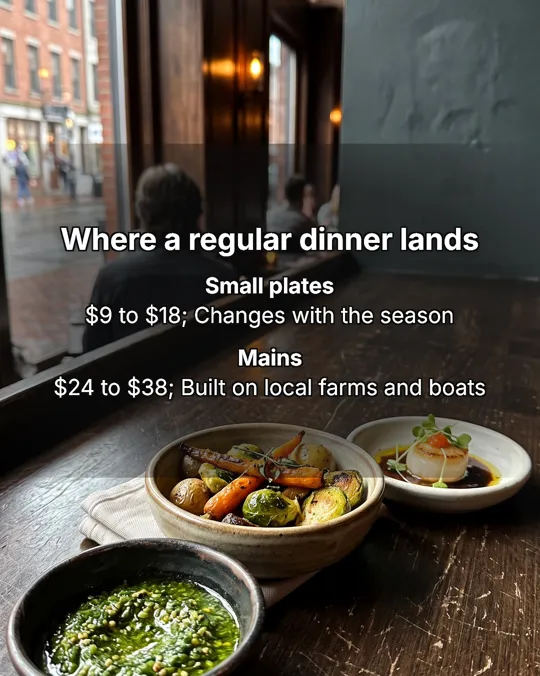
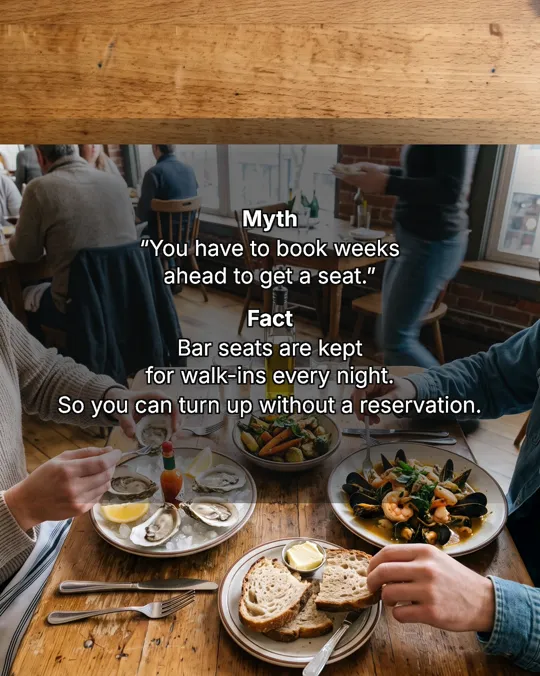

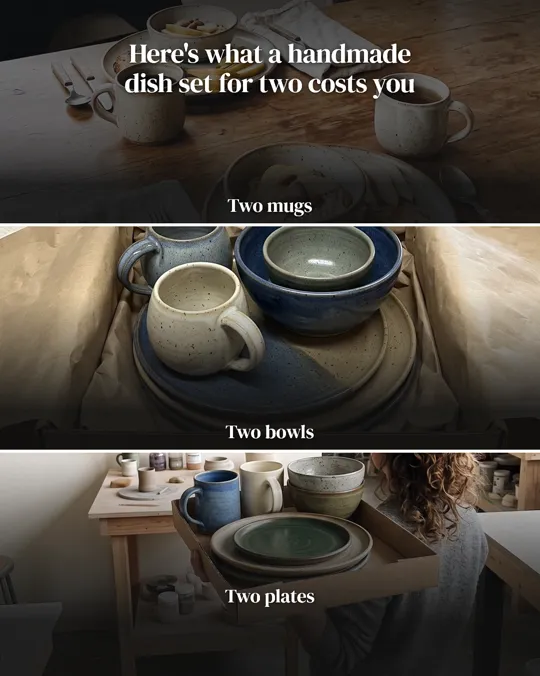


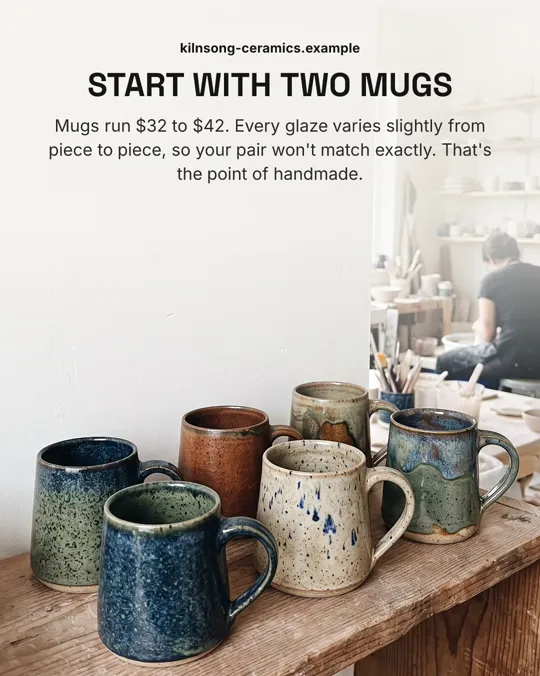
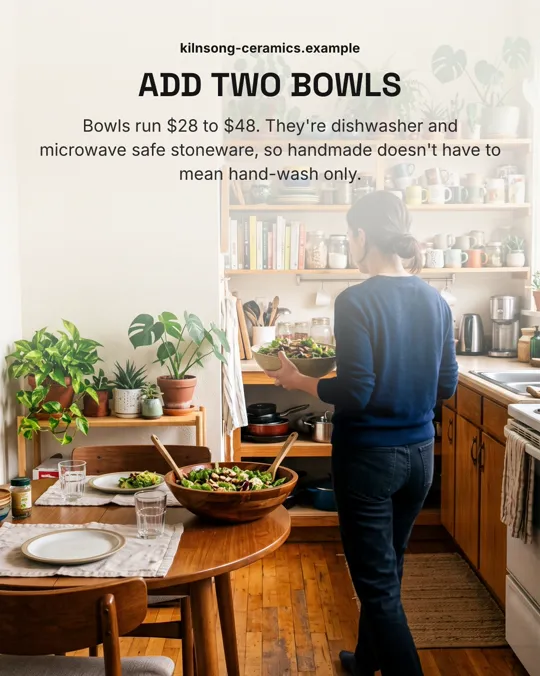
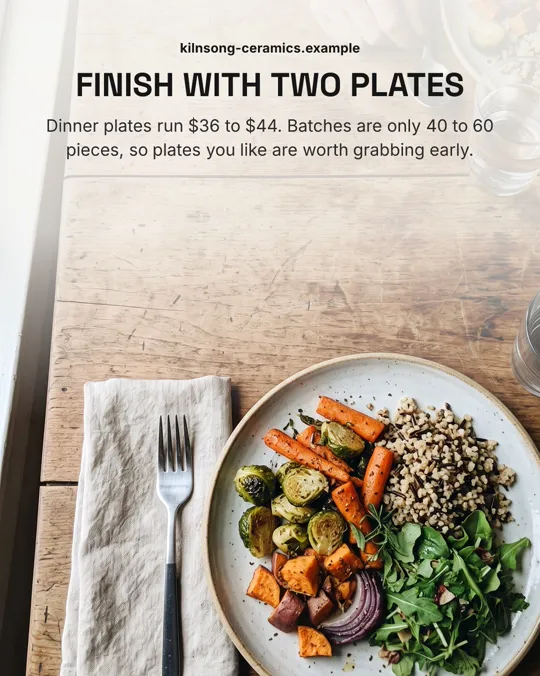
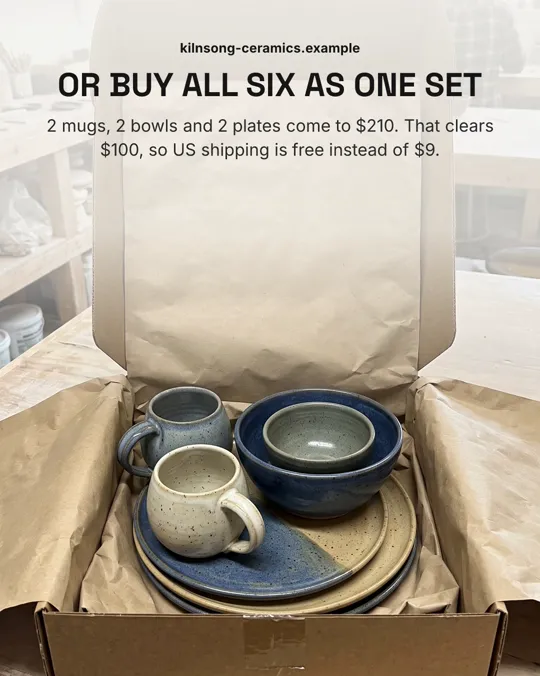

Real Postdom posts for sample brands, which aren't real businesses. Clips and photos are licensed stock or made with AI, as in the product.
You give it one address. It works out what your business sells and keeps making posts about it.
Postdom reads your main pages and keeps the facts that make good posts: what you sell, prices, opening times and where you are. Each fact links back to its page, and you can correct any of them.
A price list, a question customers keep asking, a seasonal offer, a mistake people make before they buy.
A single designed image, a photo post of up to 10 slides in one of 28 styles, or a short Reel in one of 38 video styles.
Approving a post schedules it into your next free posting time. By default nothing posts until someone on your team approves it. If you approve 9 of your last 10 posts of one type without edits, Postdom can offer to post that type without review, and you decide.
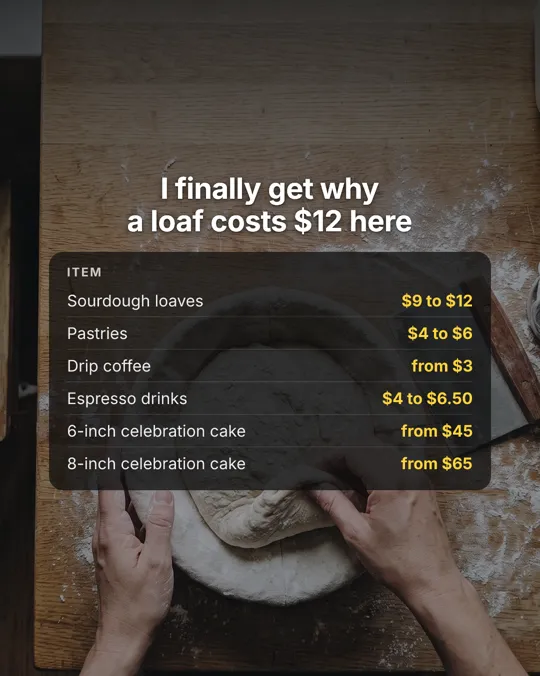
Crumb & Cardinal Bakehouse is a sample bakery and coffee bar in Austin. Postdom read its menu and made this price-list image, a post a local page can pin and point people to.
| On the website | In the post |
|---|---|
| Sourdough loaves: $9 to $12 a loaf, baked daily | Headline: "I finally get why a loaf costs $12 here", then "Sourdough loaves $9 to $12" |
| Pastries: croissants, kouign-amann and morning buns, $4 to $6 | "Pastries $4 to $6" |
| Coffee bar: drip coffee from $3, espresso drinks $4 to $6.50 | "Drip coffee from $3" and "Espresso drinks $4 to $6.50" |
| Celebration cakes: 6-inch cakes from $45, 8-inch from $65 | "6-inch celebration cake from $45" and "8-inch celebration cake from $65" |
Each price on the image is one the bakery's own site lists. Only the headline is not a menu item, and it gives people a reason to stop on a price list.
If you have asked an AI chat for a tool where you paste your website and get Facebook posts back, this is that tool. The address is all it needs; there is no prompt to write and no template to fill.
It reads up to 16 pages of your site, so the posts can quote your own prices and services instead of generic tips. A site that changes, such as a new menu or a new service, gives it new posts to make.
A Facebook post generator gives you something ready to post, not just the words. Postdom makes the picture or the video as well, sized for the feed, and puts your caption with it.
Every post is a finished file: an image with its text set, a set of photo slides, or a Reel with on-screen text and music. You see the whole post before you approve it.
Most Facebook post makers open on an empty canvas. Postdom skips the canvas: it makes the post, and you change what you want with Make changes, such as new wording, another photo or a shorter Reel.
Changes are made for you, not dragged into place. Each change to a post starts at 4 credits, from the credits your plan includes every month.
A price list, a this-or-that card or three products side by side. The quickest post to read.
Several slides people swipe through, with a cover that makes a promise and one point on each slide after it.
Upright videos, mostly 7 to 22 seconds long, with the words on screen, so they work with the sound off.
The posts Postdom writes follow these rules, and they hold if you post by hand too.
Facebook takes all three formats. Your other connected accounts can take the same post when it suits them.
| Format | What it is | Where it posts |
|---|---|---|
| Short video | Upright 9:16 video with on-screen text, clips matched to each line and music; one style adds an AI voiceover | TikTok, Instagram Reels, YouTube Shorts, Facebook Reels and LinkedIn |
| Slideshow | Swipeable photo slides with the text set the way the apps set it | TikTok, Instagram, Facebook and LinkedIn |
| Single image | One designed image, such as a price list or a this-vs-that card | TikTok, Instagram, Facebook and LinkedIn |
With Postdom, finished posts for a Facebook Page: single images, photo posts with several slides, and Reels. Each one is made from what your website says and comes with a caption.
Yes. Your first post is made free before you add a card, and then Postdom is free for 7 days on Starter, Growth or Scale: the trial makes up to 10 posts, and a Facebook post can be one of them. After it, Starter is $39 a month for 30 posts. Cancel anytime.
Yes. Connect your Page once, and every post you approve is published at one of your posting times, 9am and 7pm by default.
No. Every post Postdom makes for Facebook has an image, slides or a video, with the caption alongside it.
Postdom makes them with AI in one look for your brand. Once you connect a Shopify or Squarespace store, it uses your product photos for product posts first. Reels use checked stock clips and AI-made shots.
Yes. A post you approve can go to every connected account that takes its format, so one approval can cover your Facebook Page and your Instagram account.
Yes. Ask for new wording, another photo, a different hook or a shorter Reel, or reject the post so it never goes out. Each change to a Facebook post starts at 4 credits, from the credits your plan includes every month.
That depends on your plan; the pricing page lists each one. Posts arrive through the month rather than all at once, and by default each account posts at most twice a day.
Yes. Postdom reads your colors, fonts and logo from your site and sets every image and slide in that look. You can change them in your Brand Kit.
Enter your address and see the posts Postdom makes for your Page. Nothing goes out until you approve it.