TikTok
The TikTok scheduler that makes your videos too
Postdom is a TikTok scheduler that fills its own queue. It makes TikTok videos and slideshows from your website in your brand, and when you approve one, schedules it to your TikTok account at set morning and evening times in your time zone, with quiet hours overnight.
Updated
TikTok videos and slideshows Postdom has made
Short videos and swipeable slideshows. Postdom made these for sample businesses (not real ones) from their websites. Yours are written from your own website, in your brand.

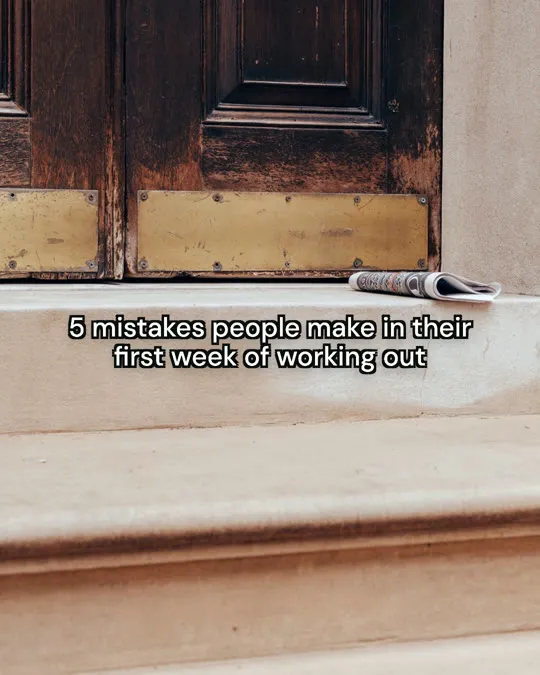

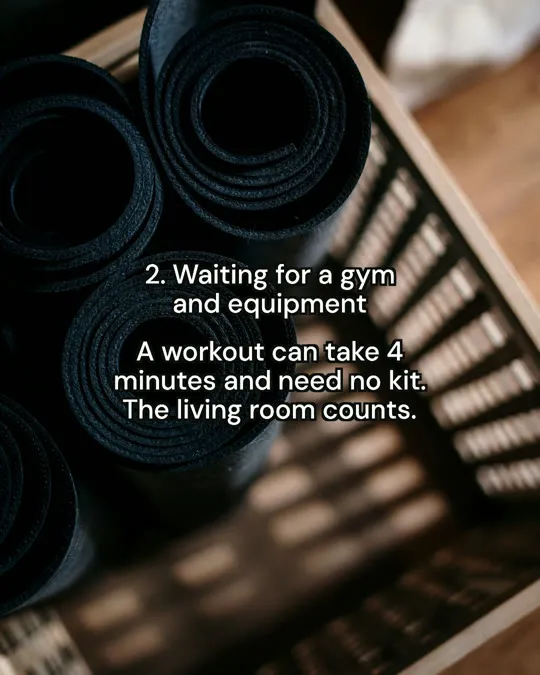
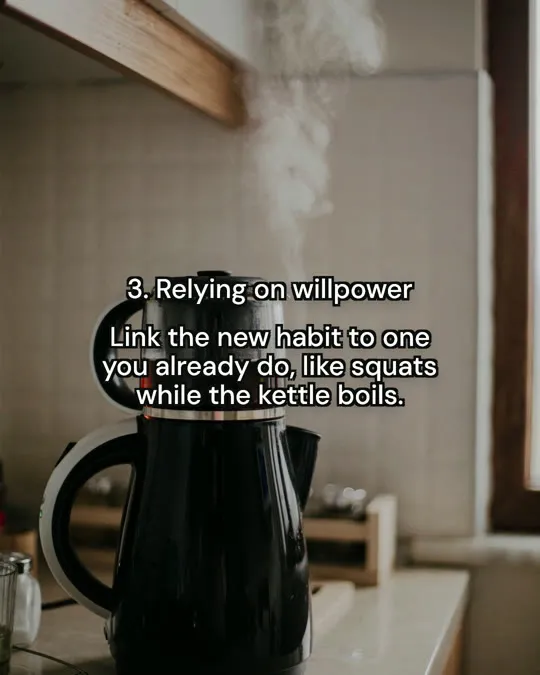
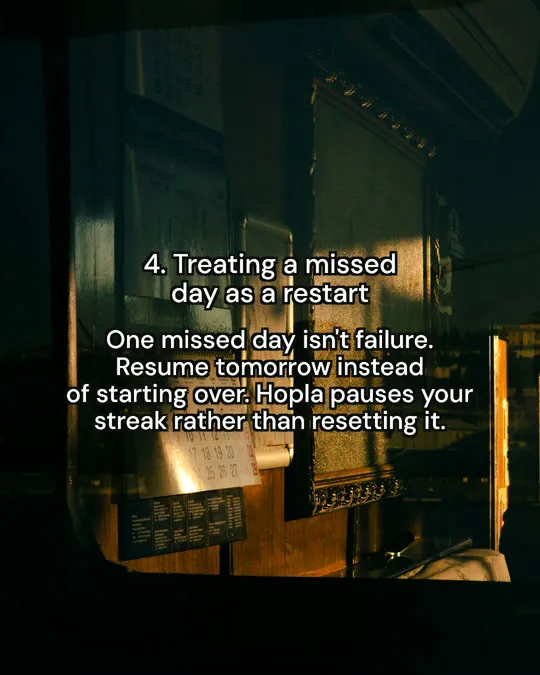
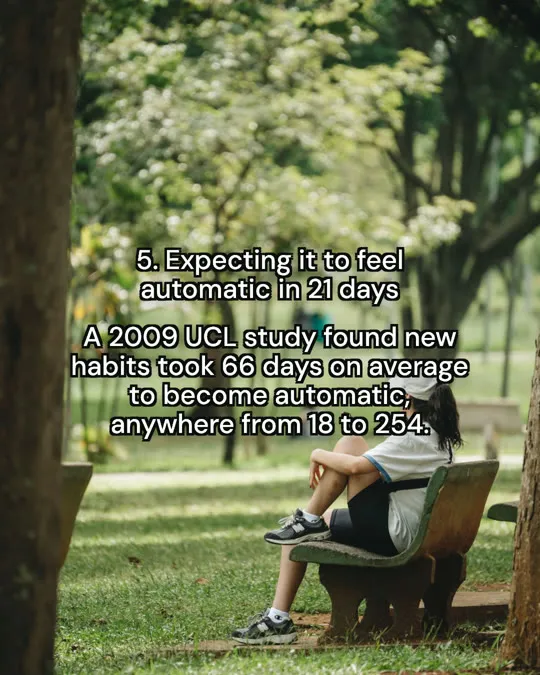




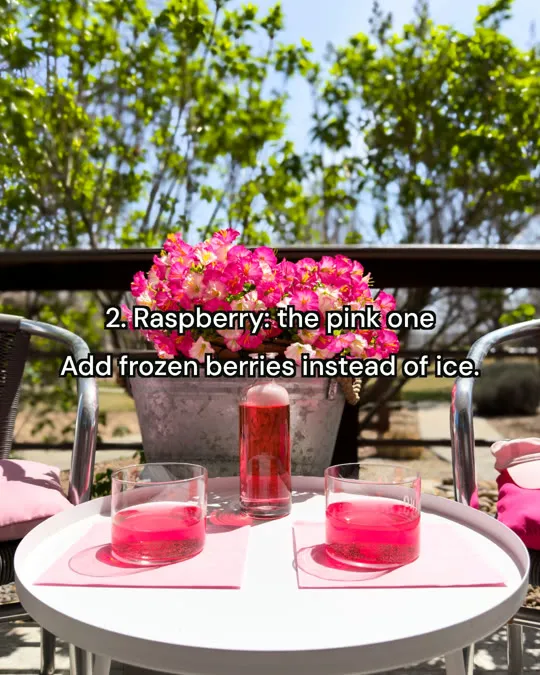




Real Postdom posts for sample brands, which aren't real businesses. Clips and photos are licensed stock or made with AI, as in the product.
How does the Postdom TikTok scheduler work?
- 01
Paste your website
Postdom makes TikTok-ready videos and slideshows in your brand.
- 02
Approve a video
At your first approval, connect TikTok.
- 03
It's scheduled
Postdom picks the next open slot: twice a day per account, in your time zone.
- 04
See the result
Each post shows whether it published, with the reason when it didn't.
Free TikTok scheduler
Starter is $39 a month for 40 posts.
Starter is $39 a month for 40 posts, about $0.98 a post. A post is any format and only counts when you approve or schedule it.
What can it schedule to TikTok?
Videos and slideshows. TikTok's AI label is off by default, and you can turn it on in Settings.
Want the videos made for you first? See the AI TikTok video generator.
Schedule TikTok posts from one queue
To schedule TikTok posts with Postdom, approve a video or slideshow and it goes into the next open slot: twice a day per account, in your time zone. You can change the time or skip a post before it goes out, and each post shows whether it published.
For the steps inside TikTok's own app, see how to schedule TikTok posts.
A TikTok scheduling tool that makes the videos too
A TikTok scheduling tool usually needs a finished video. Postdom makes the video from your website first, with real clips and native text in your brand. TikTok's AI label is off by default, and you can turn it on in Settings. Then it schedules the ones you approve.
What Postdom does for you
Postdom turns your website into ready-to-post videos, slideshows and single images in your brand, and posts the ones you approve to TikTok, Instagram and more.
- 01
Paste your website
Postdom reads your brand from it: logo, colors, fonts, tone, what you do and who it's for.
- 02
Get ready-to-post content
Your For You feed fills with finished posts in formats that already work on TikTok and Instagram: real clips and photos with native text boxes.
- 03
Approve, edit or skip
Nothing posts until you approve it. At your first approval, connect TikTok or Instagram, and Postdom schedules what you approve in your time zone.
- 04
Let it learn
Every approve, edit and skip shapes the next posts. Once 9 of your last 10 posts of one type are approved without edits, Postdom offers to post that type without review.
Related: Social media scheduling, AI TikTok video generator and Instagram scheduler.
TikTok scheduler questions
Can I pick the time myself?
You can change the time or skip a post before it goes out.
Can it post to Instagram at the same time?
Yes. Choose more accounts and the same post goes to each one.
Can I schedule videos I made myself?
Yes, through the MCP server or the REST API. The MCP server, the REST API, the SDKs and webhooks are included on every plan. Your own agent uses its own model.
Get started
Paste your website and schedule your first TikTok video today.