Scheduled when you approve
Approved posts go into the next open slot: twice a day per account, at set morning and evening times in your time zone.

Scheduling
Postdom handles social media scheduling end to end. It turns your website into ready-to-post videos, slideshows and single images in your brand, and when you approve one, schedules it to every account you chose at set morning and evening times in your time zone.
Updated
Short videos, slideshows and single images. Postdom made these for sample businesses (not real ones) from their websites. Yours are written from your own website, in your brand.

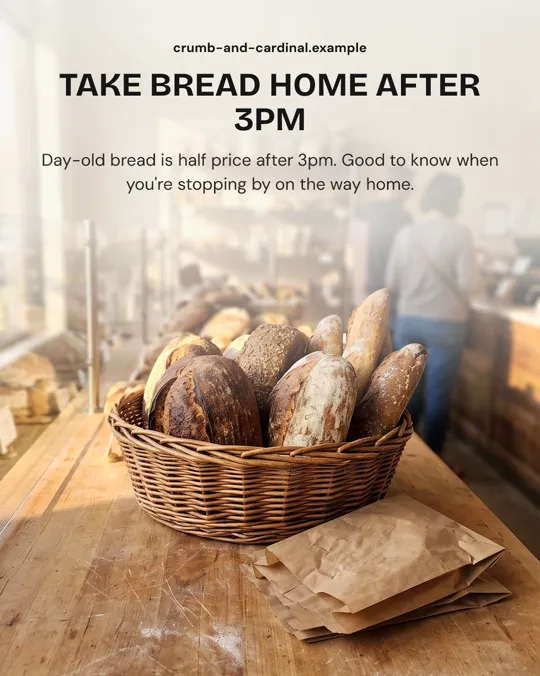
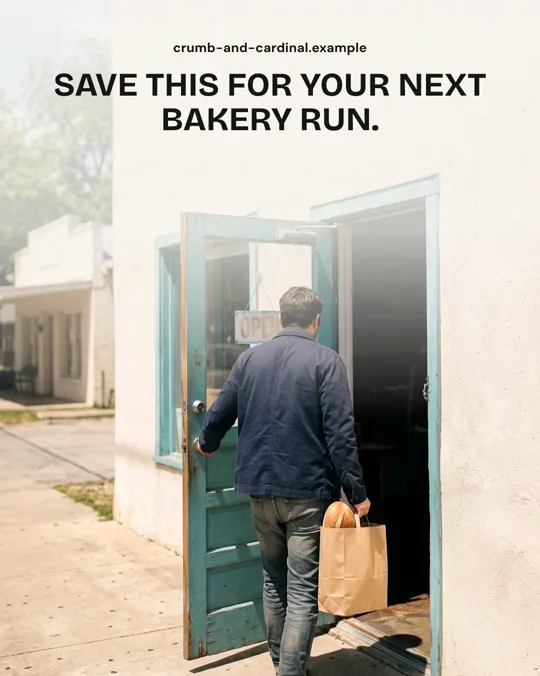
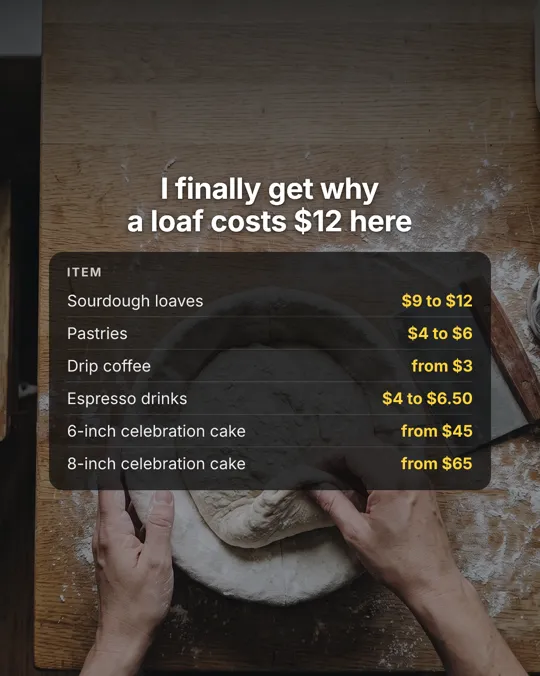

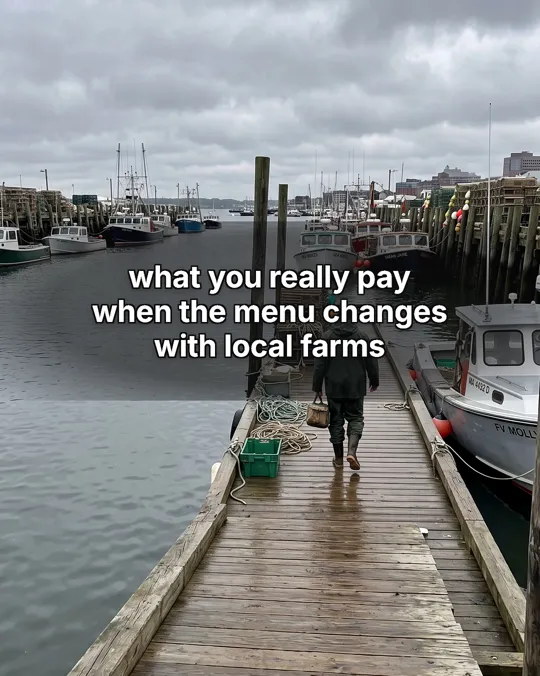
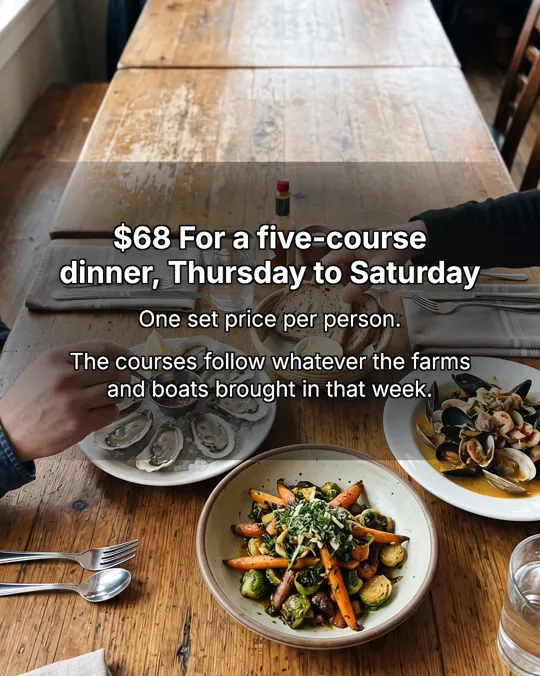
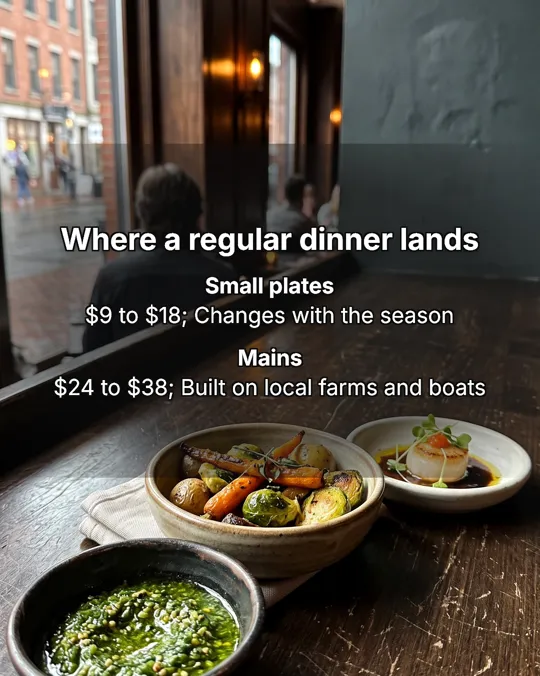
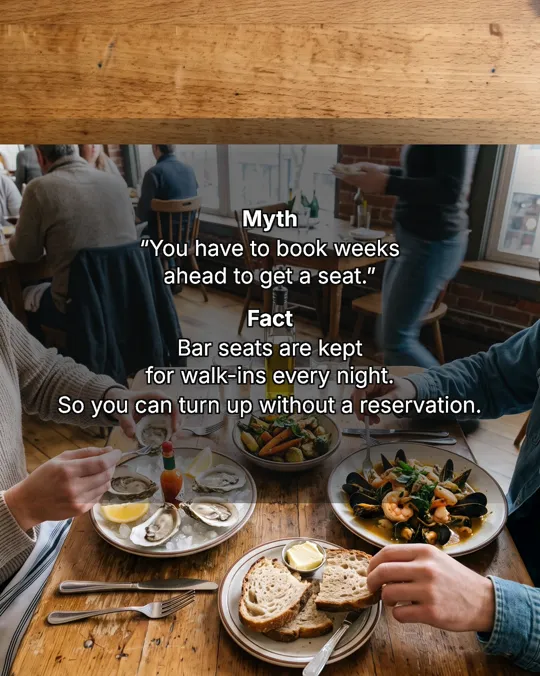

Real Postdom posts for sample brands, which aren't real businesses. Clips and photos are licensed stock or made with AI, as in the product.
Approve a post and it is scheduled. No calendar to fill, no slots to pick.
Approved posts go into the next open slot: twice a day per account, at set morning and evening times in your time zone.
Nothing posts late at night. Postdom keeps the overnight hours free on every account.
If a post can't go out on time, it stops and comes back to you rather than publishing late.
Starter, Growth and Scale start with a 7-day free trial, so you can see posts made from your website before you pay. Cancel anytime. After the trial, Starter is $39 a month for 30 posts.
Scheduling is included on every plan: approve your post and Postdom schedules it.
Comparing free options? See the free social media scheduler page.
As a social media post scheduler, Postdom schedules every format it makes: videos, slideshows and single images. You can change the time or skip a post before it goes out, and members of your workspace can approve and schedule too.
To schedule social media posts with Postdom, approve them. Postdom picks the time, posts to each account you chose, and shows you the result for each one.
It schedules to nine platforms: TikTok, Instagram Reels, YouTube Shorts, LinkedIn, Facebook Reels, X, Snapchat Stories, Threads and Bluesky.
A social media scheduling tool usually waits for you to bring the posts. Postdom brings them: it reads your website once and keeps your For You feed full of posts in your brand.
| Step | What happens |
|---|---|
| Make | Postdom makes videos, slideshows and single images from your website |
| Approve | Nothing posts until you approve it, by default |
| Schedule | Approved posts go into the next open slot, twice a day per account, in your workspace's time zone |
| Publish | Postdom posts to TikTok, Instagram Reels, YouTube Shorts, LinkedIn, Facebook Reels, X, Snapchat Stories, Threads and Bluesky |
| Result | Each account keeps its own result, with the platform's reason when a post fails |
Related: Free social media scheduler, Instagram scheduler, TikTok scheduler and Social media publishing.
See also the free social media scheduler and how to post to all social media at once.
As social media scheduling software, Postdom keeps one queue for your workspace: every approved post, the accounts it goes to and the time it goes out. It schedules videos, slideshows and single images to nine platforms and checks each platform's caption and video limits before a post is due. After it goes out, every account keeps its own result, and work that would publish late stops and comes back to you instead.
Postdom runs in the browser on your phone or your computer, so there is nothing to install: open your For You feed, approve a post and it is scheduled. You can change a post's time or skip it before it goes out, and members of your workspace can approve and schedule from their own phones too. Each scheduled post shows its accounts, its time and, once it publishes, the link to the live post.
Postdom posts at set morning and evening times in each account's time zone. To compare those slots with what the data says for each network, read the guides:
best time to post on TikTok, Instagram, YouTube, Facebook and LinkedIn.
Yes, for 7 days. Starter, Growth and Scale start with a 7-day free trial, and scheduling is included on every plan. Cancel anytime.
Twice a day per account, at set morning and evening times in your time zone, with quiet hours overnight.
Yes, through the MCP server or the REST API. The MCP server, the REST API, the SDKs and webhooks are included on every plan. Your own agent uses its own model.
It stops and comes back to you. Postdom does not publish stale posts late.
Yes, for each post. Postdom puts an approved post in the next open slot, twice a day per account in your time zone, and you can change its time or skip it before it goes out.
TikTok, Instagram Reels, YouTube Shorts, LinkedIn, Facebook Reels, X, Snapchat Stories, Threads and Bluesky. Videos go to TikTok, Instagram, YouTube, Facebook and LinkedIn; slideshows go to TikTok, Instagram, Facebook and LinkedIn.
Paste your website. Approve what you like. Postdom schedules it.
Starter, Growth and Scale start with a 7-day free trial.